









 Official manufacturer image
Our picks
Top picks
Official manufacturer image Official manufacturer image
Garmin Dash Cam Mini 3
Check price on Amazon Official manufacturer image
Garmin Dash Cam X310
Check price on AmazonBy vehicle
 Tesla
Show all (6)
How-to guides
Common questions
Questions before you buy
Does Tesla Model Y have a built-in dashcam?
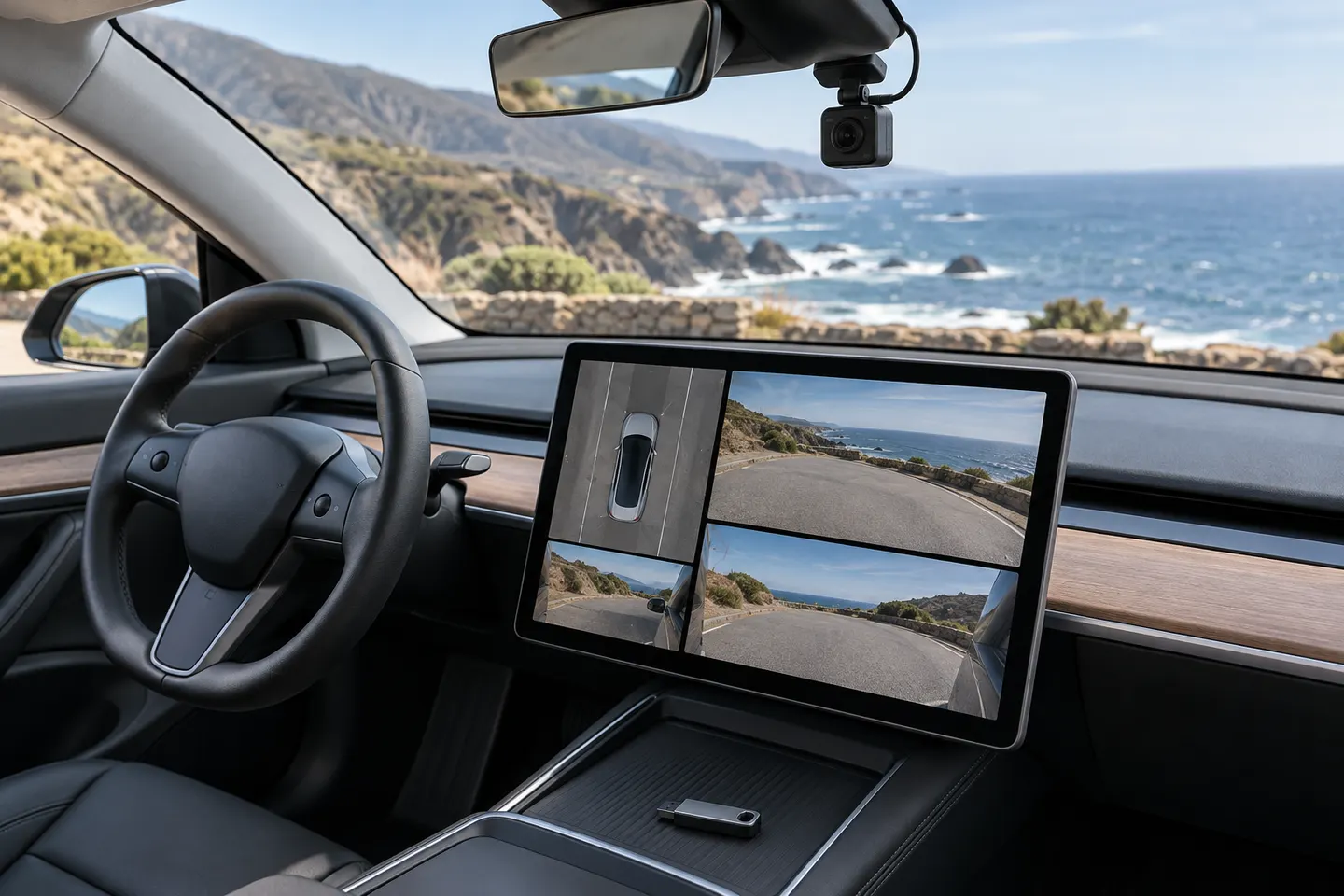
Yes, supported Model Y vehicles use the vehicle cameras for Dashcam recording. Availability and camera views depend on vehicle configuration and software.
Where is the Tesla Model Y dashcam USB port?
Tesla directs owners to the glovebox USB port when equipped. Some center-console USB ports in newer vehicles provide charging only.
Why is the Dashcam icon missing on my Model Y?
Check that a correctly formatted compatible drive is in a data-capable port and recognized by the vehicle. Also confirm Dashcam is enabled in Controls.
Does Tesla Dashcam record when the car is parked?
Dashcam is the driving recorder; Sentry Mode provides supported parked-vehicle monitoring. Sentry Mode behavior and power use are described separately in the owner's manual.
Can I add a separate dashcam to a Model Y?
Yes, if you want capabilities or coverage beyond the built-in system. Plan power and cable routing without obstructing visibility, cameras, airbags or trim operation.