









 Official manufacturer image
Our picks
Top picks
Official manufacturer image Official manufacturer image
Garmin Dash Cam Mini 3
Check price on Amazon Official manufacturer image
Garmin Dash Cam X310
Check price on AmazonBy vehicle
 Tesla
How-to guides
Common questions
Questions before you buy
Why does my Tesla say Dashcam is unavailable?
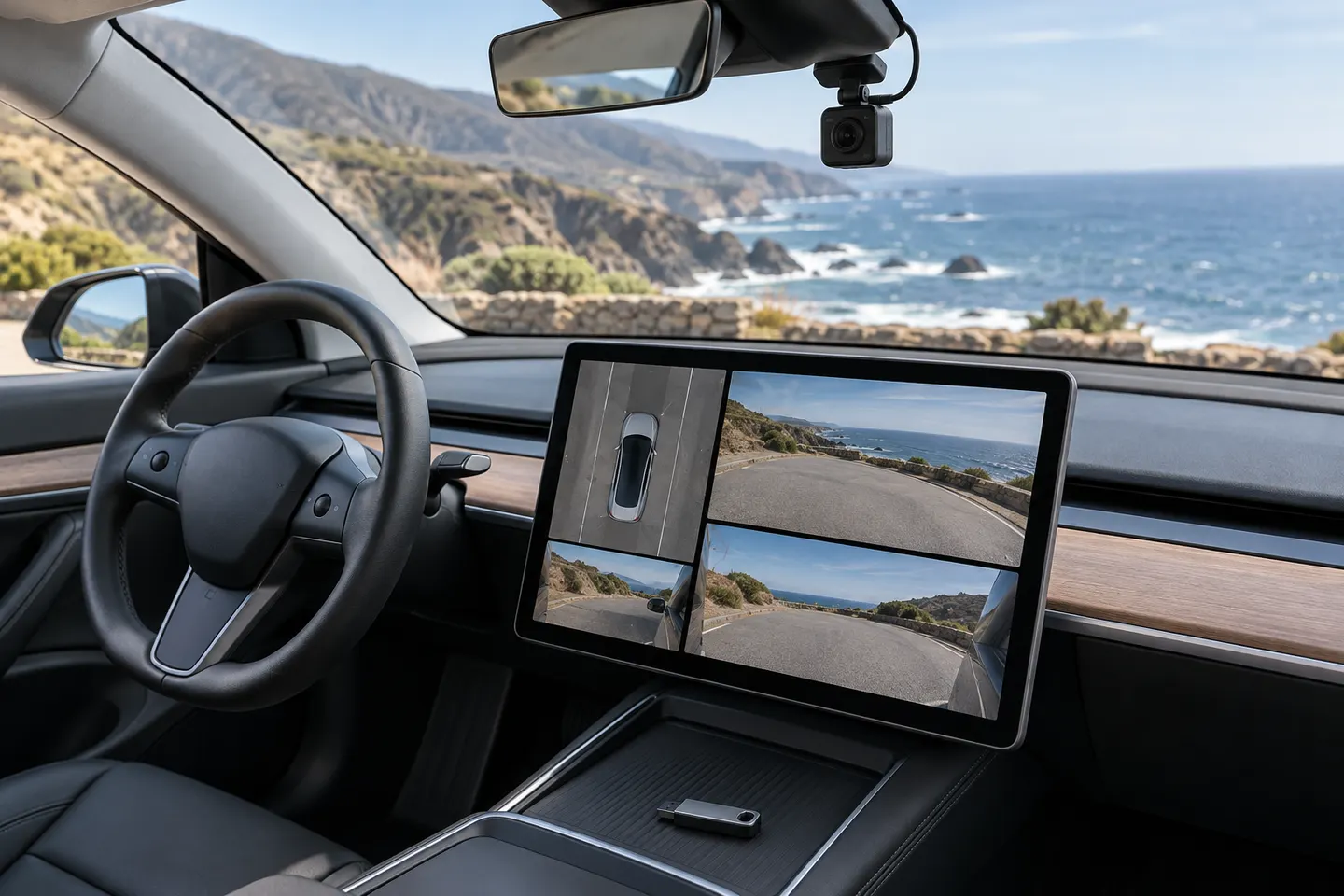
The vehicle may not recognize the USB drive, the drive may be full or incorrectly formatted, or it may be connected to a charging-only port. Vehicle configuration and software can also affect availability.
How do I restore Tesla Dashcam recording?
Confirm the correct data port, back up wanted clips, and use Controls > Safety > Format USB Drive. Then verify that the Dashcam icon returns and recording is enabled.
Which USB port should Tesla Dashcam use?
Tesla directs owners to the glovebox USB-A port when equipped; otherwise use a front center-console port that supports data. Rear ports and some newer center-console ports may be charging-only.
Will formatting the Tesla USB drive delete videos?
Yes. Formatting erases existing content, so copy any clips you want to keep before using the vehicle's format command.