








 Official manufacturer image
Our picks
Top picks
Official manufacturer image Official manufacturer image
VIOFO A229 Plus 2CH
Check price on Amazon AU Official manufacturer image
Garmin Dash Cam Mini 3
Check price on Amazon AUInstallation and accessories
More topics
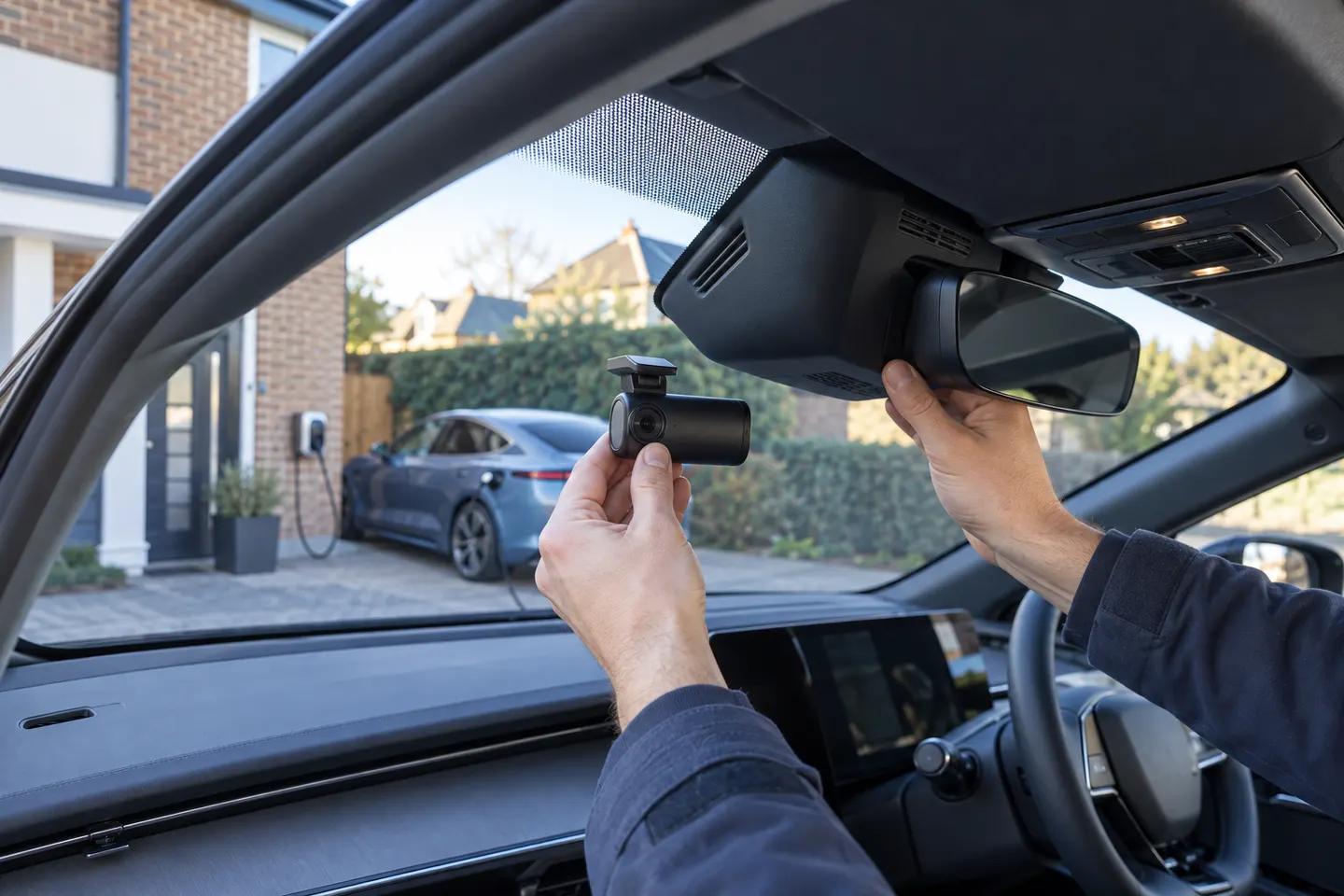 BYD Seal Dashcam Installation and Buying Guide
 24/7 Dash Cams for Driving and Parking
Common questions
Questions before you buy
Does the BYD Sealion 7 have a built-in dashcam in Australia?
Do not infer recording from the presence of parking or driver-assistance cameras. Check the handbook, vehicle menus and BYD Australia specification for your exact model year and grade; if no recording function is documented, use a dedicated dash cam.
Where should a dashcam be mounted in a BYD Sealion 7?
Place it high on the windscreen where it has a clear road view but does not block the driver's vision or overlap the vehicle's sensor area. The installer should also keep the camera and cable away from mirror hardware and airbag deployment paths.
Can a BYD Sealion 7 dashcam be hardwired for parking mode?
Only use a vehicle-compatible hardwire method confirmed for the exact camera and SEALION 7 variant. Ask a competent installer to assess the circuit, low-voltage protection, fuse connection and warranty implications before work begins.
Is a front-and-rear dash cam suitable for the BYD Sealion 7?
Yes, provided both cameras have clear views and the connecting cable is routed safely. In particular, cable routing around pillars and the rear hatch must avoid airbags, moving trim and pinch points.
Can the BYD Sealion 7's panoramic cameras replace a dashcam?
Panoramic parking views and dash-cam recording serve different purposes. Unless the Australian handbook explicitly documents continuous recording, protected incident files and a retrieval process, plan on a dedicated camera for journey evidence.
Is dashcam installation the same in the BYD Sealion 5 and Sealion 7?
No. The vehicles have separate handbooks and fitment details, so mounting, trim removal and power advice for one should not be transferred to the other without checking the relevant documentation.