








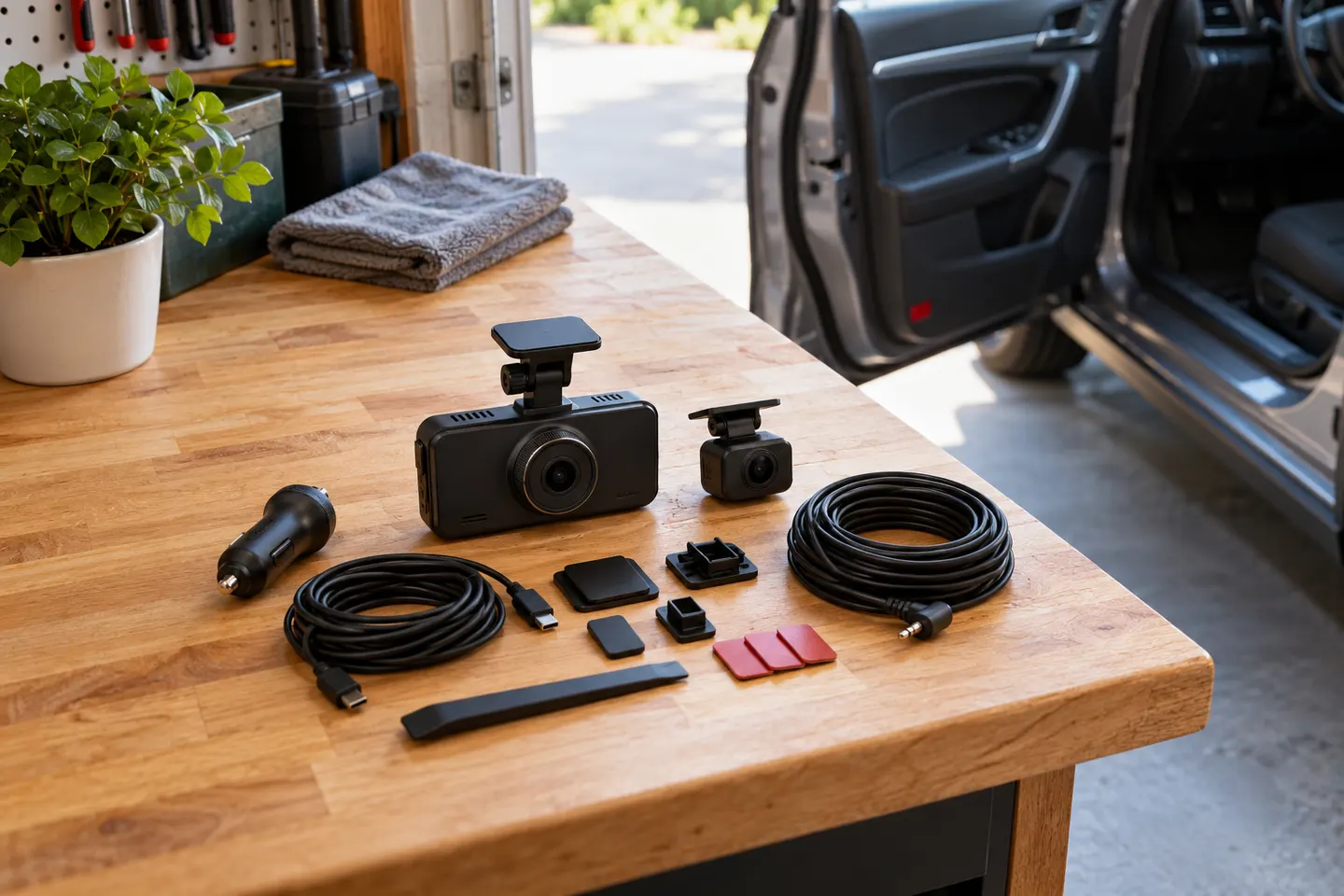
 Official manufacturer image
Our picks
Top picks
Official manufacturer image Official manufacturer image
VIOFO A229 Plus 2CH
Check price on Amazon AU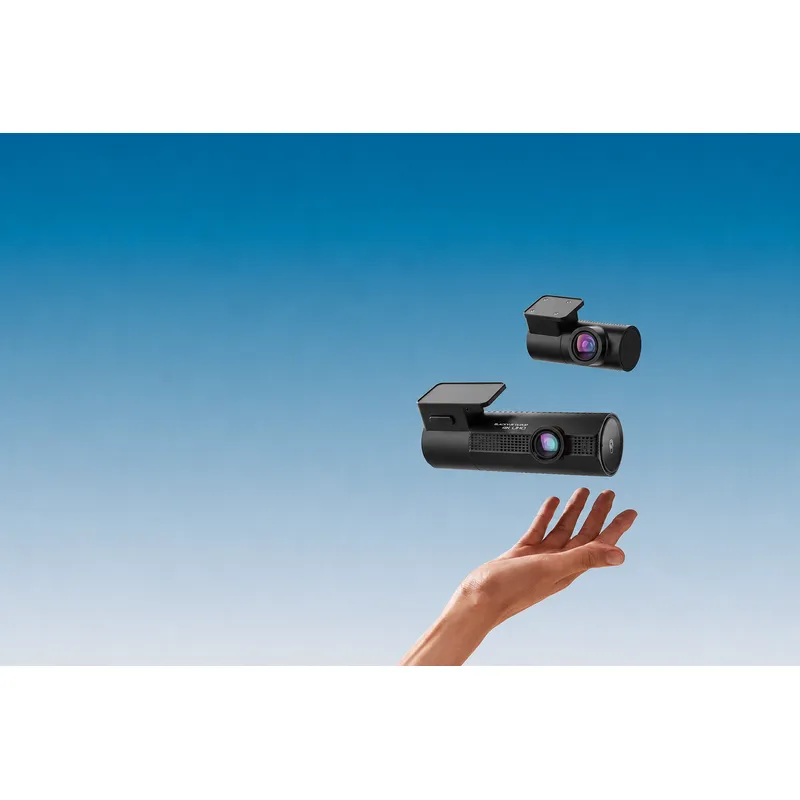 Official manufacturer image
BlackVue DR970X-2CH Plus
Check price on Amazon AUCommon questions
Questions before you buy
Is FineVu available in Australia?
Yes. FineVu Dashcam Australia provides local product support, manuals and downloads and identifies JY Networks as the Australian operator.
Which FineVu dash cam records in 4K?
The Australian support library identifies GX4K as the model using the dedicated FineVu 4K player and provides its model-specific manual.
How do I update FineVu dash cam firmware?
Download firmware only for the exact model from the official support page and follow its manual. Installing another model's file can cause problems.
What software plays FineVu dash cam footage?
FineVu lists PC and Mac viewers, plus a separate 4K player for GX4K. Compatibility depends on the camera and operating system.
Why will my FineVu app not connect?
Check that the phone is connected to the camera's Wi-Fi, required permissions are enabled and the app and firmware match the model. Then follow the troubleshooting guide.