Does dashcam record audio by default?
Many models have a built-in microphone and may record sound unless it is disabled. Look for a microphone icon, voice prompt or status LED, then confirm the default behaviour in the exact model manual.

 Best picksBest Dash Cam in Australia: Five Models Compared
 Best picksBest Wi-Fi Extenders in Australia for Different Homes
 Best picksThe Best Meat Thermometer for Every Kind of Cook
 Best picksBest Headlamp Torches for Different Uses in 2026
 Best picksBest Portable Air Coolers to Consider in Australia (2026)
 Best picksBest Winter Gloves for Everyday Wear and Outdoor Use
 Best picksBest Cordless String Trimmers for Australian Gardens (2026)
 Best picksBest air purifier for bedroom in Australia: five models compared
Gearjury may earn a commission through retailer links. This guide provides general information, not legal advice.
Guide
Many dash cams record cabin audio through a built-in microphone, often with a mute option. Check the recording icon and manual, and consider consent and privacy rules before sharing clips.
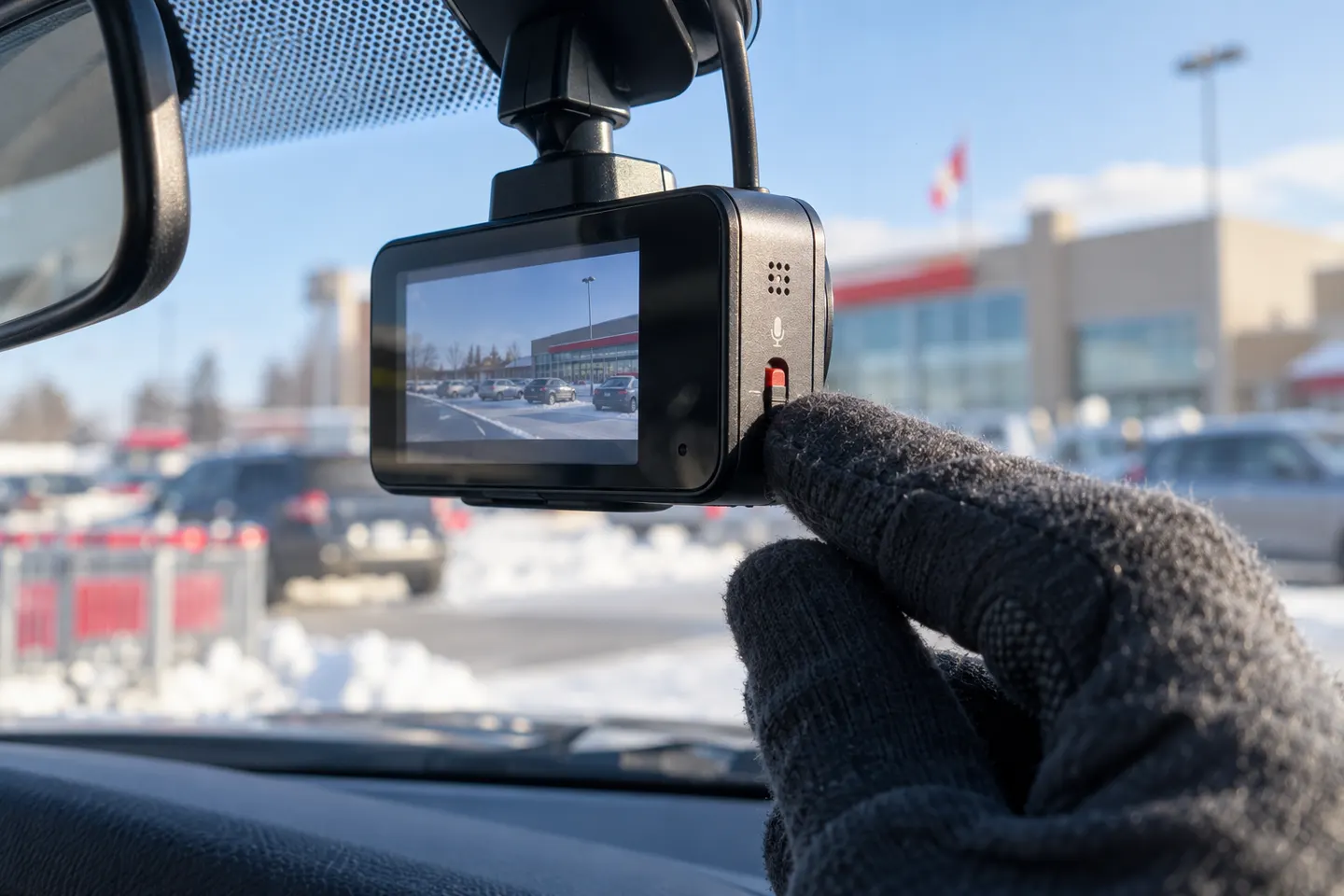
Many models have a built-in microphone and may record sound unless it is disabled. Look for a microphone icon, voice prompt or status LED, then confirm the default behaviour in the exact model manual.
Make a short stationary recording, play it back through the official viewer and check the audio track. Do not assume that muting phone playback means the original file has no sound.
Use the microphone button, touchscreen menu or app setting described by the maker. Confirm the muted status after the camera restarts because behaviour can differ after firmware or factory resets.
Australian surveillance-device rules differ by state and territory and can depend on whether the conversation is private and whether the recorder is a party to it. Check the law where the recording occurs and obtain legal advice for a specific situation.
A recording that is lawful to make is not automatically risk-free to publish. Audio can reveal private conversations and personal information, so preserve the original privately and share only with an insurer, police or adviser when appropriate.
Lock or export the event file promptly, retain the unedited original and note the date, time and camera settings. Avoid repeatedly copying or editing the only version.
Common questions
They can if a built-in microphone is enabled. The range and clarity vary, so check the exact model and its current setting.
Many models provide a microphone button or app setting. Confirm that the mute indicator remains active after restarting the camera.
The answer depends on the state or territory and the circumstances of the conversation. Consult the relevant surveillance-device law or a lawyer for your situation.
If the microphone was enabled, the exported video may include an audio track. Review the file and preserve the original before sharing it.
Keep exploring
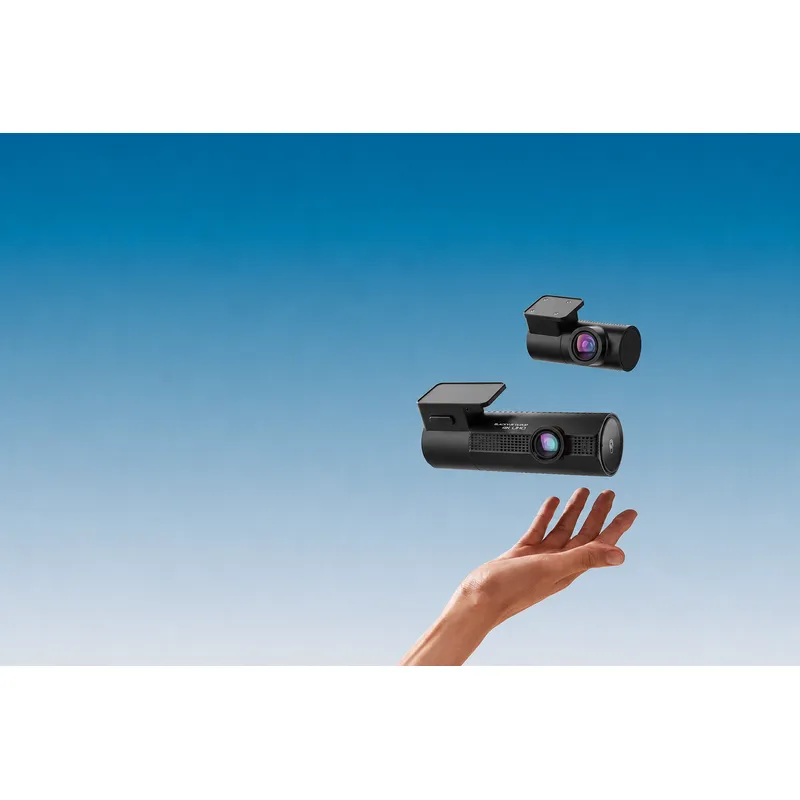
Choose the DR970X Plus for 4K front recording, the DR770X for Full HD dual-channel coverage, or the DR970X Box Plus for a separated recording unit.
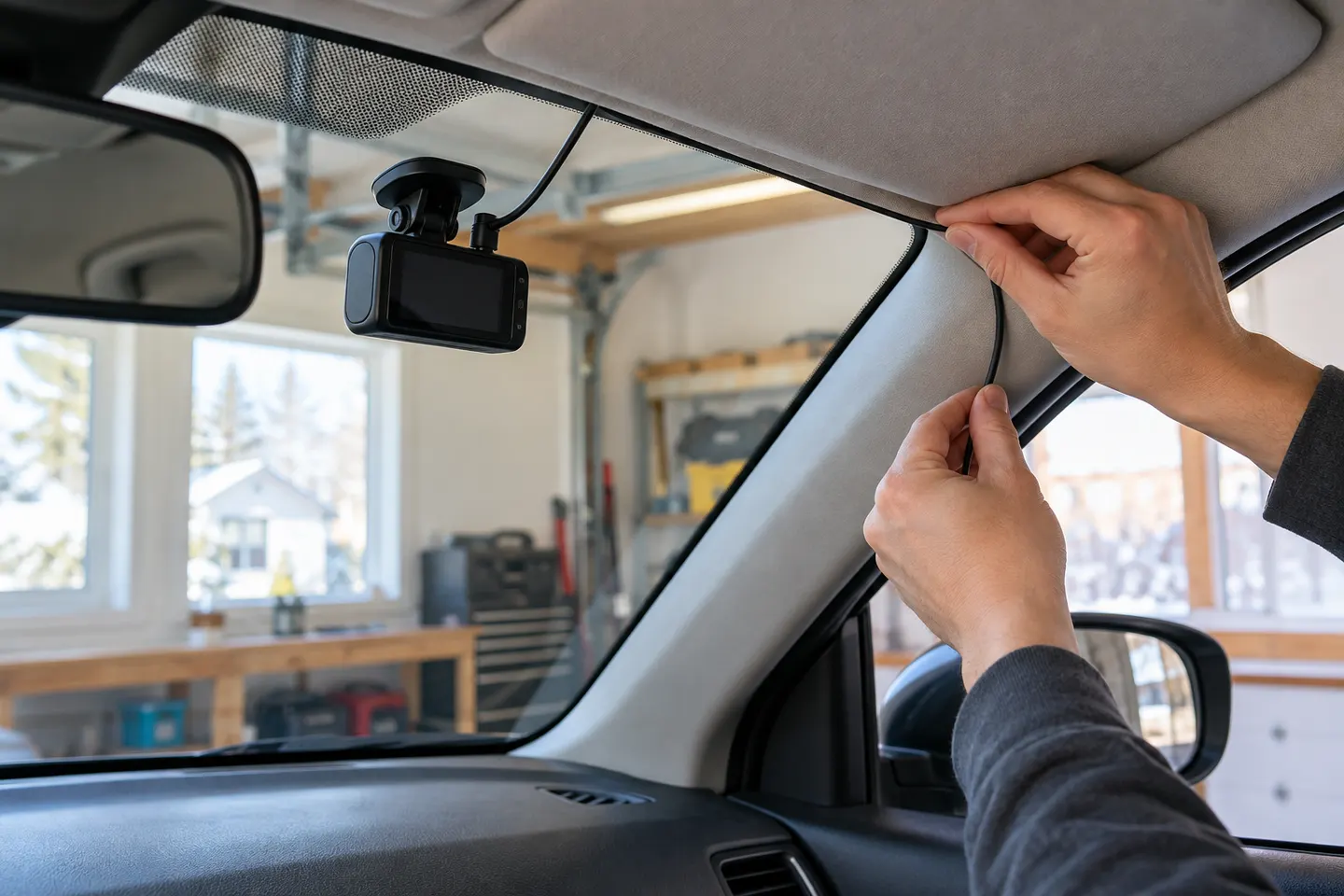
A plug-in installation suits basic driving recording; professional hardwiring is the safer route for neat cabling and parking mode. Keep every camera and cable clear of vision and airbags.

A two-channel system is the clearest choice when you want evidence from both directions. Prioritise rear-camera quality, cable length and an installation that keeps the driver's view clear.

Start with the coverage you need: front-only for simplicity, front-rear for broader evidence, or a dedicated motorcycle system. Then decide how you will power it.