








 Official manufacturer image
Our picks
Top picks
Official manufacturer image Official manufacturer image
VIOFO A229 Plus 2CH
Check price on Amazon AU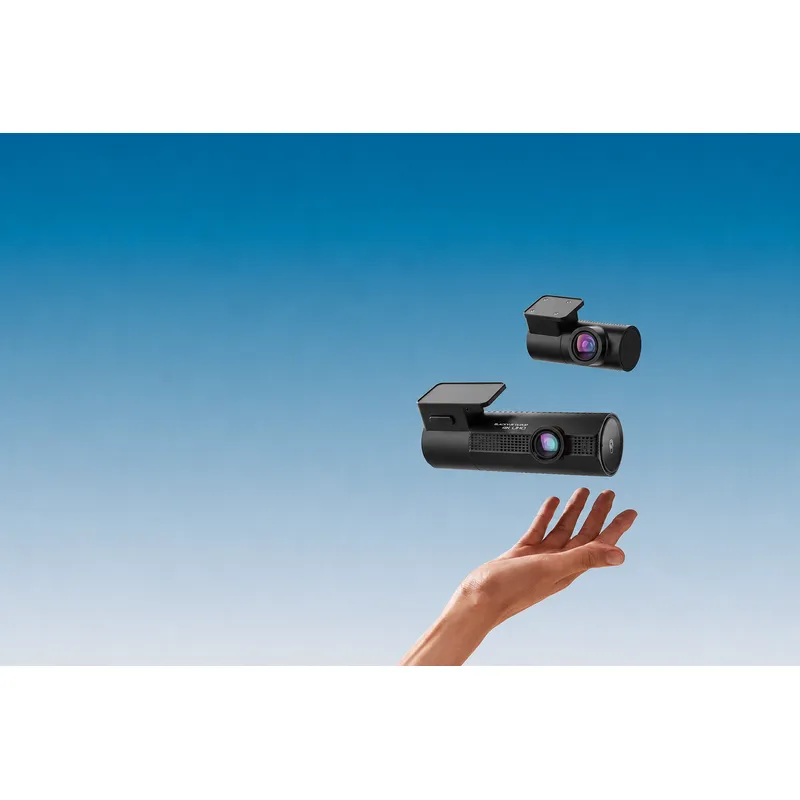 Official manufacturer image
BlackVue DR970X-2CH Plus
Check price on Amazon AUCommon questions
Questions before you buy
Is the Hikvision C200S a real dash cam model?
Yes. Hikvision publishes a C200S user manual and firmware entries for AE-DC2328-C200S, including a two-channel variant.
Does every Hikvision C200S include a rear camera?
No. Hikvision lists standard and two-channel versions, so check the complete model designation and package contents.
Where should I get Hikvision dash cam firmware?
Use Hikvision's official download centre and match the firmware to the full device code. Installing firmware for a different variant can create avoidable problems.
Should a Hikvision dash cam be hardwired?
Hardwiring can provide a tidier installation and may support parking functions, but the cable and electrical requirements must match the model and vehicle.