








 Official manufacturer image
Our picks
Top picks
Official manufacturer image Official manufacturer image
VIOFO A229 Plus 2CH
Check price on Amazon AU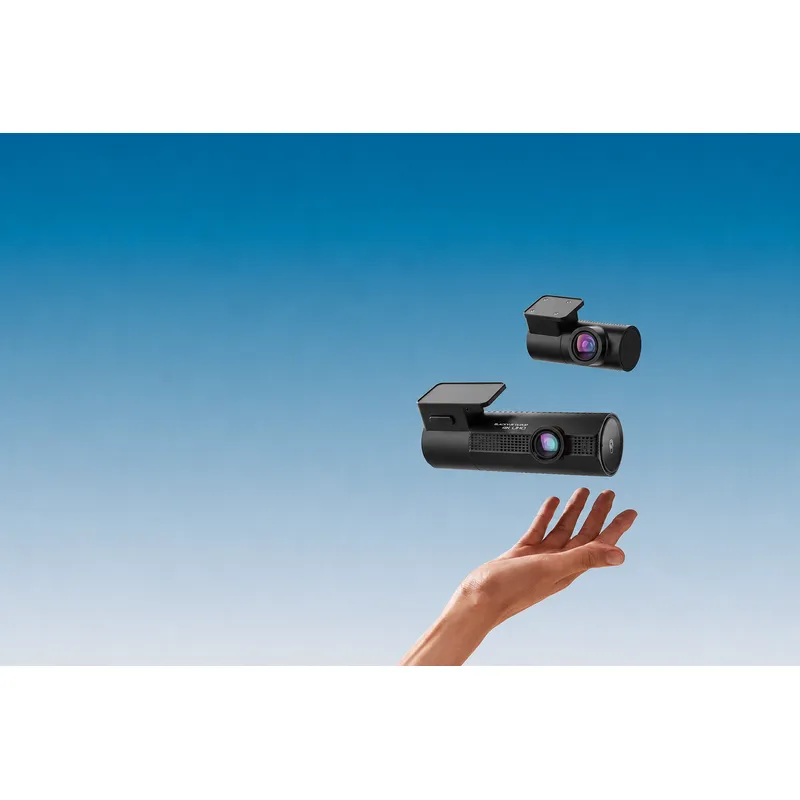 Official manufacturer image
BlackVue DR970X-2CH Plus
Check price on Amazon AUMore topics
Common questions
Questions before you buy
What cameras are included with the Roadview M4?
The cited M4 manual describes a two-channel system with front and rear recording. Confirm the installed package because dealer bundles can vary.
How do I connect the Roadview M4 to Android?
Use the Roadview app and follow the M4 Android quick-start guide to join the camera’s Wi-Fi. Phone permissions and mobile-data switching can affect the connection.
What resolution does the M4 Roadview record?
The official manual identifies the front channel as 4K HDR. Check the recording menu and manual for the active mode and rear-channel setting.
How do I save an important Roadview M4 clip?
Download or copy the relevant file before continued loop recording can overwrite it. Keep the original file unchanged if it may be needed as evidence.
Who supports a dealer-installed Roadview M4?
Start with the supplying dealer or installer and provide the invoice, vehicle details and camera serial information. They can identify the applicable warranty path.