








 Official manufacturer image
Our picks
Top picks
Official manufacturer image Official manufacturer image
VIOFO A229 Plus 2CH
Check price on Amazon AU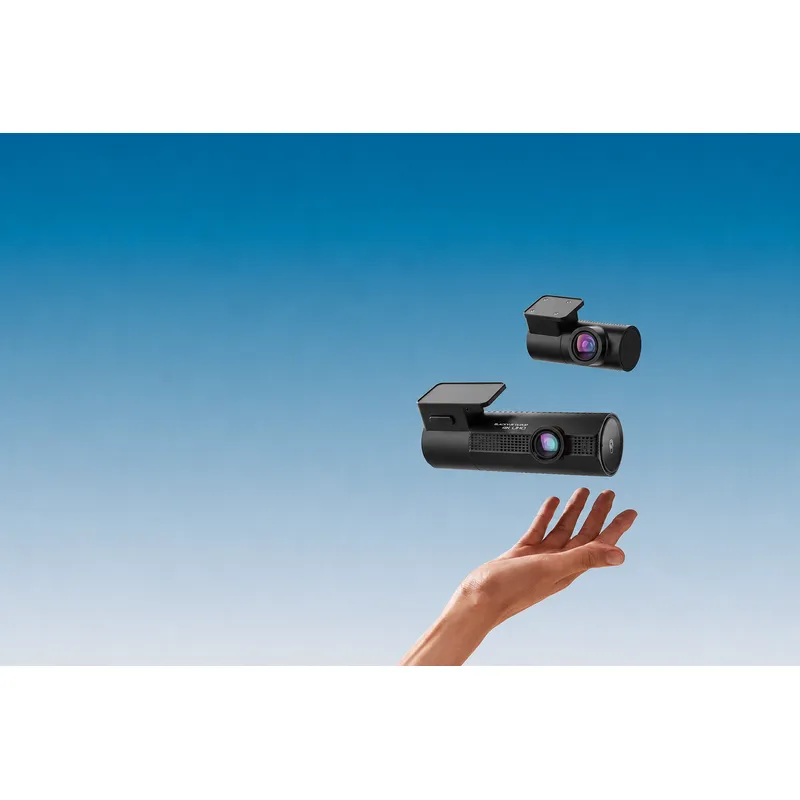 Official manufacturer image
BlackVue DR970X-2CH Plus
Check price on Amazon AUBy feature
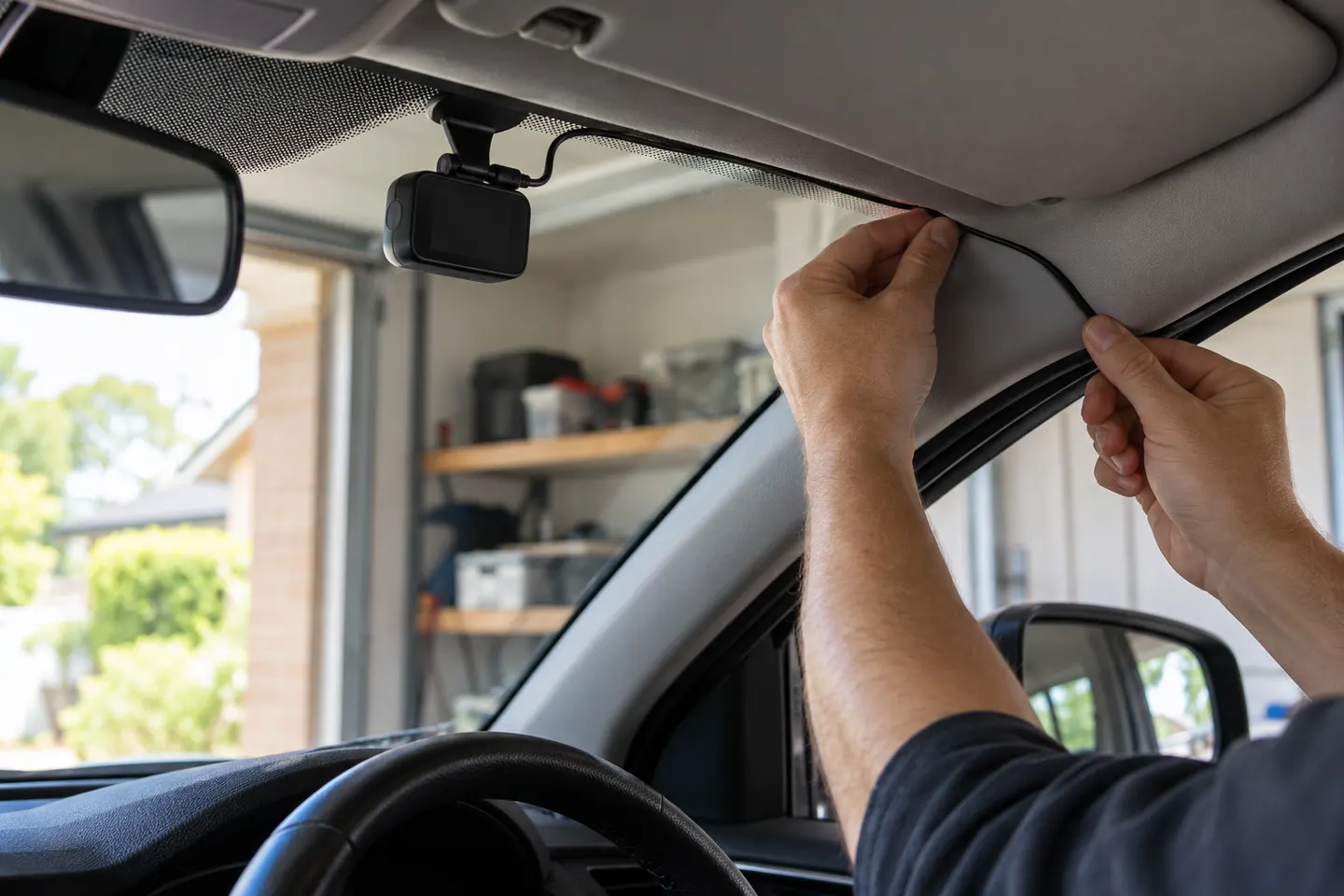 Battery power
Installation and accessories
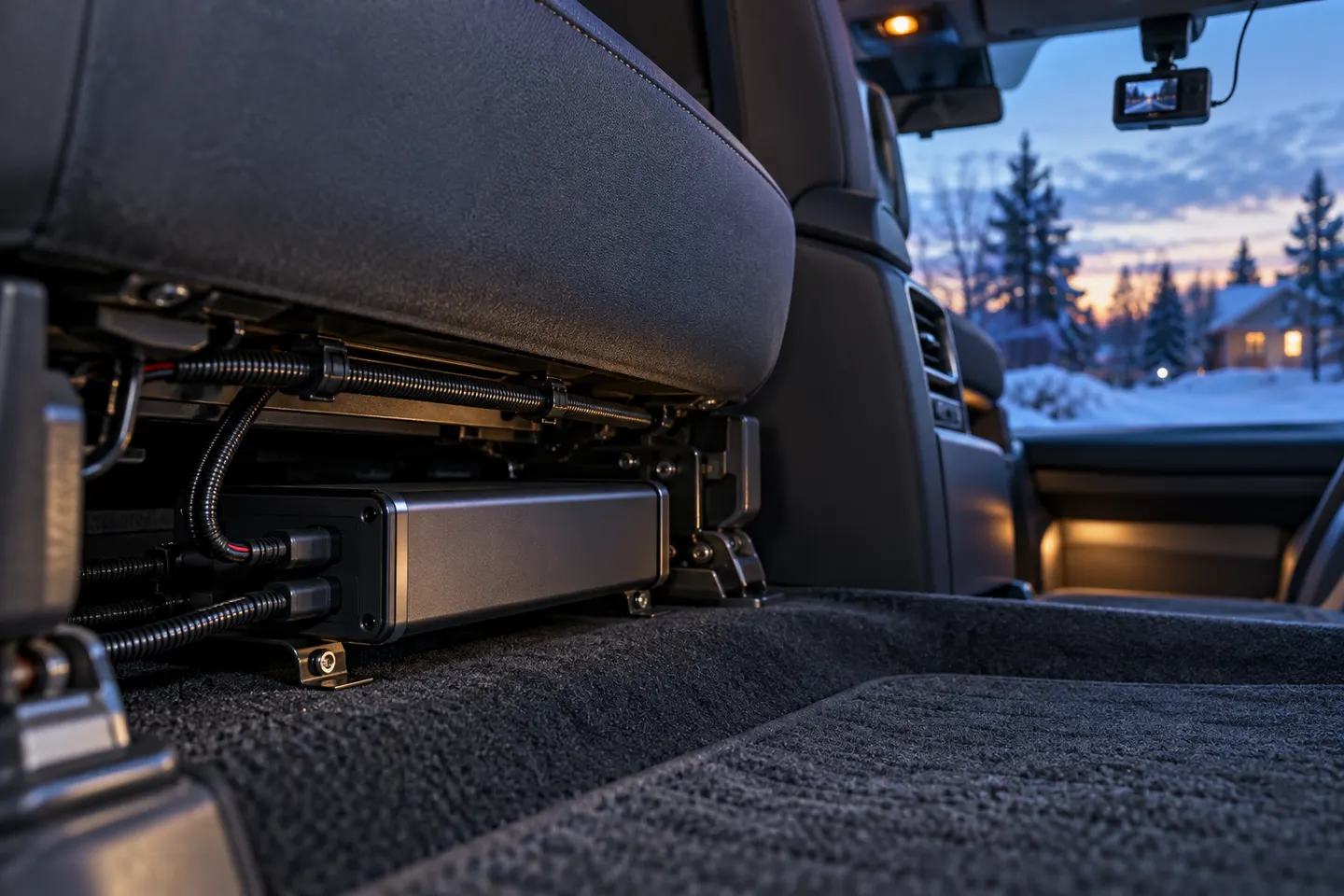 Power bank
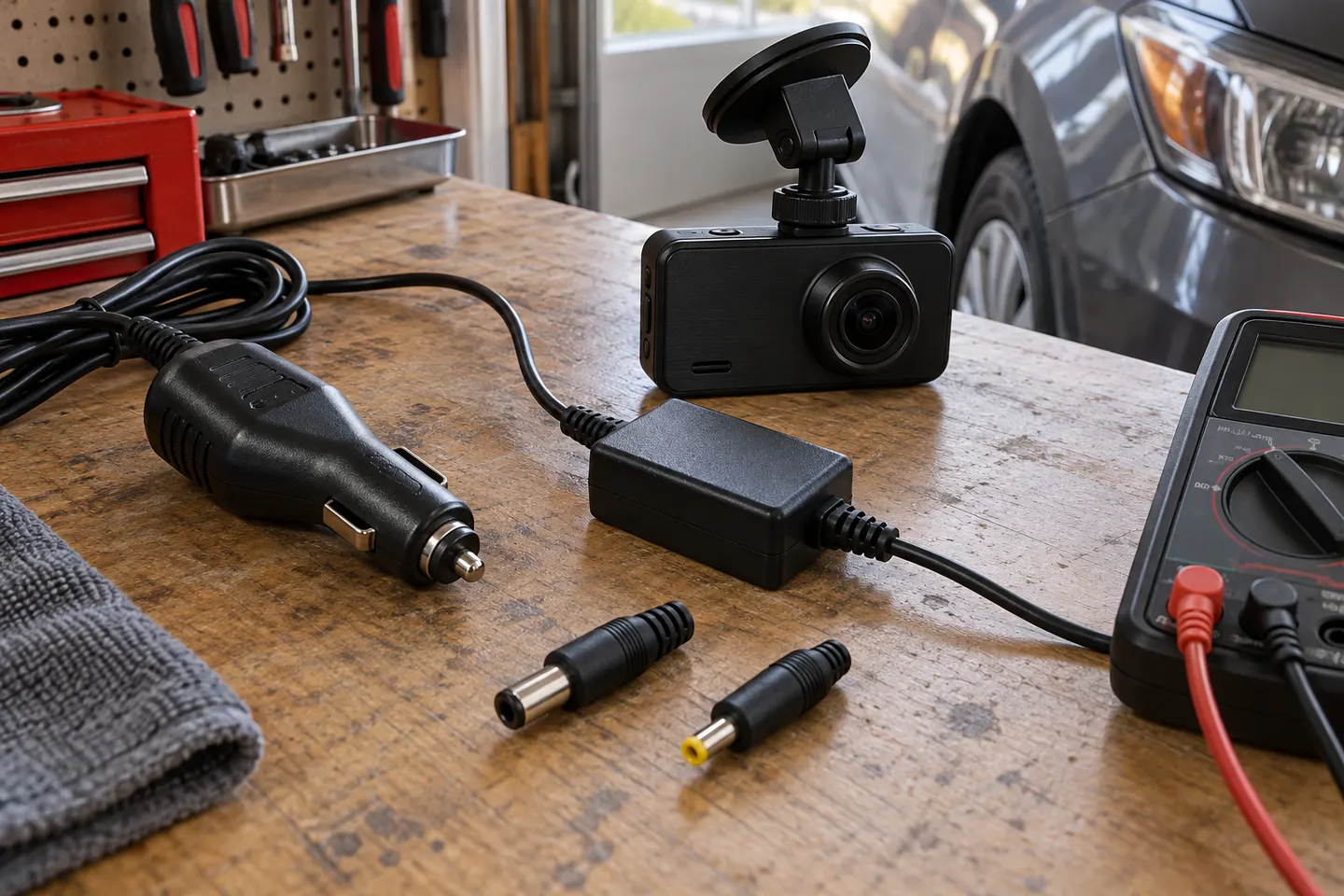 Power adapter
More topics
Common questions
Questions before you buy
What is the advantage of a dash cam with USB power?
It can be easier to remove, transfer or power without altering the vehicle. The trade-off is that the outlet and cable must deliver the camera's required input reliably.
Can I use a phone charger for a USB dash cam?
Only when its output and charging standard match the dash cam specification. A familiar connector is not enough to prove compatibility.
Why does my USB dash cam stay on after I park?
Some vehicle outlets remain live after the ignition is off. Check the vehicle manual and avoid leaving an unsupported setup drawing power from the starter battery.
How do I hide a USB power cable safely?
Follow the camera and vehicle instructions, keep it away from controls and airbag deployment zones, and avoid forcing it behind trim.