








 Official manufacturer image
Our picks
Top picks
Official manufacturer image Official manufacturer image
VIOFO A229 Plus 2CH
Check price on Amazon AU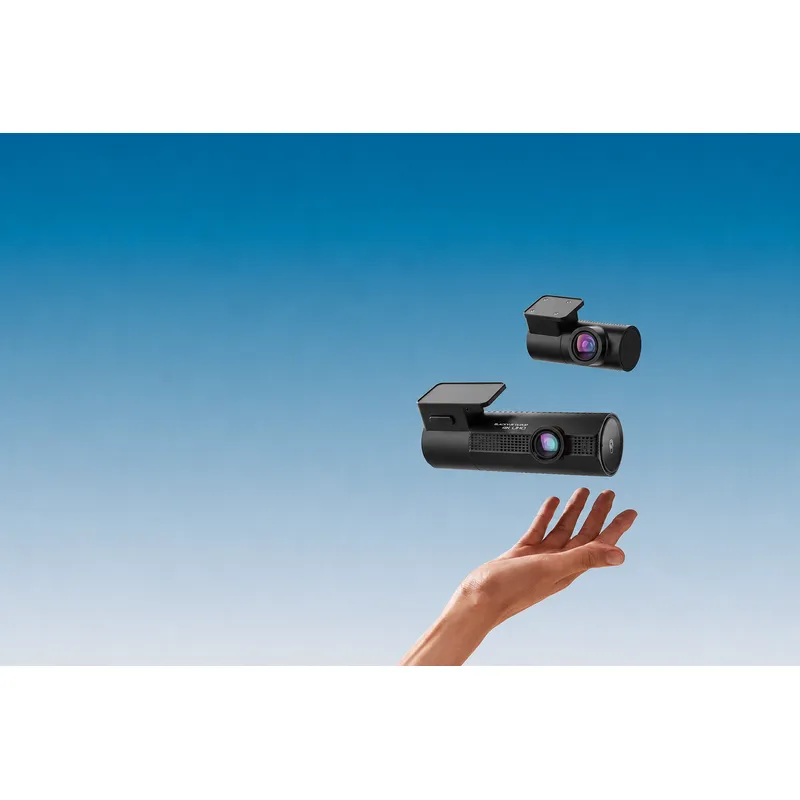 Official manufacturer image
BlackVue DR970X-2CH Plus
Check price on Amazon AUBy vehicle
Common questions
Questions before you buy
How do I view dashcam footage?
Use the camera's screen or official mobile app for a quick look, or remove the memory card and open it with compatible desktop software. Copy important files before editing or formatting the card.
Can I watch dashcam footage on my phone?
Yes, if the camera provides Wi-Fi, Bluetooth-assisted pairing or cloud access through a supported app. Compatibility and download speed vary by model.
Why will my dashcam video not play on my computer?
The computer may lack the required codec, the file may still be locked by another program, or the recording may be incomplete. Try the manufacturer's viewer and work from a copied file.
Does a dashcam viewer show speed and location?
Only when the camera recorded GPS data and the viewer can read that model's metadata. A video file alone does not guarantee a map or speed display.
Should I keep the original dashcam file?
Yes. Preserve the original and make a separate copy for trimming or sharing so the source recording remains available.