








 Official manufacturer image
Our picks
Top picks
Official manufacturer image Official manufacturer image
VIOFO A229 Plus 2CH
Check price on Amazon AU Official manufacturer image
Garmin Dash Cam Mini 3
Check price on Amazon AUMore topics
 Dash Cam Australia Weekly
Common questions
Questions before you buy
What should I check on my dash cam every week?
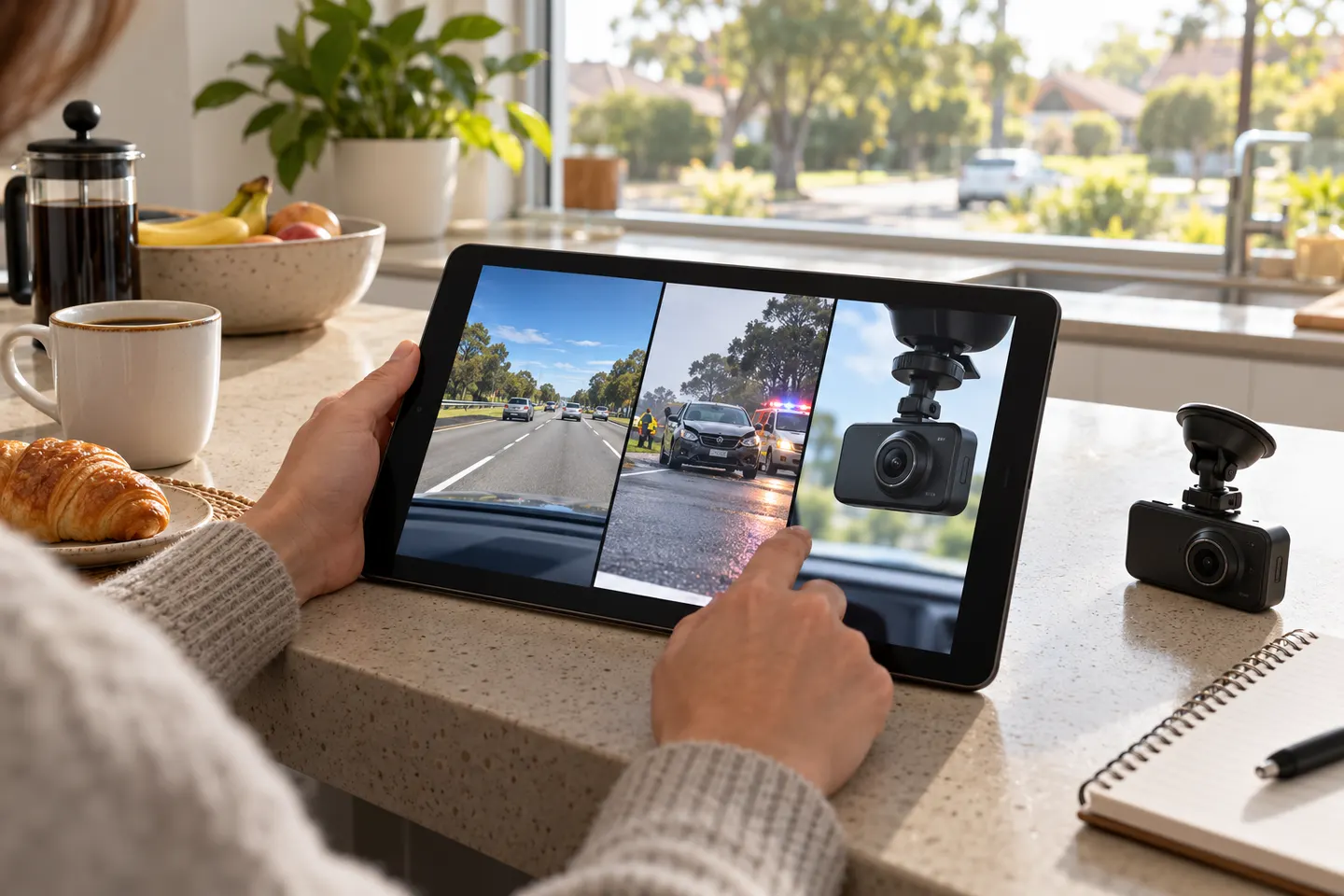
Check recording status, camera angle, lens cleanliness, date and time, then play a recent clip from every installed channel.
How often should I view dash cam footage?
A weekly spot-check is a practical way to catch faults. Also check immediately after an alert, impact or unusual shutdown.
Should I format the card every week?
Follow the exact camera manufacturer's guidance. Formatting frequency varies, and it erases recordings that have not been backed up.
Why is the dash cam on but not saving video?
Possible causes include a card error, unsupported card, full protected-file partition or power interruption. Read the status message and consult the model manual.