Independent buying guidance · Australia editionHow we work
Gearjury
All categories
All categories
Best picksBest Dash Cam in Australia: Five Models Compared
Best picksBest Wi-Fi Extenders in Australia for Different Homes
Best picksThe Best Meat Thermometer for Every Kind of Cook
Best picksBest Headlamp Torches for Different Uses in 2026
Best picksBest Portable Air Coolers to Consider in Australia (2026)
Best picksBest Winter Gloves for Everyday Wear and Outdoor Use
Best picksBest Cordless String Trimmers for Australian Gardens (2026)
Best picksBest air purifier for bedroom in Australia: five models compared
AustraliaEnglish

Gearjury may earn a commission from qualifying purchases made through links on this page.

Best picks

Best long distance WiFi extenders for reaching distant rooms in 2026

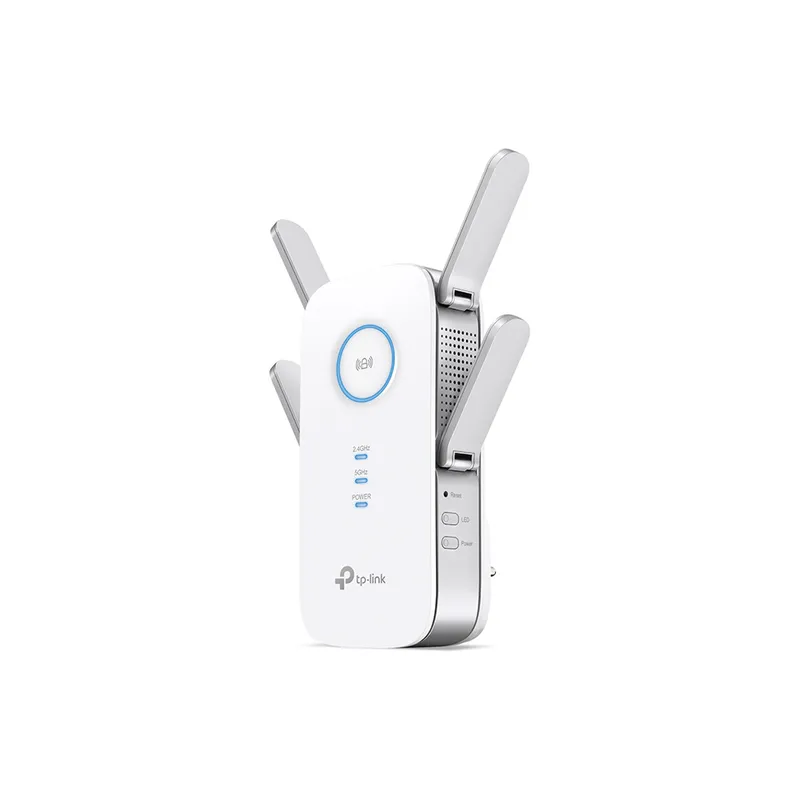
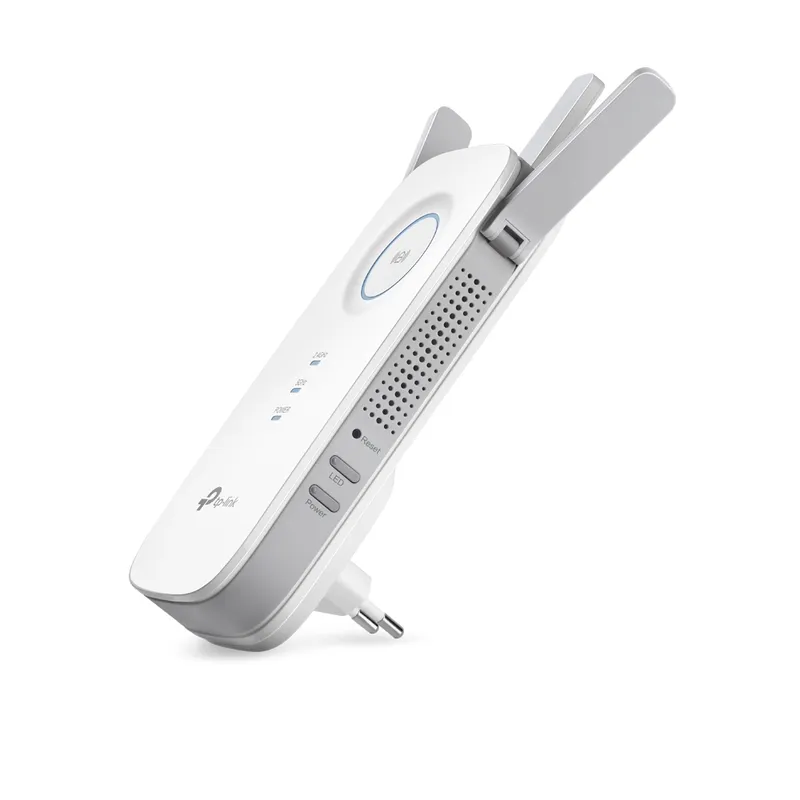
For a wide or awkward layout, start with the TP-Link RE650: its four external antennas, beamforming and Gigabit port make a substantial feature set. The RE450 and RE705X offer different ways to extend coverage, while the TP-Link RE900XD is suited to a higher-capacity wired setup.

Quick answer

The TP-Link RE650 is our long-distance pick for homes needing external antennas and a clear signal indicator to help with placement. Choose the RE450 for a three-antenna AC option, the RE705X for Wi-Fi 6 plus EasyMesh support, or the RE900XD when multi-gig wired connections matter.

06NETGEAR EX6400Official manufacturer image

Best for a NETGEAR AC mesh-style setup

NETGEAR EX6400

  • NETGEAR lists dual-band AC1900 Wi-Fi and a Gigabit Ethernet port.
  • Smart Roaming and one Wi-Fi name are listed as mesh features.

Drawback: It is a Wi-Fi 5 extender, and its mesh features depend on the existing router setup.

Check price on Amazon AUSponsored link · no live price shown
Compare them side by side

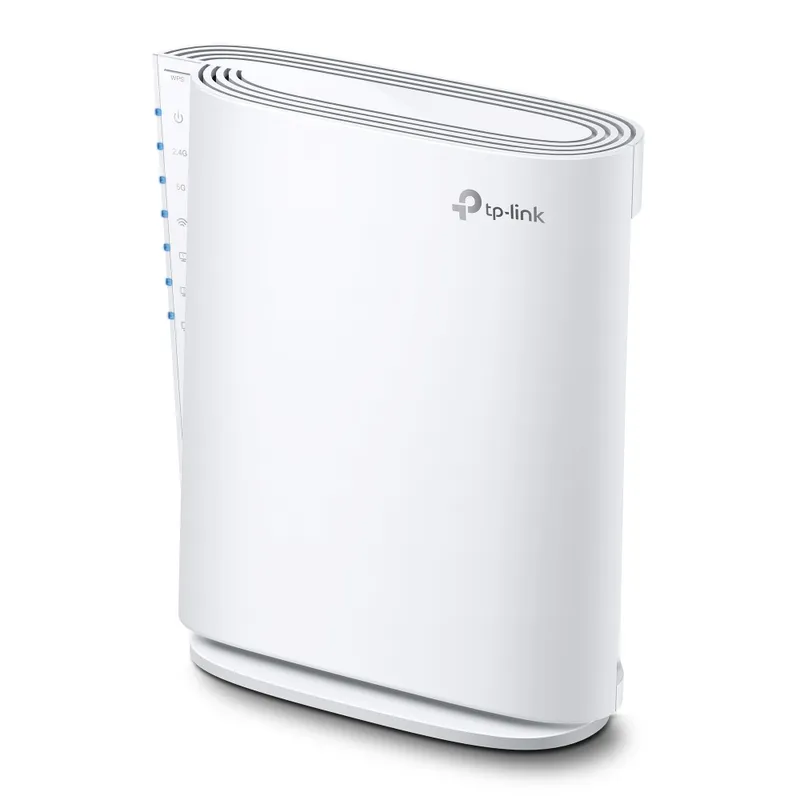
TP-Link RE650Official manufacturer imageTP-Link RE650TP-Link RE450Official manufacturer imageTP-Link RE450TP-Link RE705XOfficial manufacturer imageTP-Link RE705XTP-Link RE900XDOfficial manufacturer imageTP-Link RE900XDTP-Link RE605XOfficial manufacturer imageTP-Link RE605XNETGEAR EX6400Official manufacturer imageNETGEAR EX6400
Wi-Fi generationWi-Fi 5Wi-Fi 5Wi-Fi 6Wi-Fi 6Wi-Fi 6Wi-Fi 5
Antenna design4 external3 adjustable external—Internal2 externalInternal
Mesh featureOneMeshEasyMesh; version dependentEasyMeshEasyMeshOneMeshSmart Roaming
Ethernet1 Gigabit1 Gigabit1 Gigabit1× 2.5 Gbps + 2× Gigabit1 Gigabit1 Gigabit
Check price on Amazon AUCheck price on Amazon AUCheck price on Amazon AUCheck price on Amazon AUCheck price on Amazon AUCheck price on Amazon AU

Common questions

Questions before you buy

How far should a Wi-Fi extender be from the router?

Place it where it still receives a usable signal from the router, between the router and the weak-coverage area. A position too far into the dead zone cannot relay a strong connection; use the extender's signal indicator or setup app to refine placement.

Do external antennas make a Wi-Fi extender reach further?

They can help shape or direct coverage, but antenna count alone does not establish real-world range. Router signal quality, walls, interference and where the extender is placed all matter.

Can a Wi-Fi extender cover a detached garage?

It may work if the extender can receive a reliable signal from the house, but exterior walls and distance can weaken the link. For a remote building, compare a wired access point or outdoor-rated equipment as well.

Is a range extender or mesh system better for a large home?

An extender can address a particular weak area using your current router. A mesh system is designed to coordinate multiple nodes across a larger layout, but requires replacing or supplementing more of the network.

Sources and how we chose