Independent buying guidance · Australia editionHow we work
Gearjury
All categories
All categories
Best picksBest Dash Cam in Australia: Five Models Compared
Best picksBest Wi-Fi Extenders in Australia for Different Homes
Best picksThe Best Meat Thermometer for Every Kind of Cook
Best picksBest Headlamp Torches for Different Uses in 2026
Best picksBest Portable Air Coolers to Consider in Australia (2026)
Best picksBest Winter Gloves for Everyday Wear and Outdoor Use
Best picksBest Cordless String Trimmers for Australian Gardens (2026)
Best picksBest air purifier for bedroom in Australia: five models compared
AustraliaEnglish

Gearjury may earn a commission from qualifying purchases made through links on this page.

Best picks

Best mesh WiFi extenders in Australia for smoother room-to-room roaming

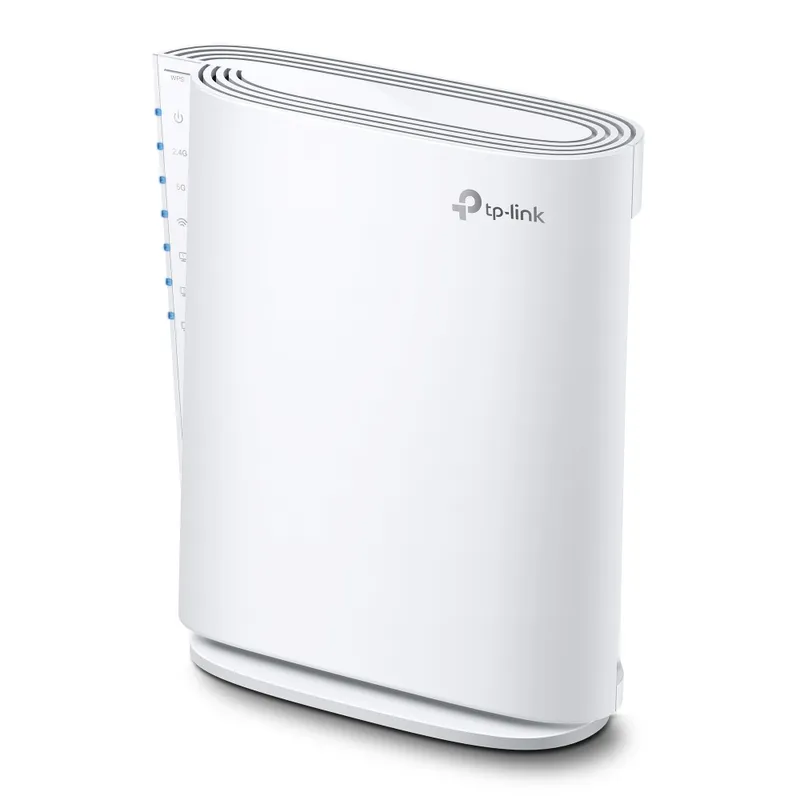
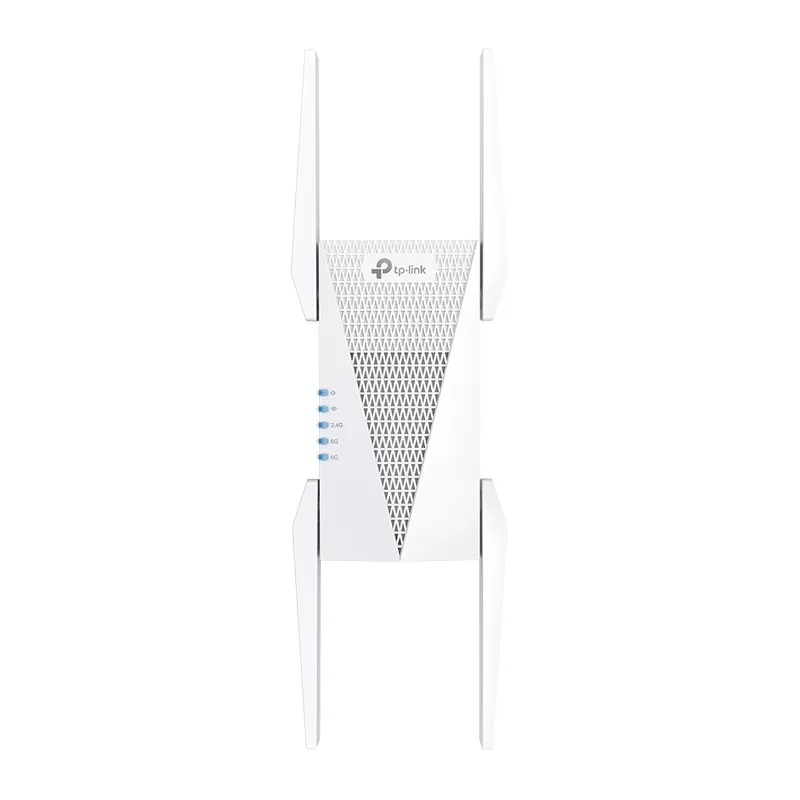
For an existing EasyMesh network, the TP-Link RE705X offers Wi-Fi 6 and adaptive path selection. The RE815XE adds a 6 GHz band; NETGEAR's EX6400 and EX6250 suit buyers checking mesh-style roaming with an existing router.

Quick answer

The TP-Link RE705X is a strong starting point for compatible EasyMesh routers, with Wi-Fi 6, smart roaming and adaptive path selection. Pick the RE815XE if your network can use 6 GHz, or compare NETGEAR EX6400 and EX6250 when their Smart Roaming approach fits your existing setup.

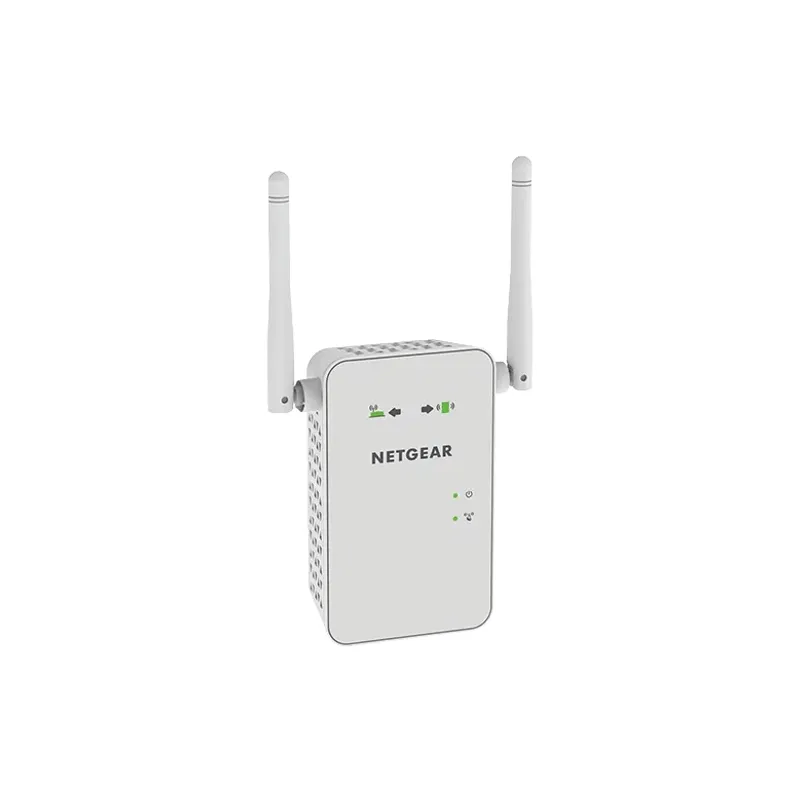
05NETGEAR EX6400Official manufacturer image

Best for NETGEAR Smart Roaming features

NETGEAR EX6400

  • NETGEAR specifies Smart Roaming and one Wi-Fi name for its mesh extender setup.
  • Dual-band AC1900 Wi-Fi and a Gigabit Ethernet port are listed.

Drawback: It uses Wi-Fi 5, and seamless roaming behavior depends on the network configuration.

Check price on Amazon AUSponsored link · no live price shown
06NETGEAR EX6250Official manufacturer image

Best for an AC1750 mesh-style extension

NETGEAR EX6250

  • NETGEAR lists a shared Wi-Fi name and Smart Roaming for the EX6250.
  • It has dual-band AC1750 Wi-Fi and a Gigabit Ethernet port.

Drawback: The model is Wi-Fi 5, so newer Wi-Fi 6 clients will not gain Wi-Fi 6 features from it.

Check price on Amazon AUSponsored link · no live price shown

Compare them side by side

TP-Link RE705XOfficial manufacturer imageTP-Link RE705XTP-Link RE815XEOfficial manufacturer imageTP-Link RE815XETP-Link RE900XDOfficial manufacturer imageTP-Link RE900XDTP-Link RE605XOfficial manufacturer imageTP-Link RE605XNETGEAR EX6400Official manufacturer imageNETGEAR EX6400NETGEAR EX6250Official manufacturer imageNETGEAR EX6250
Mesh ecosystemEasyMeshOneMeshEasyMeshOneMeshSmart RoamingSmart Roaming
Wi-Fi generationWi-Fi 6Wi-Fi 6EWi-Fi 6Wi-Fi 6Wi-Fi 5Wi-Fi 5
BandsDual-bandTri-bandDual-bandDual-bandDual-bandDual-band
Ethernet ports1 Gigabit1 Gigabit1× 2.5 Gbps + 2× Gigabit1 Gigabit1 Gigabit1 Gigabit
Check price on Amazon AUCheck price on Amazon AUCheck price on Amazon AUCheck price on Amazon AUCheck price on Amazon AUCheck price on Amazon AU

Common questions

Questions before you buy

Does a mesh WiFi extender need a mesh router?

For coordinated roaming under a named mesh system such as EasyMesh or OneMesh, check that the router is compatible with that system and model. A range extender may still work in ordinary extender mode with other routers, but mesh functions can be limited.

Will a mesh extender keep the same Wi-Fi name?

Compatible mesh setups can use one network name, but behavior depends on the extender, router and configuration. Confirm the manufacturer's compatibility notes before pairing different models.

What is the difference between EasyMesh and OneMesh?

They are separate mesh compatibility systems. EasyMesh and OneMesh devices should be matched with equipment listed as compatible by their respective manufacturers rather than assumed interchangeable.

Is a Wi-Fi 6E extender compatible with older devices?

The RE815XE also broadcasts on 2.4 GHz and 5 GHz, which serve many older Wi-Fi devices. Only compatible Wi-Fi 6E clients can connect on 6 GHz, and that band may have less reach through walls.

Sources and how we chose