 Official manufacturer image
A coordinated network across multiple rooms
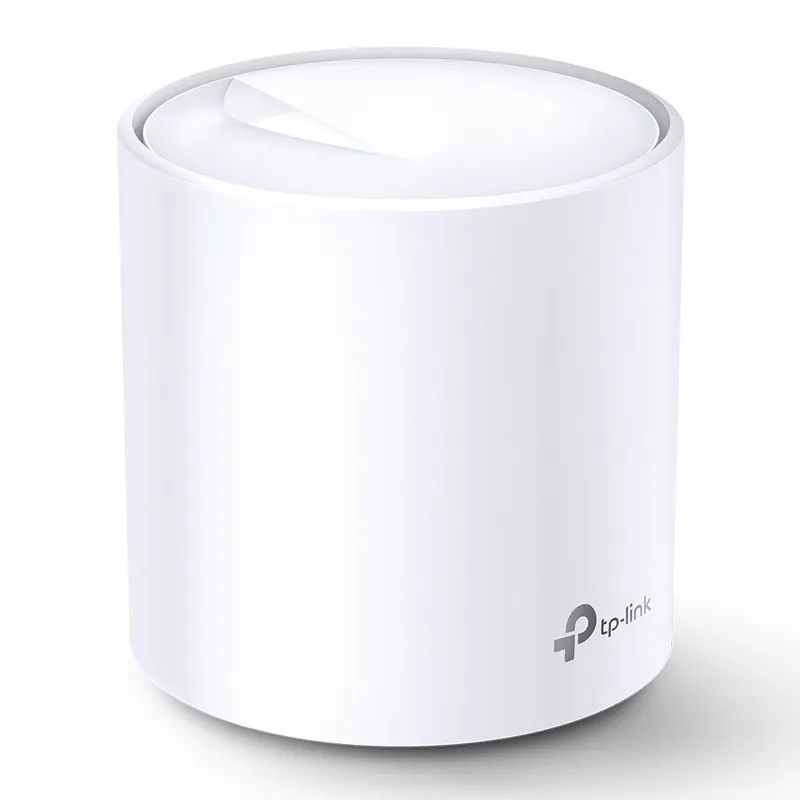
TP-Link Deco X20
Check price on Amazon AUSponsored link · no live price shown

 Best picksBest Dash Cam in Australia: Five Models Compared
 Best picksBest Wi-Fi Extenders in Australia for Different Homes
 Best picksThe Best Meat Thermometer for Every Kind of Cook
 Best picksBest Headlamp Torches for Different Uses in 2026
 Best picksBest Portable Air Coolers to Consider in Australia (2026)
 Best picksBest Winter Gloves for Everyday Wear and Outdoor Use
 Best picksBest Cordless String Trimmers for Australian Gardens (2026)
 Best picksBest air purifier for bedroom in Australia: five models compared
Gearjury may earn a commission from purchases made through retailer links. Our recommendations are based on cited product information.
Head to head
For a single weak-signal spot, a range extender can be a simple add-on. For coverage across several rooms and one coordinated network, a mesh kit such as TP-Link Deco X20 is the stronger fit.
Official manufacturer image
A coordinated network across multiple rooms
 Official manufacturer image
Fixing one dead zone while keeping an existing router
The verdict
RE605X is designed to connect wirelessly to an existing router and has a range-extender mode.
Deco units work together as one whole-home network with one network name.
RE605X can operate as an access point through its Gigabit Ethernet port.
| Official manufacturer imageTP-Link Deco X20 | Official manufacturer imageTP-Link RE605X | |
|---|---|---|
| What it does | Mesh units create a coordinated whole-home network | Repeats an existing router's Wi-Fi; can also work as an access point |
| Wi-Fi generation | Wi-Fi 6 | Wi-Fi 6 |
| Wireless class | AX1800 | AX1800 |
| Published band rates | 574 Mbps at 2.4 GHz; 1,201 Mbps at 5 GHz | 574 Mbps at 2.4 GHz; 1,201 Mbps at 5 GHz |
| Ethernet | 2 Gigabit ports per unit | 1 Gigabit Ethernet port |
| Best starting point | Coverage gaps across several parts of a home | A local dead zone with an existing router |
| Mesh behaviour | Multiple Deco units use one network name | OneMesh roaming requires a compatible TP-Link router |
| Check price on Amazon AU | Check price on Amazon AU |
Common questions
Mesh is generally the better fit when several areas need coverage and you want nodes to coordinate under one network name. An extender is often the simpler option for one local weak-signal area.
It can use a different network name, depending on setup and model. TP-Link RE605X supports OneMesh roaming with a compatible TP-Link router, while the standard extender setup may be managed separately.
Many mesh kits can be connected to an existing modem or router, but the required mode and setup depend on the kit and network. Check the mesh maker’s compatibility instructions before installation.
An extender can improve the signal in a poorly covered area, but it does not increase the speed supplied by your internet plan. Placement and the wireless link back to the router affect the speed devices receive.
Place it where it still receives a stable signal from the router and can reach the area you want to cover. A spot inside the dead zone may leave the extender with a weak connection to repeat.
Keep exploring
The right Wi-Fi extender depends on the router signal at its location, your home layout and whether you need Ethernet, outdoor placement or powerline networking.

RE705X and RE715X are Wi-Fi 6 options; RE315 is an AC1200 alternative. Choose by router compatibility and the connection you need.

Start with the network standard and location of the dead spot. NETGEAR?s EX6120 is a dual-band AC model, while EAX15 adds WiFi 6; check exact router and firmware compatibility before buying.

A Wi-Fi extender can help reach a weak-signal room when positioned within range of your router. Compare plug-in repeaters, mesh-compatible models, outdoor units and powerline kits by how they connect.