








 Official manufacturer image
Our picks
Top picks
Official manufacturer image Official manufacturer image
TP-Link RE705X-Outdoor
Check price on Amazon AU Official manufacturer image
TP-Link TL-WPA8631P KIT
Check price on Amazon AUCommon questions
Questions before you buy
What is the difference between a Wi-Fi extender and a booster device?
“Booster” is often used informally for a range extender or repeater. Check the product’s actual mode, supported bands and whether it creates a separate network.
Can one Wi-Fi extender device work with any router?
Many extenders support standard Wi-Fi connections across brands, but advanced mesh features and setup options may be restricted. Check both manuals for supported standards.
Do Wi-Fi extender devices need to match the router brand?
No for basic repeating in many cases, but matching ecosystems can simplify setup and enable unified roaming. Verify compatibility rather than relying on branding.
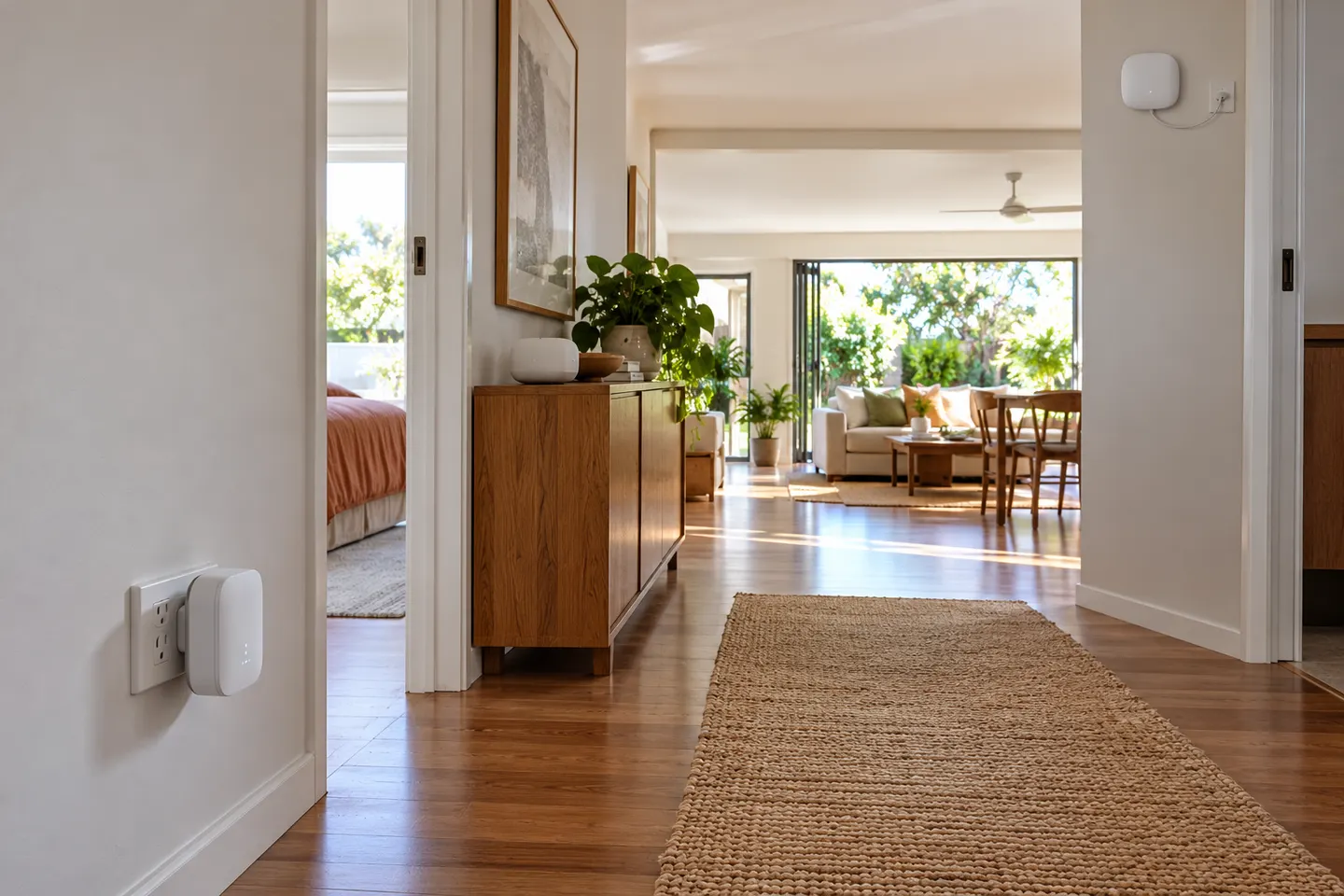
Where should I place a Wi-Fi extender device?
Place it between the router and the weak area, where it still receives a good router signal. Avoid hiding it behind furniture or placing it directly in the dead zone.