Gearjury may earn a commission from qualifying retailer links. Our editorial guidance is based on cited sources.
Guide
Are Wi-Fi Extenders Worth It for Your Home?
A Wi-Fi extender can be worthwhile when one or two areas miss an otherwise sound home network. It is a poor fix for a weak internet plan or a bad router-to-extender link.
GGearjury editorial team · Updated 18 October 2026· 4 min
01
When an extender is a sensible buy
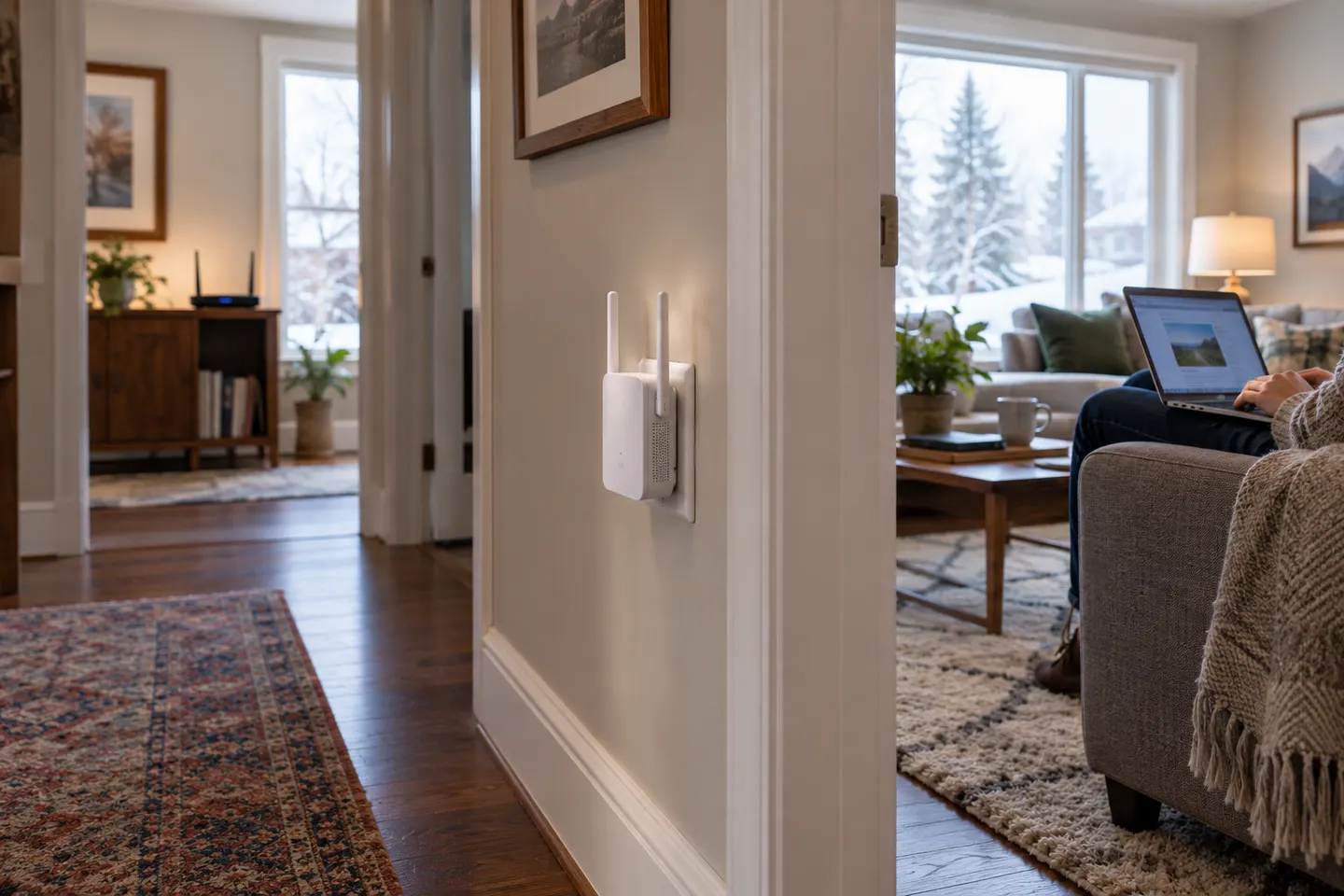
A Wi-Fi extender may be worth it when the router works well nearby but a particular bedroom, study or corner has weak coverage. It can relay the existing network into that area if it is placed where the router signal remains usable.
02
What it cannot repair
An extender does not increase the speed supplied by your internet plan or fix a faulty router. If the connection is slow beside the router too, troubleshoot the service and router first. A poor signal feeding the extender also limits its usefulness.
03
Consider the trade-offs
A wireless extender needs a suitable placement and may add another network name or roaming decision, depending on the model. Performance depends on the wireless link and layout. Check compatibility, band support, security updates and whether the device has a useful Ethernet port.
04
Extender, access point or mesh?
For one isolated dead zone, an extender is a straightforward option. If you can run Ethernet, an access point can use a wired feed. For several rooms and smoother movement, compare a compatible mesh system; it may cost more in complexity and equipment but fits broader coverage needs.
05
Try free changes before buying
Place the router in a central, open position, raise it off the floor and keep it away from obstructions. Recheck the weak room. If the problem remains local, compare extender placement against a wired access point or mesh design for your floor plan.
Common questions
Questions before you buy
Are Wi-Fi boosters worth it for a dead zone?
They can be worthwhile for a local coverage gap when the router signal reaches the extender reliably. They will not fix a poor broadband service or a weak link at the extender location.
Is a Wi-Fi extender better than mesh?
An extender can suit a smaller, isolated gap; mesh is designed to coordinate multiple nodes across a larger area. Compare your layout, existing router compatibility and whether you need seamless roaming.
Will a Wi-Fi extender make my internet faster?
It may improve a device’s connection where coverage was the bottleneck, but it does not raise the speed of the internet plan. A wireless hop can also reduce available throughput depending on the system and conditions.
Should I buy an extender if Wi-Fi is slow everywhere?
Start by checking the plan, modem/router, service status and speed near the router. An extender mainly addresses coverage, so it is unlikely to solve a problem that exists throughout the home.
Start with the network standard and location of the dead spot. NETGEAR?s EX6120 is a dual-band AC model, while EAX15 adds WiFi 6; check exact router and firmware compatibility before buying.
The right Wi-Fi extender depends on the router signal at its location, your home layout and whether you need Ethernet, outdoor placement or powerline networking.
A Wi-Fi extender can help reach a weak-signal room when positioned within range of your router. Compare plug-in repeaters, mesh-compatible models, outdoor units and powerline kits by how they connect.
Your privacy
We use cookies and similar technologies. Necessary ones keep the site working. With your permission we also use statistics cookies (Google Analytics and Microsoft Clarity) to understand which guides help readers. You can accept all, reject all or choose. You can change your choice at any time from "Cookie settings" at the bottom of every page. Cookie policy