Identify the exact WAVLINK model
Read the model number and hardware details on the device label. WAVLINK sells different N300, AC1200 and other extenders; buttons, login pages and setup screens can differ.

 Best picksBest Dash Cam in Australia: Five Models Compared
 Best picksBest Wi-Fi Extenders in Australia for Different Homes
 Best picksThe Best Meat Thermometer for Every Kind of Cook
 Best picksBest Headlamp Torches for Different Uses in 2026
 Best picksBest Portable Air Coolers to Consider in Australia (2026)
 Best picksBest Winter Gloves for Everyday Wear and Outdoor Use
 Best picksBest Cordless String Trimmers for Australian Gardens (2026)
 Best picksBest air purifier for bedroom in Australia: five models compared
Gearjury may earn a commission from qualifying retailer links. Our editorial guidance is based on cited information.
Guide
Most WAVLINK extenders can be configured through WPS or a browser-based management page, but menu names and credentials vary by model. Use the label and manual for your unit.
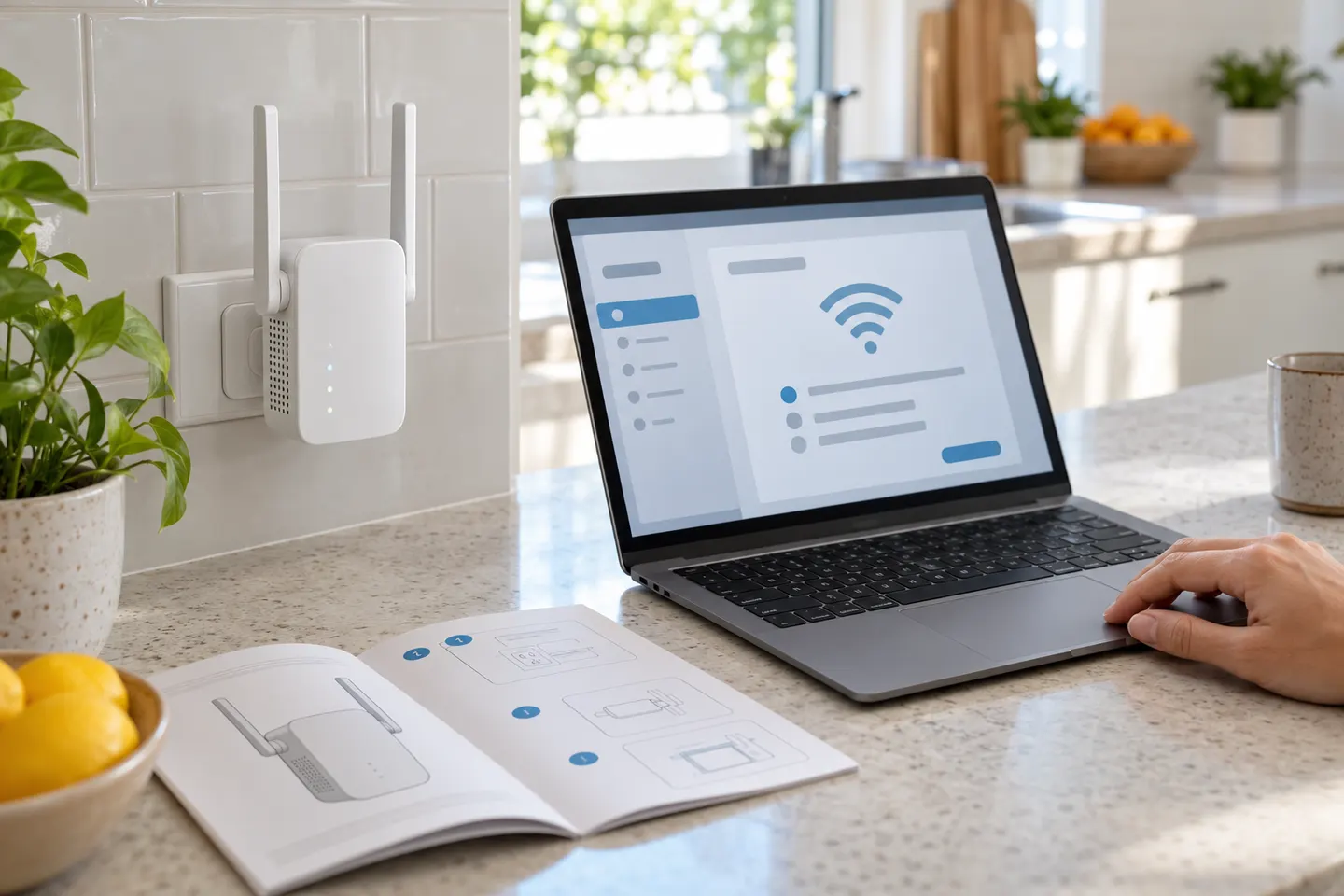
Read the model number and hardware details on the device label. WAVLINK sells different N300, AC1200 and other extenders; buttons, login pages and setup screens can differ.
Repeater mode links to the router wirelessly. An access point generally needs Ethernet from the router. Choose the mode that matches your cabling and the instructions for the model.
WAVLINK WPS guidance says to press the router WPS button and then the extender WPS button within the stated interval. If the router has WPS disabled or pairing fails, use browser setup instead.
Connect a phone or computer to the extender setup network, then follow the model guide to open its management address. WAVLINK documentation gives 192.168.10.1 or waplogin.link for supported models; confirm the address in your manual.
Choose the correct router network and enter its Wi-Fi password carefully. Save the configuration, reconnect to the extended network and confirm internet access works before moving the unit.
Move the extender toward the area needing coverage, but keep it within a reliable signal from the router. If setup fails, reset only according to the model guide and check the router security and band settings.
Common questions
Identify the exact AC1200 model, connect to its setup network and follow its browser or WPS instructions. Model-specific login details and menu steps should come from the supplied manual.
Yes, supported models provide browser-based setup. Connect to the extender setup Wi-Fi and use the management address stated in its documentation.
Check the router password, distance, selected band and security settings. If WPS pairing is unavailable or fails, try the model browser configuration instructions.
Choose a position that receives a usable router signal and sits between the router and the weak coverage area. Avoid placing it inside a cabinet or behind large obstructions.
Keep exploring

A Wi-Fi extender can help reach a weak-signal room when positioned within range of your router. Compare plug-in repeaters, mesh-compatible models, outdoor units and powerline kits by how they connect.

RE705X and RE715X are Wi-Fi 6 options; RE315 is an AC1200 alternative. Choose by router compatibility and the connection you need.
The right Wi-Fi extender depends on the router signal at its location, your home layout and whether you need Ethernet, outdoor placement or powerline networking.

Start with the network standard and location of the dead spot. NETGEAR?s EX6120 is a dual-band AC model, while EAX15 adds WiFi 6; check exact router and firmware compatibility before buying.