Gearjury may earn a commission from qualifying retailer links. This does not affect our editorial guidance.
Guide
How to Set Up a WiFi Extender: A Step-by-Step Guide
Start beside the router, connect the extender to your existing network, then move it to a midway point and check its signal indicator.
GGearjury editorial team · Updated 15 October 2026· 5 min
01
Check compatibility and choose a setup method
Read the model label and quick-start guide. Confirm that the extender supports your router’s Wi-Fi bands and security settings. Use the maker’s app, web setup page or WPS only if both devices support the chosen method.
02
Place the extender near the router for setup
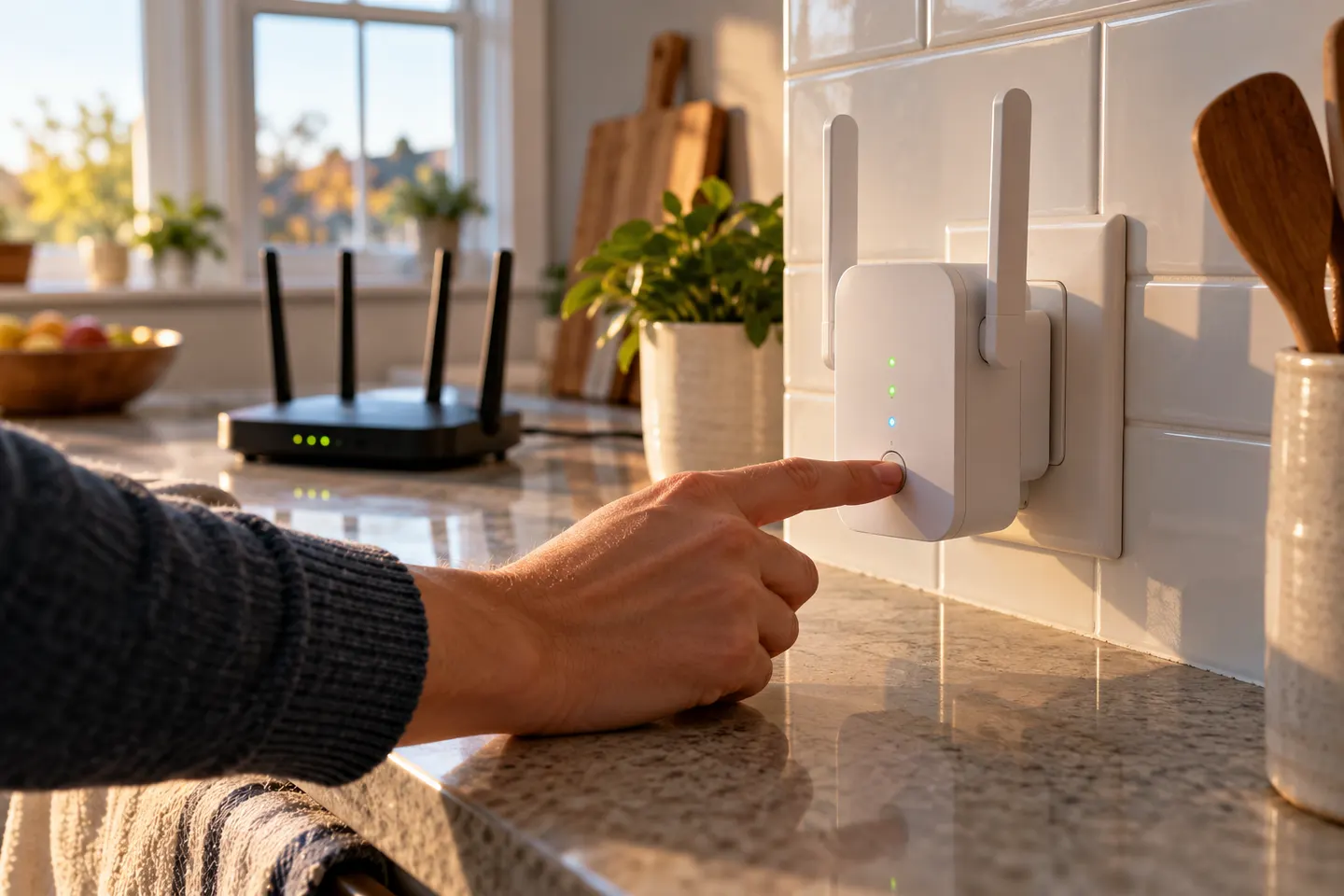
Plug it into power within reliable router coverage. Allow its indicator lights to settle before continuing.
03
Connect using the app or browser
Open the manufacturer’s app or connect to the temporary extender network, then follow the prompts to select your home Wi-Fi and enter its password. A typo can leave setup incomplete.
04
Use WPS if both devices support it
Press the router’s WPS button and follow the extender manual’s timing for its WPS button. If pairing fails, use the app or browser method; steps vary by model.
05
Move it to a useful midway position
Move the extender between the router and weak room, keeping it within good router coverage. Use its signal indicator or management app to check the link.
06
Test devices and troubleshoot
Reconnect a phone or laptop near the problem area. If coverage remains poor, move the extender closer to the router, update firmware using official instructions and confirm the saved band and password.
Common questions
Questions before you buy
How do I set up a Wi-Fi extender with my phone?
Use the compatible maker app, power the extender near the router and follow prompts to select the home network and enter its password.
Can I set up an extender without WPS?
Yes. Many models provide app or browser setup as an alternative. Follow the guide for your exact model.
Where should I put my extender after setup?
Move it towards the weak area while keeping it in a location with a stable connection back to the router.
Why is my Wi-Fi extender connected but has no internet?
Check the router connection, extender link status, password and any captive portal requirements. Re-run setup if the saved network details are wrong.
Start with the network standard and location of the dead spot. NETGEAR?s EX6120 is a dual-band AC model, while EAX15 adds WiFi 6; check exact router and firmware compatibility before buying.
The right Wi-Fi extender depends on the router signal at its location, your home layout and whether you need Ethernet, outdoor placement or powerline networking.
A Wi-Fi extender can help reach a weak-signal room when positioned within range of your router. Compare plug-in repeaters, mesh-compatible models, outdoor units and powerline kits by how they connect.
Your privacy
We use cookies and similar technologies. Necessary ones keep the site working. With your permission we also use statistics cookies (Google Analytics and Microsoft Clarity) to understand which guides help readers. You can accept all, reject all or choose. You can change your choice at any time from "Cookie settings" at the bottom of every page. Cookie policy