Gearjury may earn a commission from qualifying retailer links.
Guide
Telstra WiFi Booster Light Meaning: What Each Colour Tells You
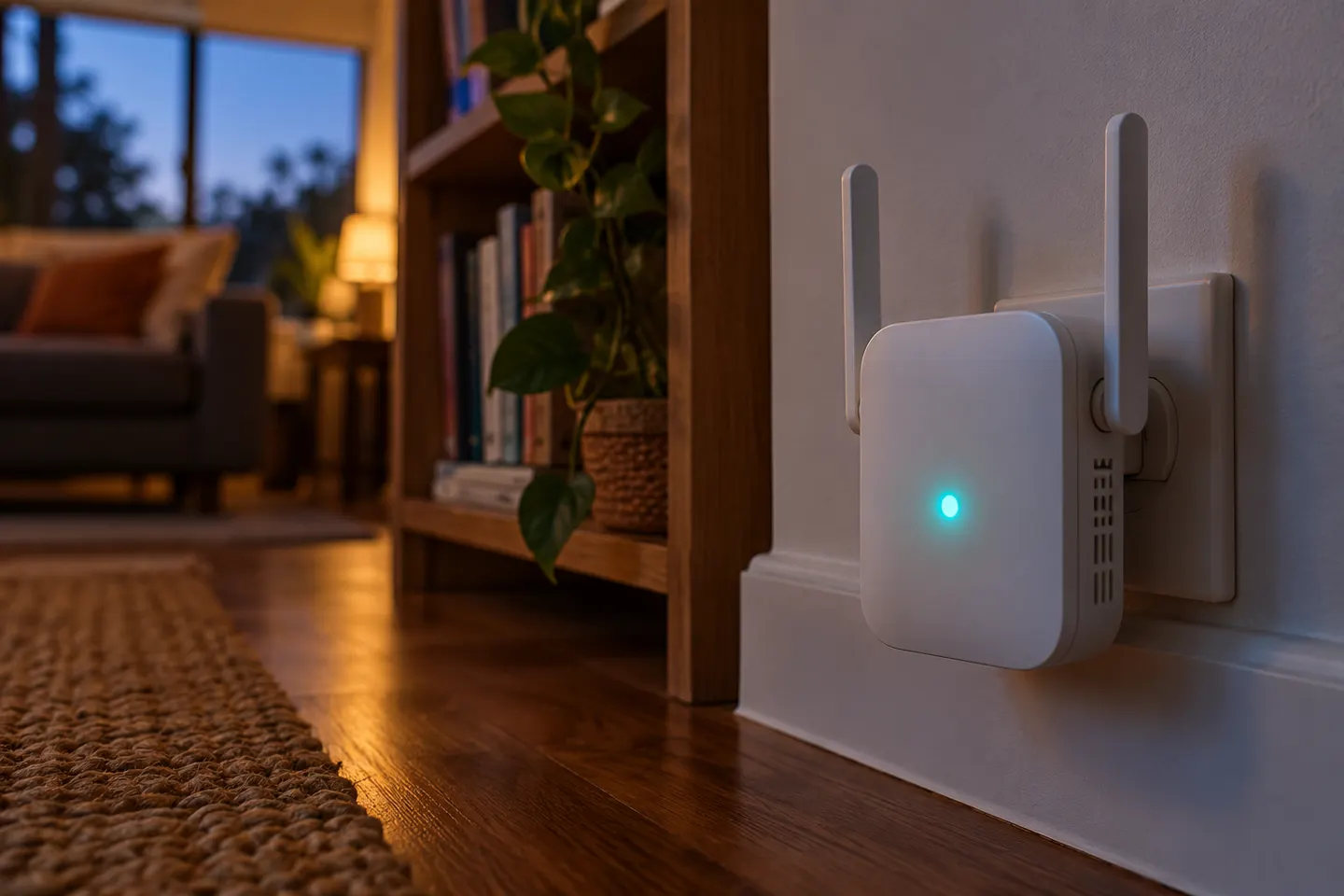
A solid green or blue light indicates successful setup and a strong link to the modem. Red points to a lost modem connection; no light suggests checking power.
GGearjury editorial team · Updated 18 October 2026· 4 min
01
What does a solid green or blue Telstra booster light mean?
Telstra says a solid green or blue light means setup succeeded and the booster has a strong connection back to the Telstra Smart Modem. If coverage still feels weak in a room, the light describes the booster-to-modem link; it does not guarantee the same signal at every device.
02
Why is the Telstra WiFi booster light changing colours?
Alternating purple, blue and green can mean the booster is starting, pairing or updating its software. Telstra advises waiting for a steady green or blue state before treating setup as complete.
03
What should I do if the light is red?
Red means the booster is not connected to the modem. Follow Telstra's pairing steps again; if it remains red, restart both devices and retry. A reset may be a later troubleshooting step, so check the current Telstra instructions for your booster generation first.
04
What does no light mean on a Telstra booster?
Telstra associates no light with no power. Check that the adapter is connected to a working outlet and switched on. If power is present but the booster stays dark, consult Telstra support for model-specific steps.
05
Where should I place a paired booster?
Telstra suggests placing it roughly halfway between the modem and the part of the home with the weakest WiFi. A booster needs a usable connection to the modem, so placing it inside the dead zone may not help. Large obstacles and nearby sources of interference can also affect the link.
06
What does WiFi range extender mean?
A WiFi range extender is a device that receives an existing wireless network and relays coverage farther into a home. Its usefulness depends on the quality of the connection back to the router or modem, its placement, and compatibility with the network.
Common questions
Questions before you buy
What does a solid green Telstra booster light mean?
Telstra says solid green means setup succeeded and the booster has a strong connection to the Smart Modem.
Why is my Telstra WiFi booster light red?
Red indicates the booster is not connected to the modem. Repeat the pairing process, then restart both devices if needed.
What does a flashing or alternating light mean on a Telstra booster?
Alternating purple, blue and green can indicate startup, pairing or a software update. Wait for a steady green or blue light.
What is the meaning of a WiFi range extender?
It is a device that relays an existing WiFi network to extend its reach. It still needs a sufficiently strong connection to the modem or router.
Where should I put a Telstra Smart Wi-Fi Booster?
Telstra recommends trying a position about halfway between the modem and the area with poor WiFi, where it can maintain a good backhaul connection.
A Wi-Fi extender can help reach a weak-signal room when positioned within range of your router. Compare plug-in repeaters, mesh-compatible models, outdoor units and powerline kits by how they connect.
Start with the network standard and location of the dead spot. NETGEAR?s EX6120 is a dual-band AC model, while EAX15 adds WiFi 6; check exact router and firmware compatibility before buying.
The right Wi-Fi extender depends on the router signal at its location, your home layout and whether you need Ethernet, outdoor placement or powerline networking.
Your privacy
We use cookies and similar technologies. Necessary ones keep the site working. With your permission we also use statistics cookies (Google Analytics and Microsoft Clarity) to understand which guides help readers. You can accept all, reject all or choose. You can change your choice at any time from "Cookie settings" at the bottom of every page. Cookie policy