








 Official manufacturer image
Our picks
Top picks
Official manufacturer image Official manufacturer image
TP-Link RE705X-Outdoor
Check price on Amazon AU Official manufacturer image
TP-Link TL-WPA8631P KIT
Check price on Amazon AUCommon questions
Questions before you buy
Can I hardwire a Wi-Fi extender to my router?
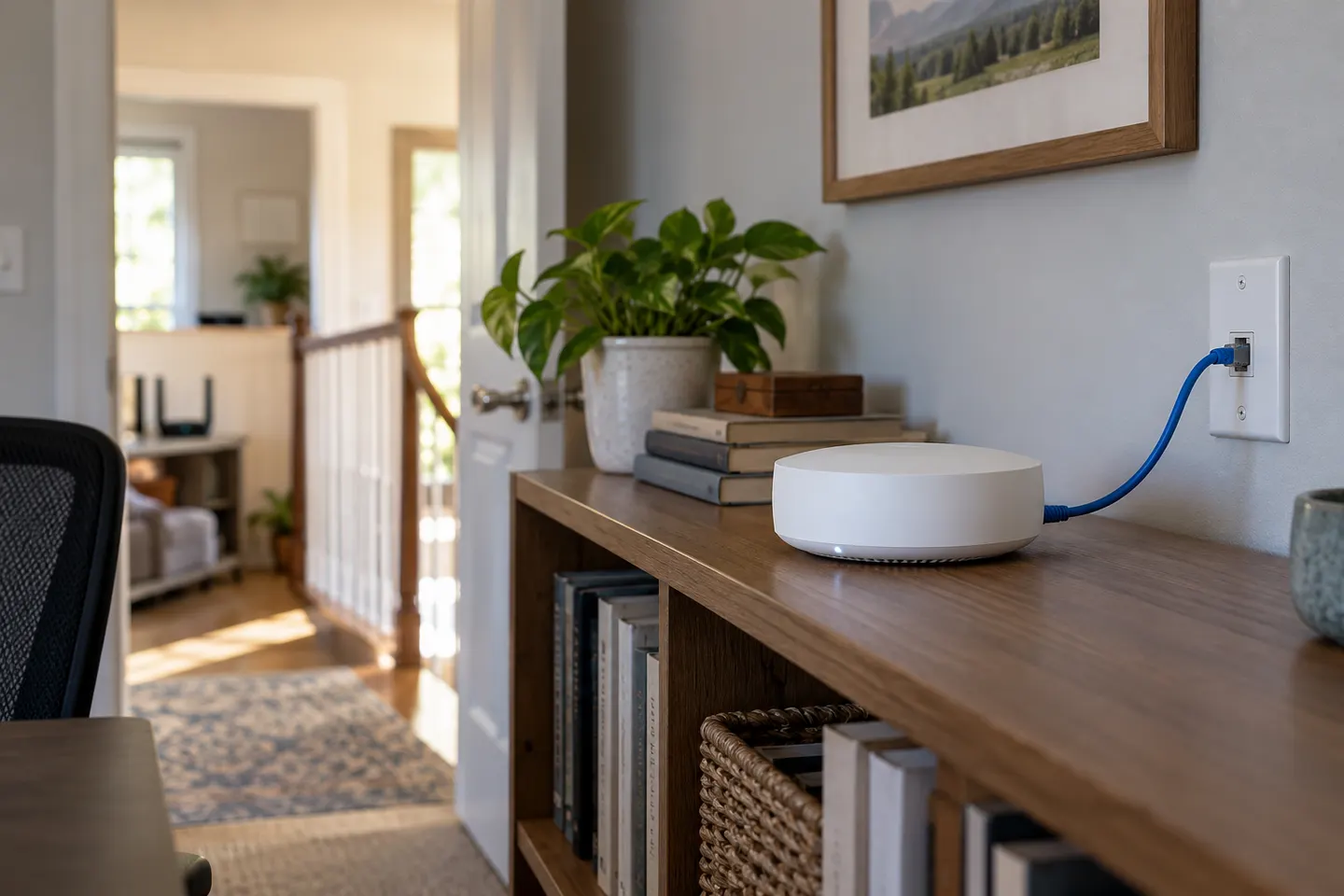
Yes, if the extender has an Ethernet port and supports access point mode. Connect it to the router or network by cable and select AP mode as described in its manual.
Does a wired extender need to be in repeater mode?
Usually no. Repeater mode uses a wireless connection to the router; access point mode uses Ethernet as the backhaul and broadcasts Wi-Fi from the wired location.
Will hardwiring an extender make Wi-Fi faster?
It can remove the wireless backhaul link as a bottleneck, but results still depend on the router, port capability, Wi-Fi standard, device and internet service. It does not guarantee a particular speed.
Can I use Ethernet from an extender for a TV or computer?
Some models provide Ethernet ports for wired clients, while others reserve a port for backhaul or have different mode limits. Check the model manual for how its port works in AP mode.