









 Official manufacturer image
Our picks
Top picks
Official manufacturer image Official manufacturer image
Garmin Dash Cam X310
Check price on Amazon UK Official manufacturer image
VIOFO A329S 2CH
Check price on Amazon UKMore topics
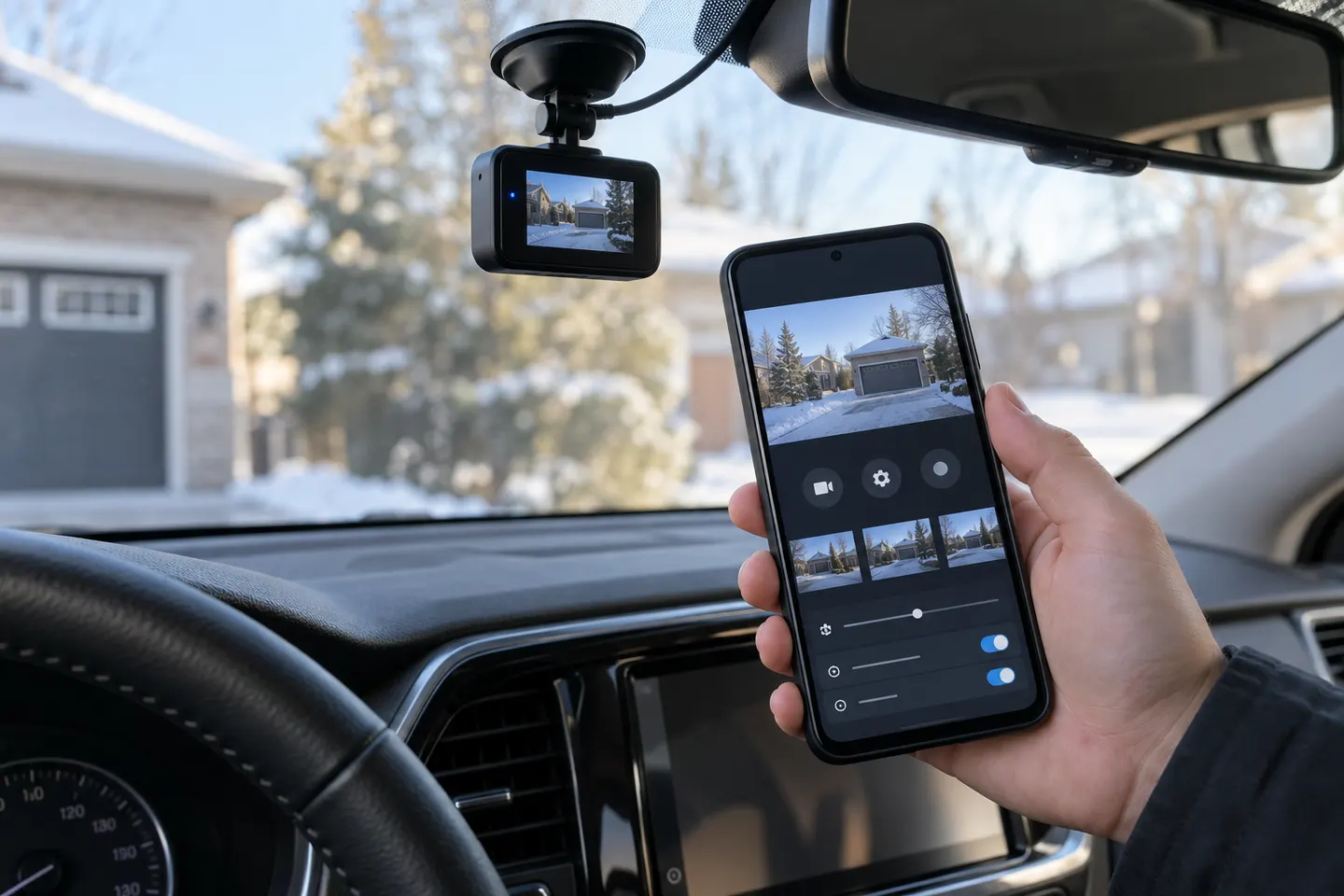 Dashcam Android Apps
Common questions
Questions before you buy
Can I use an Android phone as a dash cam?
A phone can record video with an app, but heat, mounting, storage, calls and battery management make a dedicated dash cam more dependable for regular use.
Do dash cams work with Android Auto?
A phone app working on Android does not mean it appears in Android Auto. Only supported app categories and approved integrations are available on the car display.
How does an Android dash cam app connect to the camera?
Most cameras create a local Wi-Fi connection for settings and downloads; some also use Bluetooth for pairing or commands.
Can I view dash cam footage on an Android phone?
Yes, when the manufacturer's Android app supports the camera. You may need to disconnect from mobile internet temporarily while joined to the camera's Wi-Fi.
Is a car camera Android app safe to install?
Use the link from the verified manufacturer, check the publisher and permissions, and keep both camera firmware and app updated.