Gearjury may earn a commission through eligible retailer links; cited guidance shapes our advice.
Guide
Does a Dash Cam Record Sound Inside the Car?
Many dash cams can record cabin sound through a built-in microphone, but audio can usually be disabled. For work vehicles, the ICO says audio should generally be off by default and used only in exceptional circumstances.
GGearjury editorial team · Updated 15 October 2026· 5 min
01
Does a dash cam record sound automatically?
It depends on the model and its current setting. Many cameras have a microphone that can add cabin audio to video files, and some arrive with it enabled; check the recording icon and manual before your first journey.
02
Find the microphone control
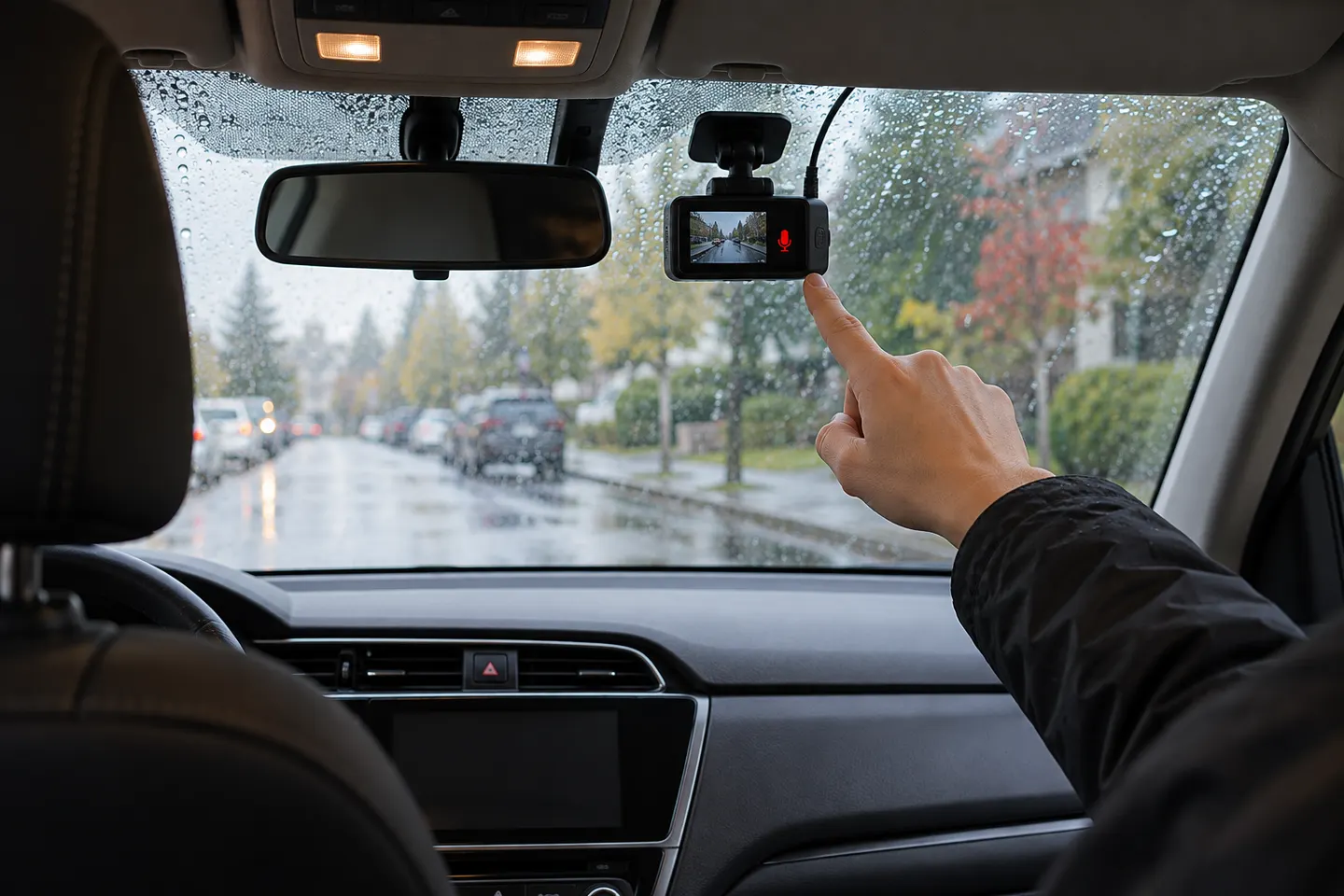
Look for an audio-recording or microphone option in the camera menu or companion app. Some models also provide a physical button or voice command; confirm the muted symbol appears and remains set after a restart.
03
Decide whether audio is necessary
Sound may add context to a private incident, but it also captures passenger conversations. Use the least intrusive setting that meets your purpose and tell passengers when recording could reasonably affect their privacy.
04
Treat business vehicles differently
If you operate work vehicles, document the purpose and lawful basis, provide clear privacy information and assess whether a DPIA is required. The ICO advises switching audio off by default and limiting it to exceptional circumstances.
05
Check the saved file
Make a stationary test recording, stop the camera safely and review the clip. This confirms whether audio is present without interacting with the device while driving.
Common questions
Questions before you buy
Does a dash cam record conversations in the car?
It can if its microphone is enabled and close enough to pick up speech. Disable audio if you do not need conversations in the recording.
Can you turn off sound on a dash cam?
Usually yes, through a microphone button, camera menu or app. Confirm the setting in the manual for your exact model.
Is dash-cam audio legal in the UK?
Context matters. Personal use and organisational monitoring are treated differently; businesses need a lawful, necessary and proportionate basis and clear information for people recorded.
Does muting the speaker stop audio recording?
Not necessarily. Speaker volume controls alerts, while the microphone setting controls captured sound; check both separately.
Start with the coverage you need: a discreet front camera for the road ahead, or a front-and-rear system for evidence from both directions. Our guides then narrow the choice by installation, connectivity and brand.
The Nextbase 622GW is our balanced UK pick for its detailed recording, stabilisation and accessible touchscreen. Garmin Mini 3 suits a discreet fit, while VIOFO A329S covers the front and rear at high resolution.
A dual-camera kit is the direct choice when you want the road ahead and traffic behind in the same recording system. Check rear resolution and cable length, not just the headline front-camera specification.
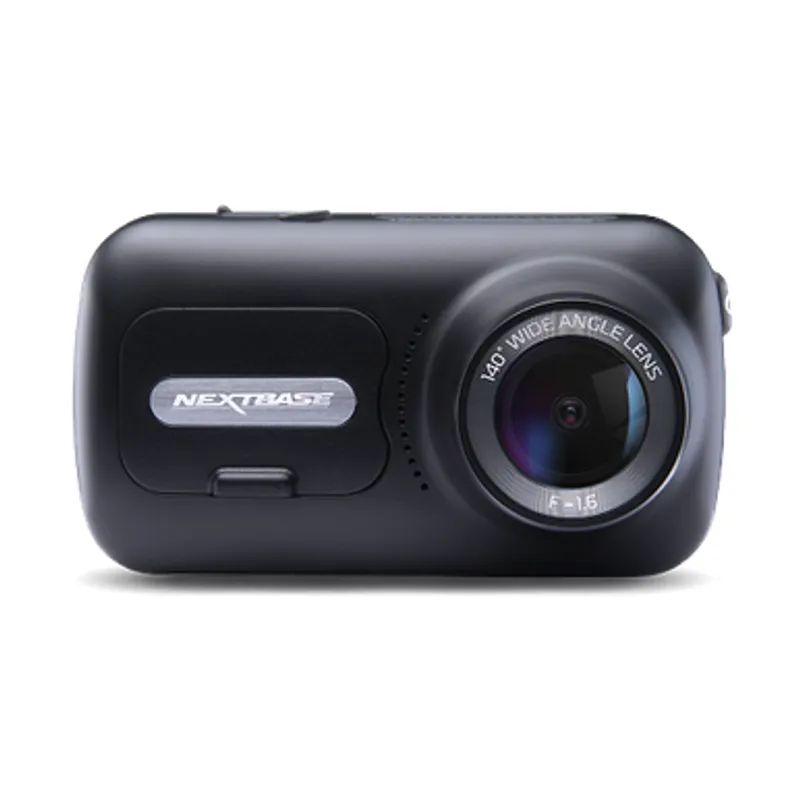
The 622GW has the strongest recording specification in this trio; the 522GW keeps the large touchscreen and polarising filter at 2K, while the 322GW covers the essentials.
Your privacy
We use cookies and similar technologies. Necessary ones keep the site working. With your permission we also use statistics cookies (Google Analytics and Microsoft Clarity) to understand which guides help readers. You can accept all, reject all or choose. You can change your choice at any time from "Cookie settings" at the bottom of every page. Cookie policy