Gearjury may earn commission through qualifying retailer links; official privacy guidance informs this article.
Guide
Do Dash Cams Record Sound as Well as Video?
Dash cams with an enabled microphone can save sound alongside video. Check the microphone indicator rather than assuming it is on or off, and use stricter safeguards when the vehicle is used for work.
GGearjury editorial team · Updated 15 October 2026· 5 min
01
Do dash cams record sound with every clip?
Only cameras with a microphone can capture audio, and recording depends on the active setting. A video file may therefore contain road footage with cabin conversation, silent video, or audio that is too faint to be useful.
02
Read the microphone indicator
Learn the model’s muted and active icons. A crossed-out microphone normally indicates silence, but consult the manual because status lights, spoken prompts and app symbols differ.
03
Mute sound before the journey
Change the audio option while parked. Use the dedicated key, menu or companion app specified by the manufacturer, then restart the camera and confirm that the choice persists.
04
Explain recording to passengers
A private driver should still consider the reasonable expectations of passengers. If you share or publish a clip, voices and other identifying information can create additional privacy issues.
05
Apply organisational safeguards
Employers, taxi operators and other organisations should define a lawful purpose, minimise collection, give privacy information and control access. ICO guidance says in-vehicle audio should generally be disabled by default because it is especially intrusive.
06
Preserve an incident clip responsibly
If sound is relevant to an incident, protect the original file, restrict access and avoid casual social-media publication. Share it only through an appropriate route such as an insurer, legal adviser or police request.
Common questions
Questions before you buy
Do all dash cams have microphones?
No. Many consumer models do, but microphone hardware and controls vary. Check the specification and manual for the exact camera.
How can I tell if my dash cam is recording audio?
Look for the microphone status icon or app setting, then review a short test clip while parked. Do not change settings while driving.
Can passengers ask for dash-cam audio to be switched off?
A private driver should consider passenger privacy; organisations have additional transparency, necessity and data-rights duties. The correct response depends on the purpose and context.
Can I post a dash-cam clip with voices online?
Public sharing can move processing beyond a purely personal activity and may expose personal information. Assess the lawful basis and edit identifying audio or images where appropriate.
Start with the coverage you need: a discreet front camera for the road ahead, or a front-and-rear system for evidence from both directions. Our guides then narrow the choice by installation, connectivity and brand.
A dual-camera kit is the direct choice when you want the road ahead and traffic behind in the same recording system. Check rear resolution and cable length, not just the headline front-camera specification.
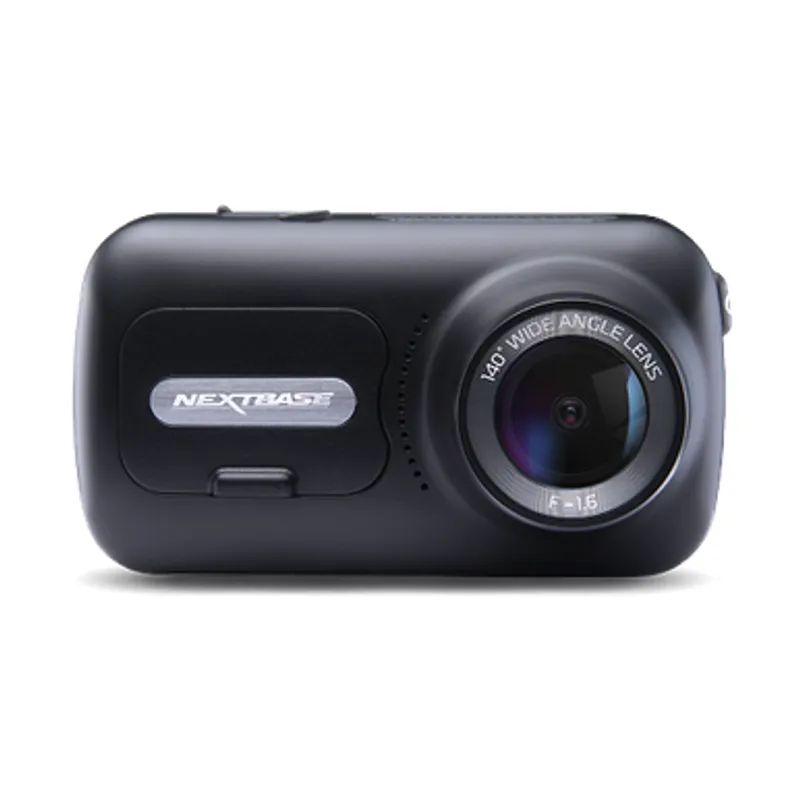
The 622GW has the strongest recording specification in this trio; the 522GW keeps the large touchscreen and polarising filter at 2K, while the 322GW covers the essentials.
The Nextbase 622GW is our balanced UK pick for its detailed recording, stabilisation and accessible touchscreen. Garmin Mini 3 suits a discreet fit, while VIOFO A329S covers the front and rear at high resolution.
Your privacy
We use cookies and similar technologies. Necessary ones keep the site working. With your permission we also use statistics cookies (Google Analytics and Microsoft Clarity) to understand which guides help readers. You can accept all, reject all or choose. You can change your choice at any time from "Cookie settings" at the bottom of every page. Cookie policy