Independent buying guidance · UK editionHow we work
Gearjury
All categories
All categories
Best picksBest WiFi Extenders in the UK: Compare Five Practical Options
Best picksThe Best Dashcams in the UK for 2026
Best picksBest Portable Air Coolers: Five Models to Compare for 2026
Best picksBest Meat Thermometers in the UK for 2026
Best picksBest Headlamp Torches in the UK: Five Choices for 2026
Best picksBest Winter Gloves in the UK: Five Activity-Based Choices for 2026
Best picksBest Radar Detectors in the UK: Models Compared for 2026
Best picksBest Value Cordless Strimmers in the UK (2026)
Best picksBest Air Purifiers in the UK for Different Rooms and Needs
United KingdomEnglish

Category hub

Mivo Dashcam Search: How to Find the Mio MiVue Range

“Mivo dashcam” is commonly a spelling mix-up with Mio MiVue. Use the Mio name and full MiVue model number to find genuine specifications, manuals and app support.

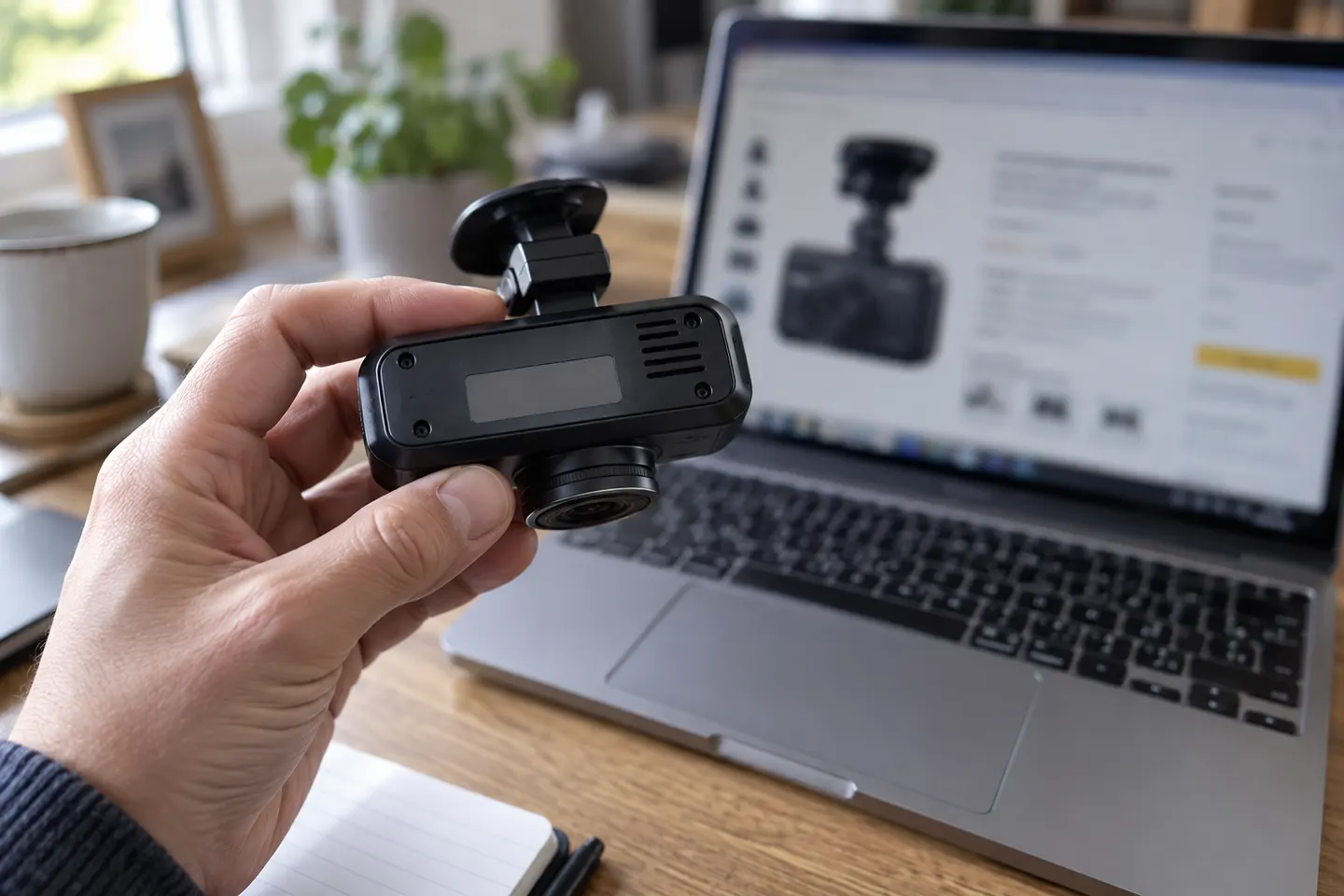
A search for a Mivo dashcam usually points towards Mio MiVue, the established dash-camera family from Mio. The spelling matters when looking for an official manual, firmware or the MiVue Pro app: search the full model name, such as Mio MiVue 945W, rather than relying on “Mivo” in a marketplace title.

More topics

1

Common questions

Questions before you buy

Is Mivo the same as Mio MiVue?

Mio MiVue is the documented dash-cam brand and product family. “Mivo” is often a misspelling, so verify the logo and exact model number.

Which app does a Mio MiVue dash cam use?

Compatible models use the MiVue Pro app, but Mio states that the feature is not available on every model. Check the individual manual.

Do all Mio MiVue cameras have Wi-Fi?

No. Features vary across current and legacy cameras. The official model page or manual will state whether Wi-Fi is included.

Can I add a rear camera to any Mio MiVue?

No. Rear-camera support and compatible modules are model-specific. Confirm the precise pairing on Mio's product documentation.