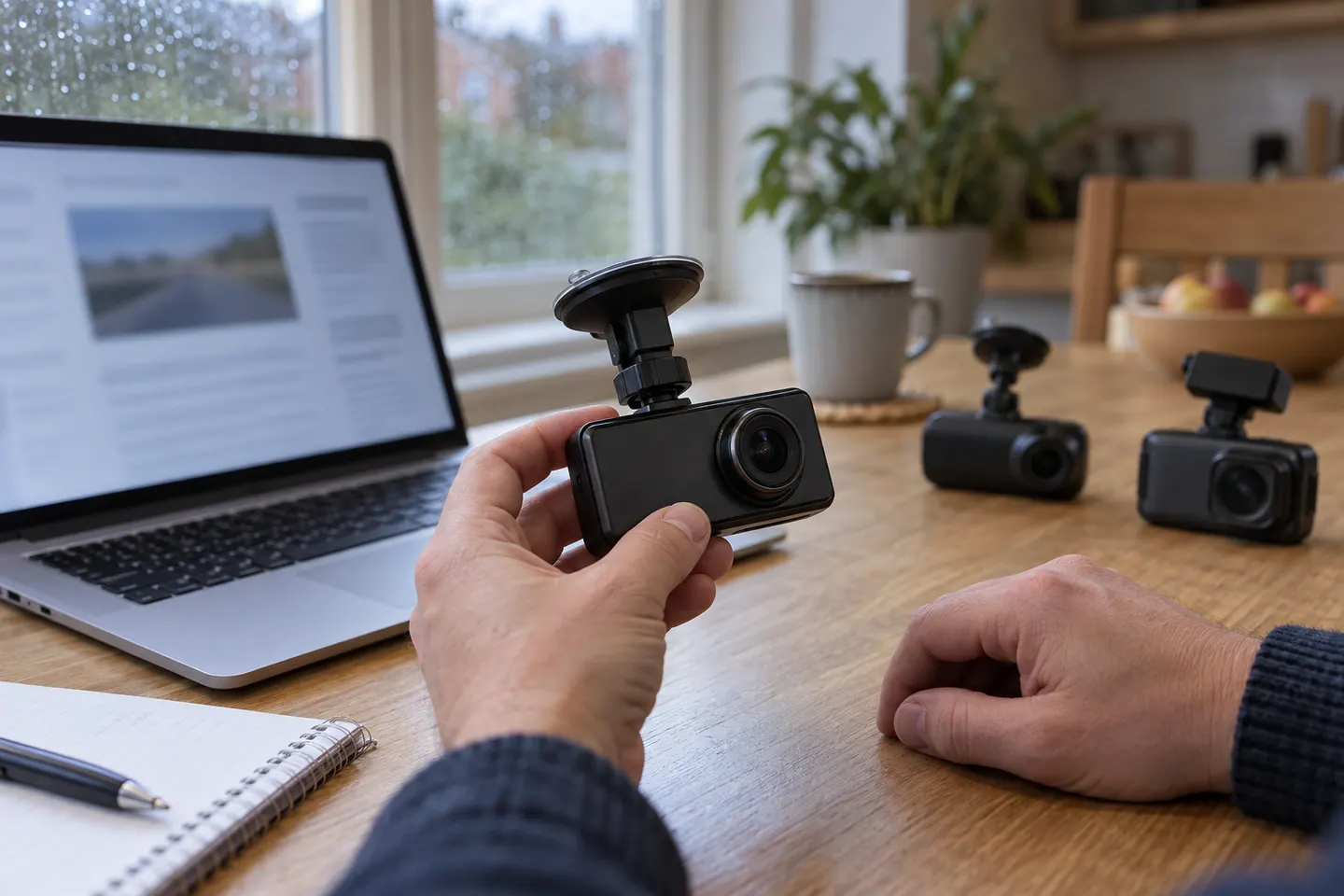
VegaDrive 4K Dash Cam Review and Verified Alternatives
We could not find a stable manufacturer page or manual for a VegaDrive 4K camera. That prevents a responsible recommendation, so these verified alternatives are the useful shortlist.

 Best picksBest WiFi Extenders in the UK: Compare Five Practical Options
 Best picksThe Best Dashcams in the UK for 2026
 Best picksBest Portable Air Coolers: Five Models to Compare for 2026
 Best picksBest Meat Thermometers in the UK for 2026
 Best picksBest Headlamp Torches in the UK: Five Choices for 2026
 Best picksBest Winter Gloves in the UK: Five Activity-Based Choices for 2026
 Best picksBest Radar Detectors in the UK: Models Compared for 2026
 Best picksBest Value Cordless Strimmers in the UK (2026)
 Best picksBest Air Purifiers in the UK for Different Rooms and Needs
Start here
We could not find a stable manufacturer page or manual for a VegaDrive 4K camera. That prevents a responsible recommendation, so these verified alternatives are the useful shortlist.
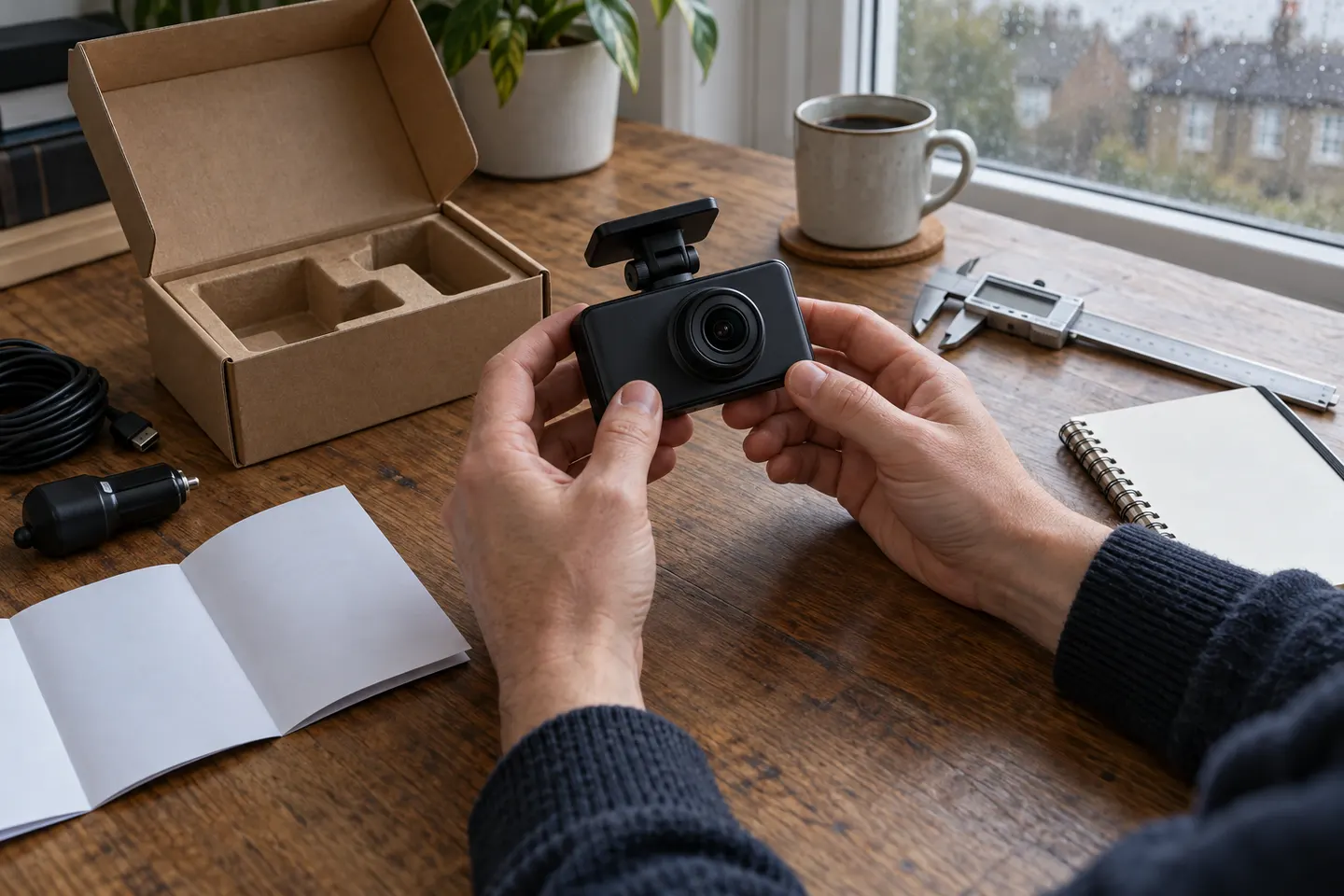
We could not identify an official VegaDrive product page, manual or stable model number. Do not rely on marketplace claims alone; the five alternatives below have traceable manufacturer documentation.
Our picks
 Official manufacturer image
 Official manufacturer image
 Official manufacturer image
Best picks
We could not find a stable manufacturer page or manual for a VegaDrive 4K camera. That prevents a responsible recommendation, so these verified alternatives are the useful shortlist.
We could not identify an official VegaDrive product page, manual or stable model number. Do not rely on marketplace claims alone; the five alternatives below have traceable manufacturer documentation.
Common questions
We could not verify a current official manufacturer catalogue for VegaDrive. Check the legal seller, model number and support contact rather than relying on the name alone.
The listing should identify the camera, mount, power lead, manual and any included memory card. It should also state which accessories are required for parking recording.
Look for the native video resolution and frame rate in a model-specific manual. A large output file does not by itself prove that the image sensor captures native 4K.
It should not obstruct the driver’s view. Position it carefully, keep cabling secure and follow the vehicle and camera fitting instructions.