Independent buying guidance · UK editionHow we work
Gearjury
All categories
All categories
Best picksBest WiFi Extenders in the UK: Compare Five Practical Options
Best picksThe Best Dashcams in the UK for 2026
Best picksBest Portable Air Coolers: Five Models to Compare for 2026
Best picksBest Meat Thermometers in the UK for 2026
Best picksBest Headlamp Torches in the UK: Five Choices for 2026
Best picksBest Winter Gloves in the UK: Five Activity-Based Choices for 2026
Best picksBest Radar Detectors in the UK: Models Compared for 2026
Best picksBest Value Cordless Strimmers in the UK (2026)
Best picksBest Air Purifiers in the UK for Different Rooms and Needs
United KingdomEnglish

Gearjury may earn a commission from qualifying retailer links.

Best picks

Best Budget WiFi Extenders in the UK (2026)

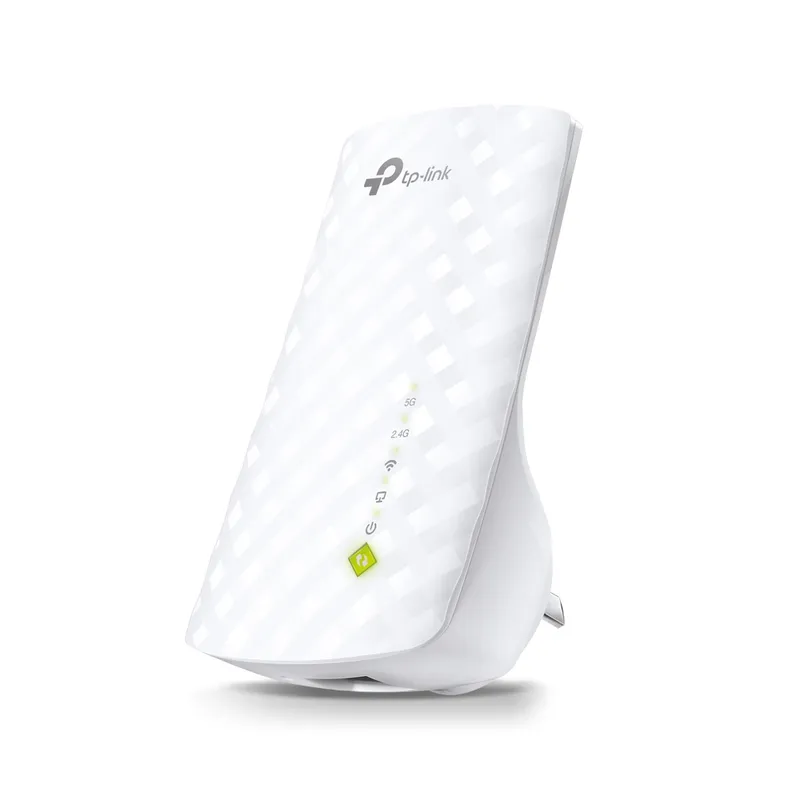
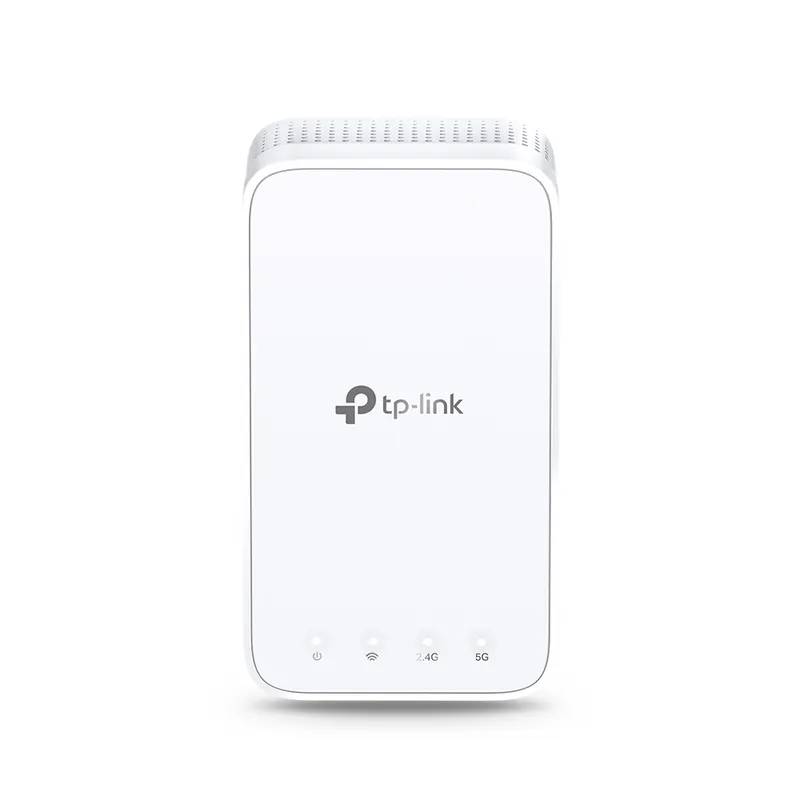
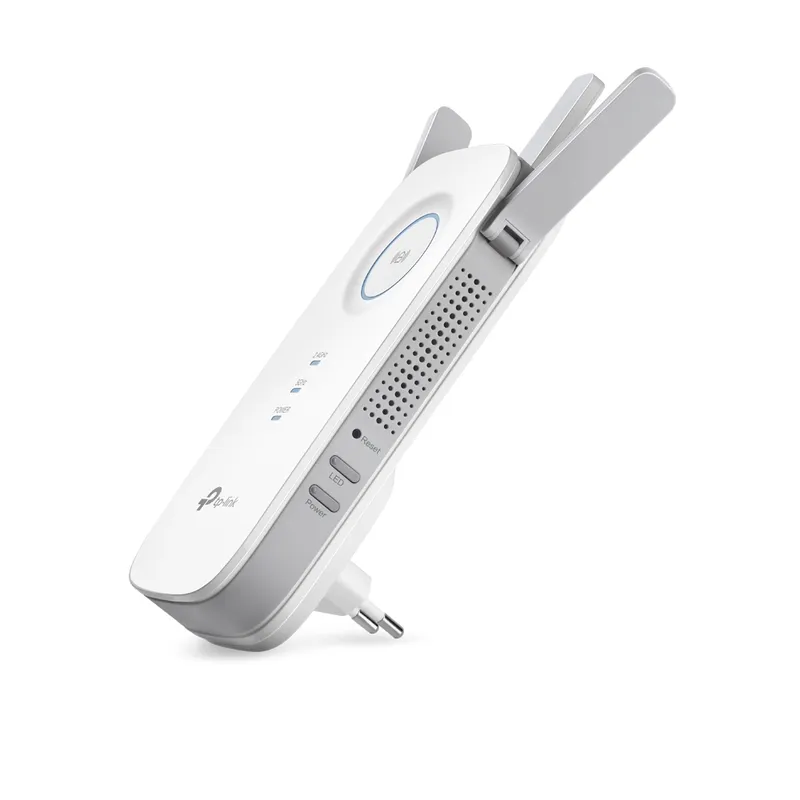
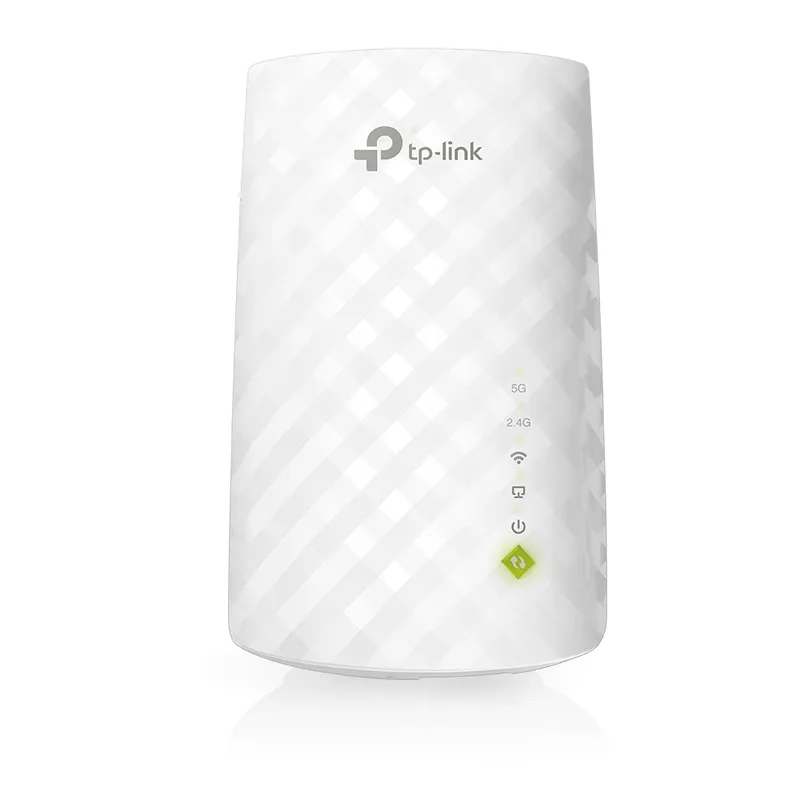
The TP-Link RE220 is our value-led starting point for a small dead zone; choose the RE330 for dual-band mesh features or RE200 for a compact basic setup.

Quick answer

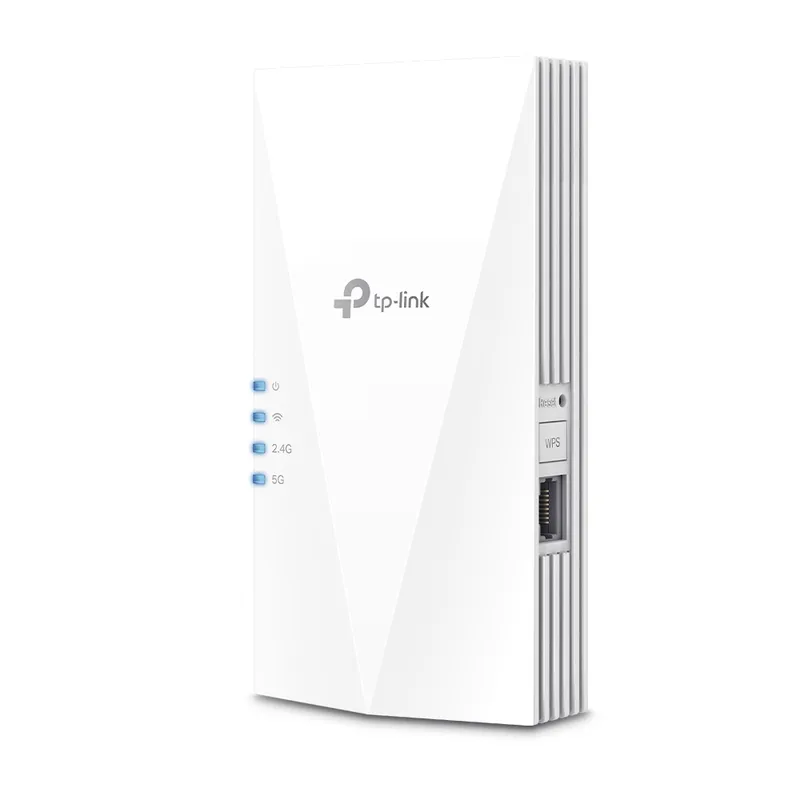
TP-Link RE220 is the budget pick for basic dead-zone relief, with dual-band AC750 and an Ethernet port. For more features, consider the TP-Link RE330; for Wi-Fi 6 and a Gigabit port, step up to the TP-Link RE600X.

Compare them side by side

Common questions

Questions before you buy

What is the best budget wifi extender?

The TP-Link RE220 is a sensible low-cost choice for a basic dead zone: it offers dual-band AC750, an Ethernet port and access-point mode. Check that its Fast Ethernet port meets your wired-device needs.

Is a cheap WiFi booster worth buying?

It can help when the router still reaches the extender's position and you only need coverage in a nearby area. If the signal is already very weak there, moving the router or using a wired access point may work better.

Will a WiFi extender make my internet faster?

An extender can improve reception where the router signal is poor, but it does not increase the broadband speed supplied to your home. Wireless hops and walls can reduce actual throughput.

Where should I put a budget WiFi extender?

Start between the router and the weak-signal room, where the extender still receives a stable connection. Use its signal indicator or setup app, then test the target room.

Sources and how we chose