









 Official manufacturer image
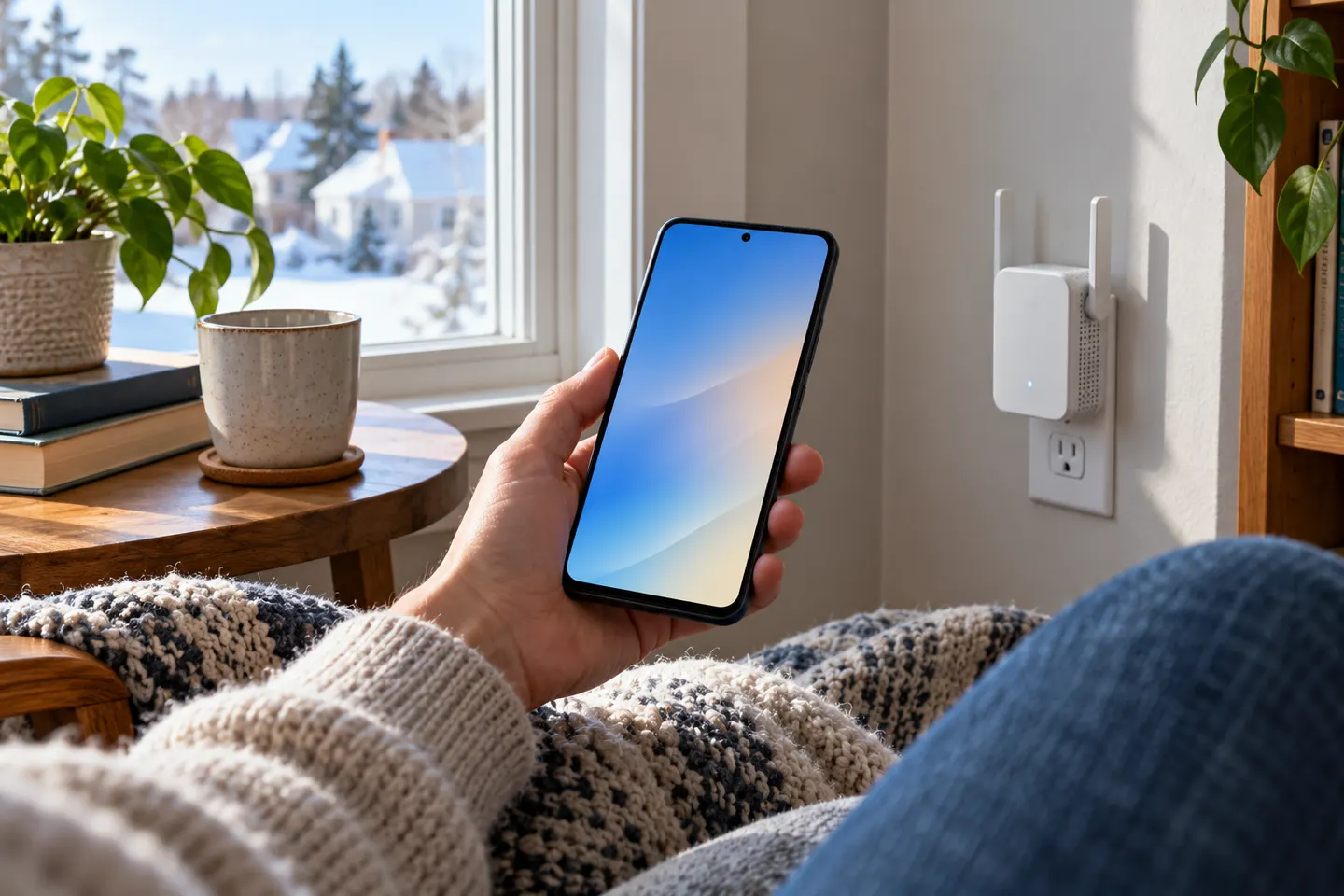
Our picks
Top picks
Official manufacturer image Official manufacturer image
NETGEAR EX6120
Check price on Amazon UK Official manufacturer image
TP-Link RE705X-Outdoor
Check price on Amazon UKMore topics
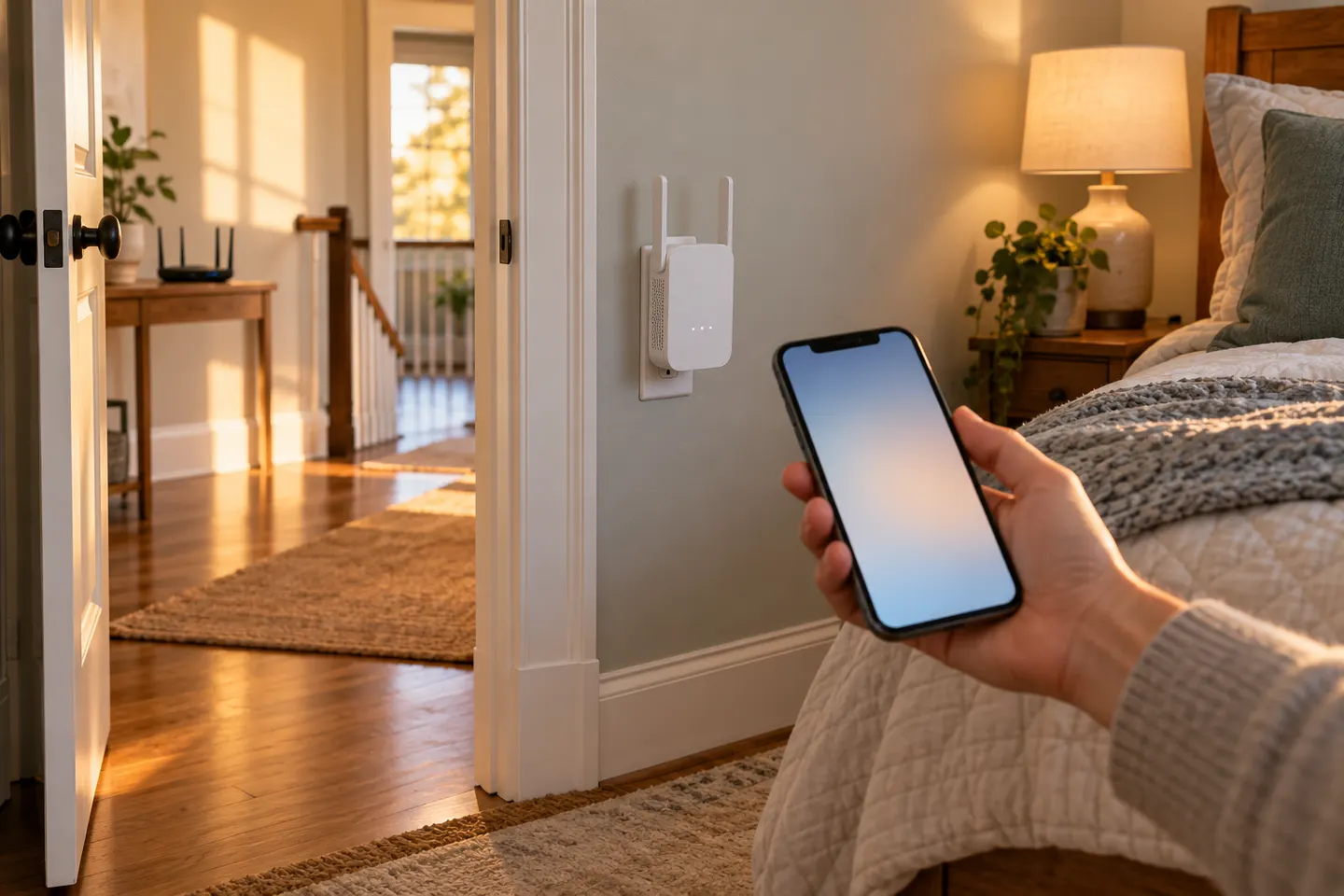 Mobile Phone WiFi Boosters
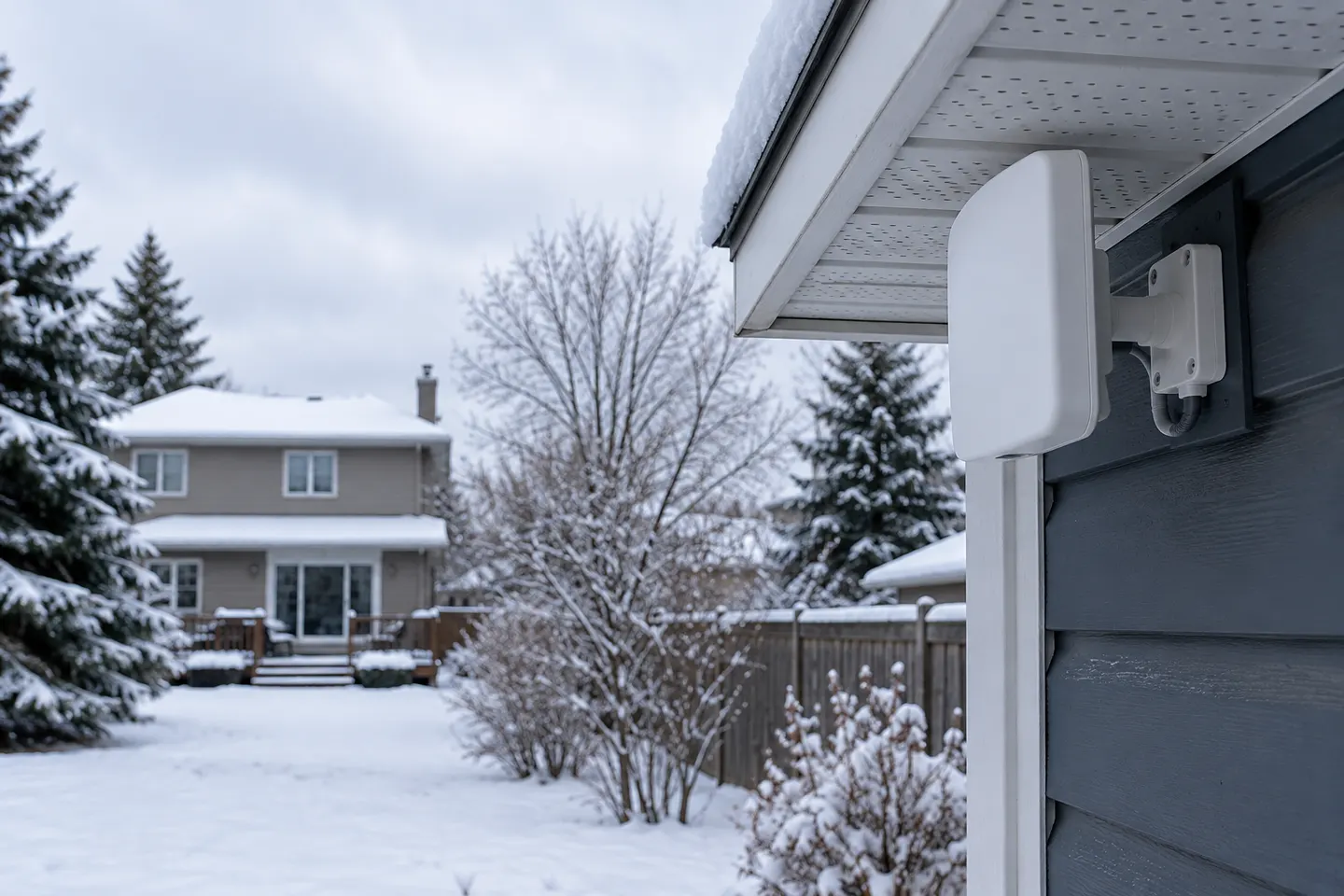 Cell Phone Signal Booster WiFi
Common questions
Questions before you buy
Will a WiFi booster improve my phone signal?
It may improve Wi-Fi reception in a room with weak router coverage. It does not boost the mobile network signal supplied by your carrier.
Can I use my phone to set up a WiFi extender?
Many manufacturers offer app or browser setup from a phone. Follow the exact model instructions and connect to the extender?s setup network when directed.
Why does my phone stay connected to the weak router?
Some devices do not switch access points immediately. Mesh roaming behaviour depends on the router, extender and handset, so check the system?s compatibility guidance.
Do WiFi boosters work with iPhones and Android phones?
A standard Wi-Fi extender can serve compatible Wi-Fi devices from either platform. Check its wireless standards and security support.