









 Official manufacturer image
Our picks
Top picks
Official manufacturer image Official manufacturer image
Garmin Dash Cam Mini 3
Check price on Amazon Official manufacturer image
Garmin Dash Cam X310
Check price on AmazonBy vehicle
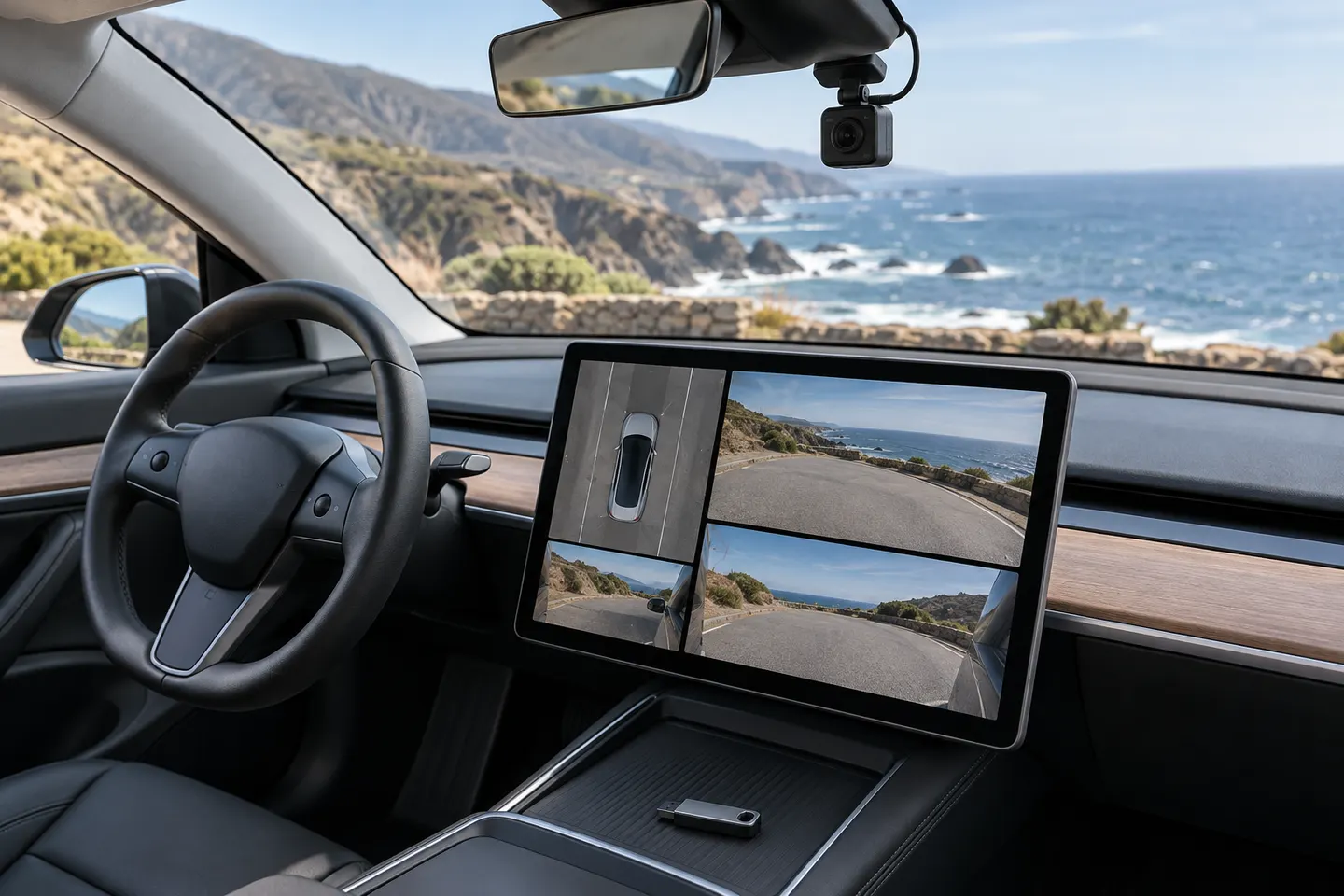 Tesla
By feature
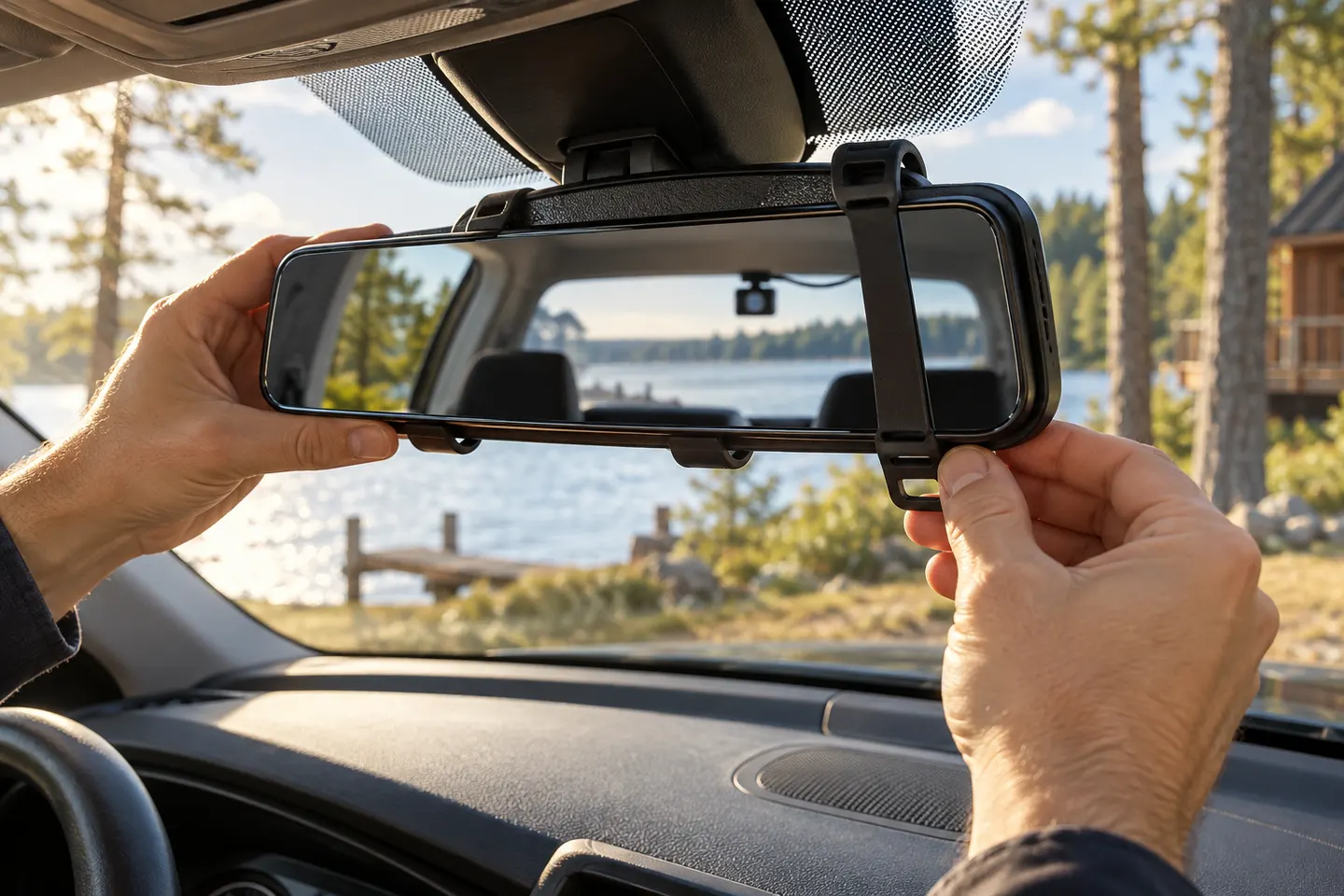 Rear view mirror
 Rear view
How-to guides
More topics
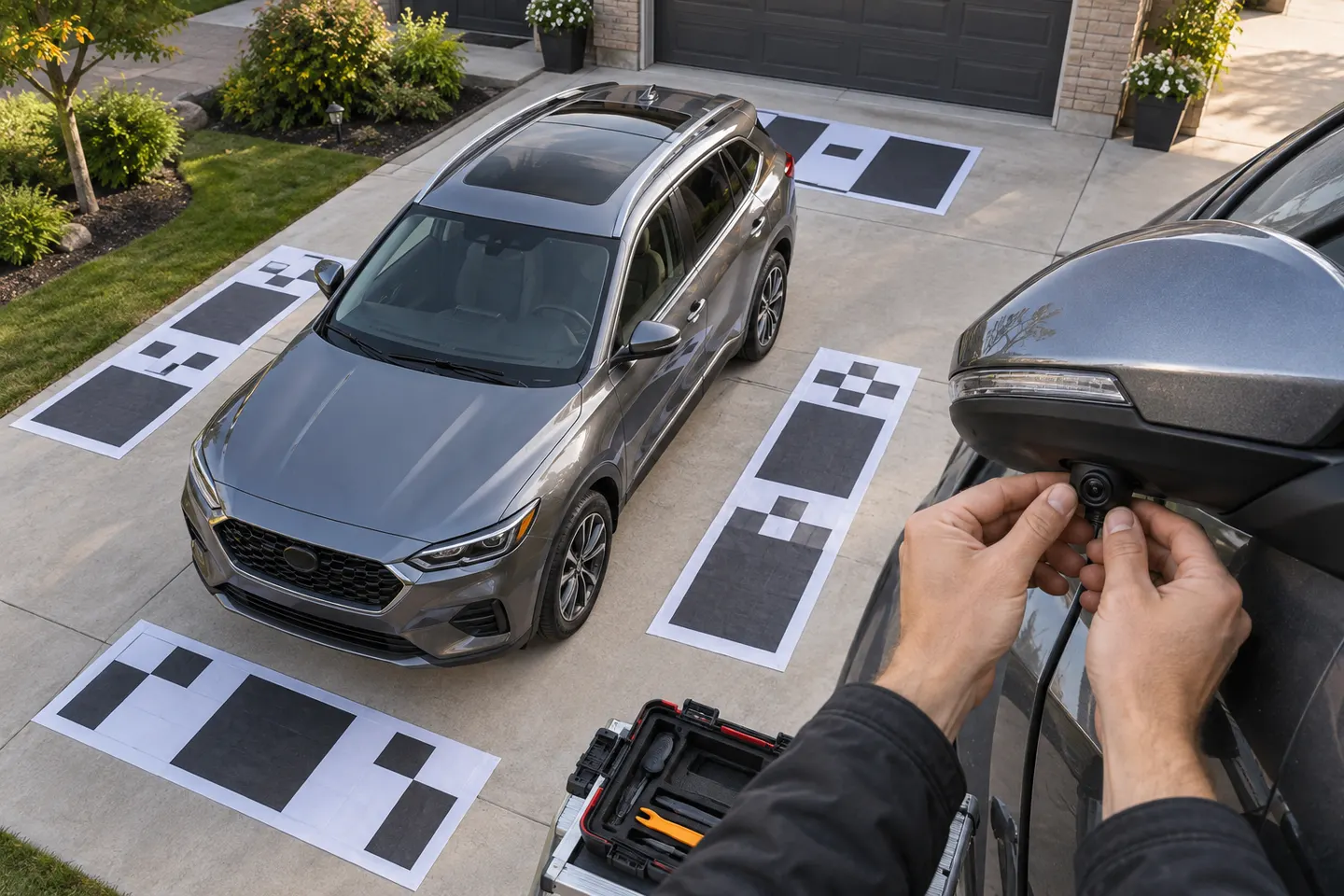 Car Camera Bird's-Eye View and Surround-View Systems
Common questions
Questions before you buy
How do I view Tesla dashcam clips on the car screen?
Park the vehicle, open the app launcher, and touch the Dashcam icon. Select a clip by timestamp and use the on-screen playback controls.
Can I view Tesla dashcam clips on my phone?
Supported vehicles and software can offer Dashcam Viewer under Security in the Tesla app. Tesla notes that connectivity and minimum app-version requirements apply.
Where are Tesla dashcam videos stored?
They are stored locally on a properly formatted USB drive in TeslaCam folders such as RecentClips, SavedClips, and SentryClips. Folder availability can vary with configuration and software.
Why is a Tesla dashcam clip missing?
Unsaved recent footage is overwritten in a cycle, and a full or unsuitable USB drive can prevent expected saving. Check drive recognition, free space, formatting, and whether the event was saved.
Can encrypted Tesla clips be played on any computer?
Not directly. Tesla says encrypted clips must be viewed in the recording vehicle or decrypted through its browser workflow using an account linked to that vehicle.