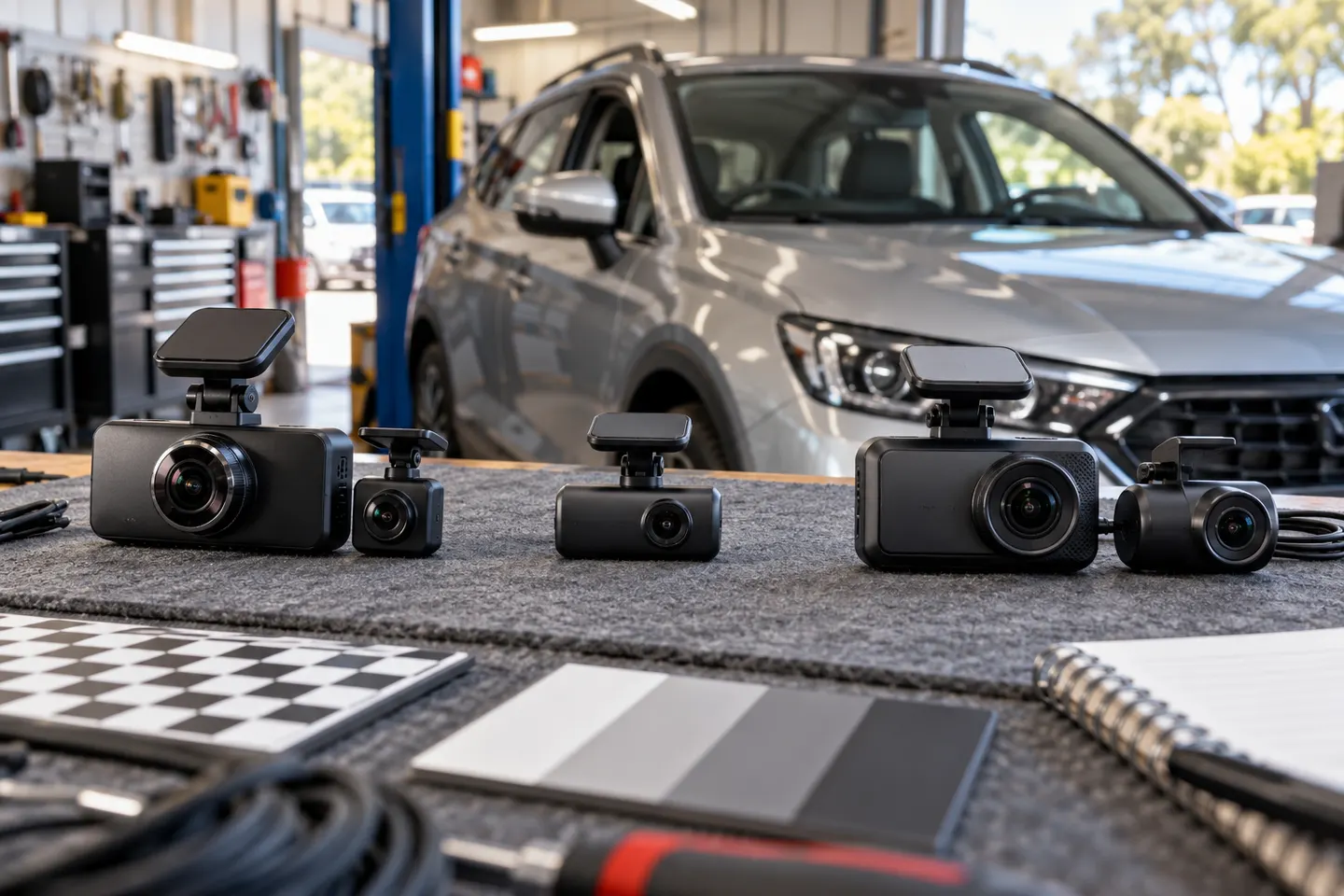
Copy the original clip before editing, retain the file showing the event and share it only with the appropriate recipient. Uploading publicly can expose faces, voices and number plates.
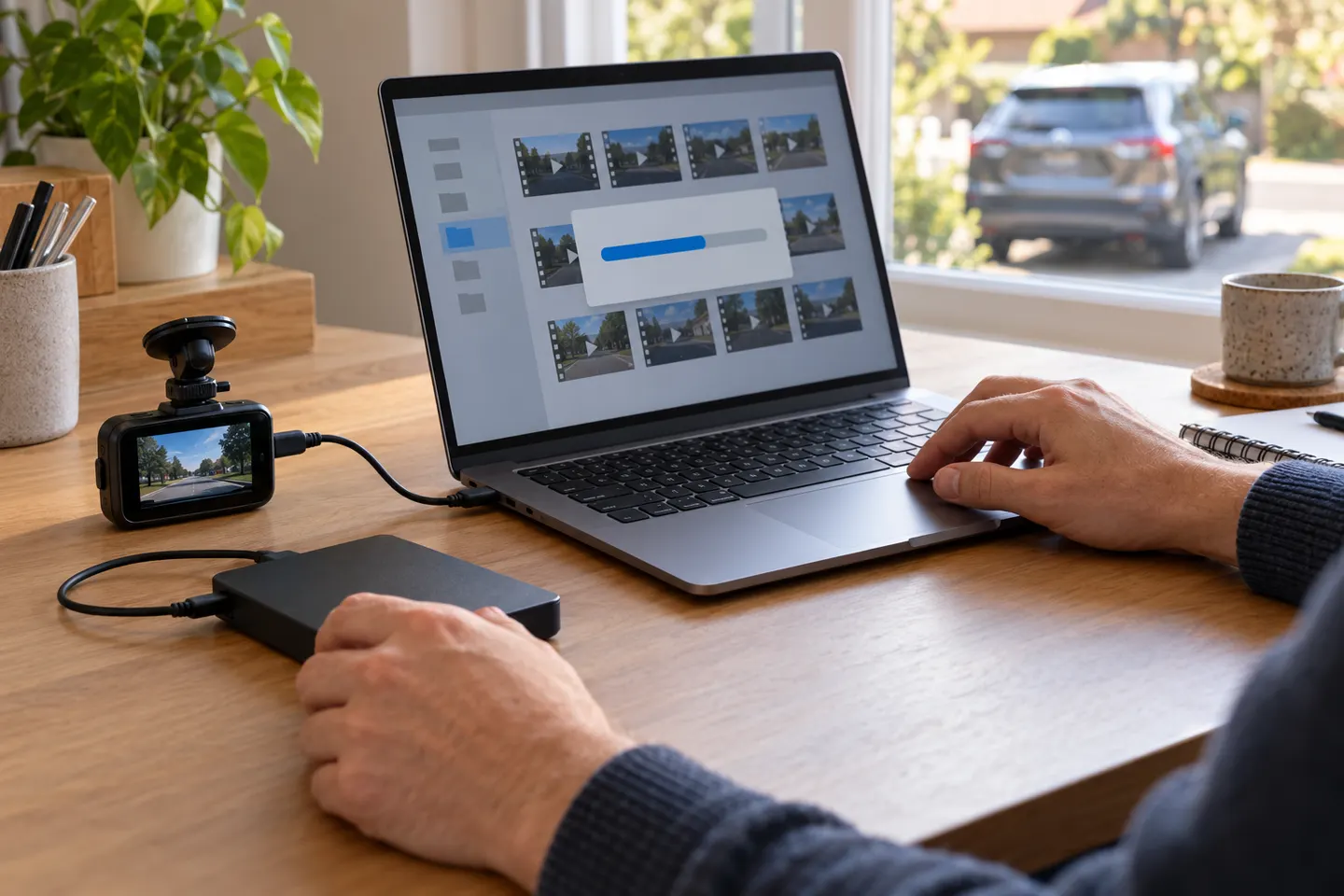
A dash cam Australia upload starts with preserving the original recording. Stop the camera from overwriting the relevant clip, copy it to another device and note the date, time, location and direction of travel. Keep the unedited file even if you make a shorter viewing copy.
The Thinkware U3000 is the strongest documented fit for demanding dual-channel parking use, with a published operating range and local support. The BlackVue DR970X Plus suits cloud-minded buyers; Garmin Mini 3 keeps things compact.
BlackVue DR970X-2CH Plus II is our lead choice for strong Australian support and 4K front recording. Choose VIOFO for 2K rear detail or Thinkware when parking surveillance is the priority.
The Thinkware U3000 is the strongest documented fit for demanding dual-channel parking use, with a published operating range and local support. The BlackVue DR970X Plus suits cloud-minded buyers; Garmin Mini 3 keeps things compact.
BlackVue DR970X-2CH Plus II is our lead choice for strong Australian support and 4K front recording. Choose VIOFO for 2K rear detail or Thinkware when parking surveillance is the priority.
Choose BlackVue DR970X-2CH Plus II for a premium two-camera system with Australian support. Garmin X310 suits a compact front-only fit, while VIOFO A229 Pro 2CH offers the strongest rear-video specification here.
Common questions
Questions before you buy
How do I upload dash cam footage in Australia?
Export the relevant file with the camera app or memory-card reader, preserve the original and use the upload channel provided by the insurer, police service or other intended recipient.
Should I edit dash cam footage before sending it?
Keep an untouched original. You can create a shorter copy for convenience, but do not discard context or alter evidence supplied for a claim or report.
Can I post dash cam video publicly?
Public posting can create privacy, identification and legal concerns. Check the rules that apply where the footage was made and avoid publishing material connected with an active matter.
What information should accompany an upload?
Include the original filename, event time, location, direction of travel and a short factual description. Mention if the camera clock was incorrect.
Your privacy
We use cookies and similar technologies. Necessary ones keep the site working. With your permission we also use statistics cookies (Google Analytics and Microsoft Clarity) to understand which guides help readers. You can accept all, reject all or choose. You can change your choice at any time from "Cookie settings" at the bottom of every page. Cookie policy









 Official manufacturer image
 Official manufacturer image
 Official manufacturer image
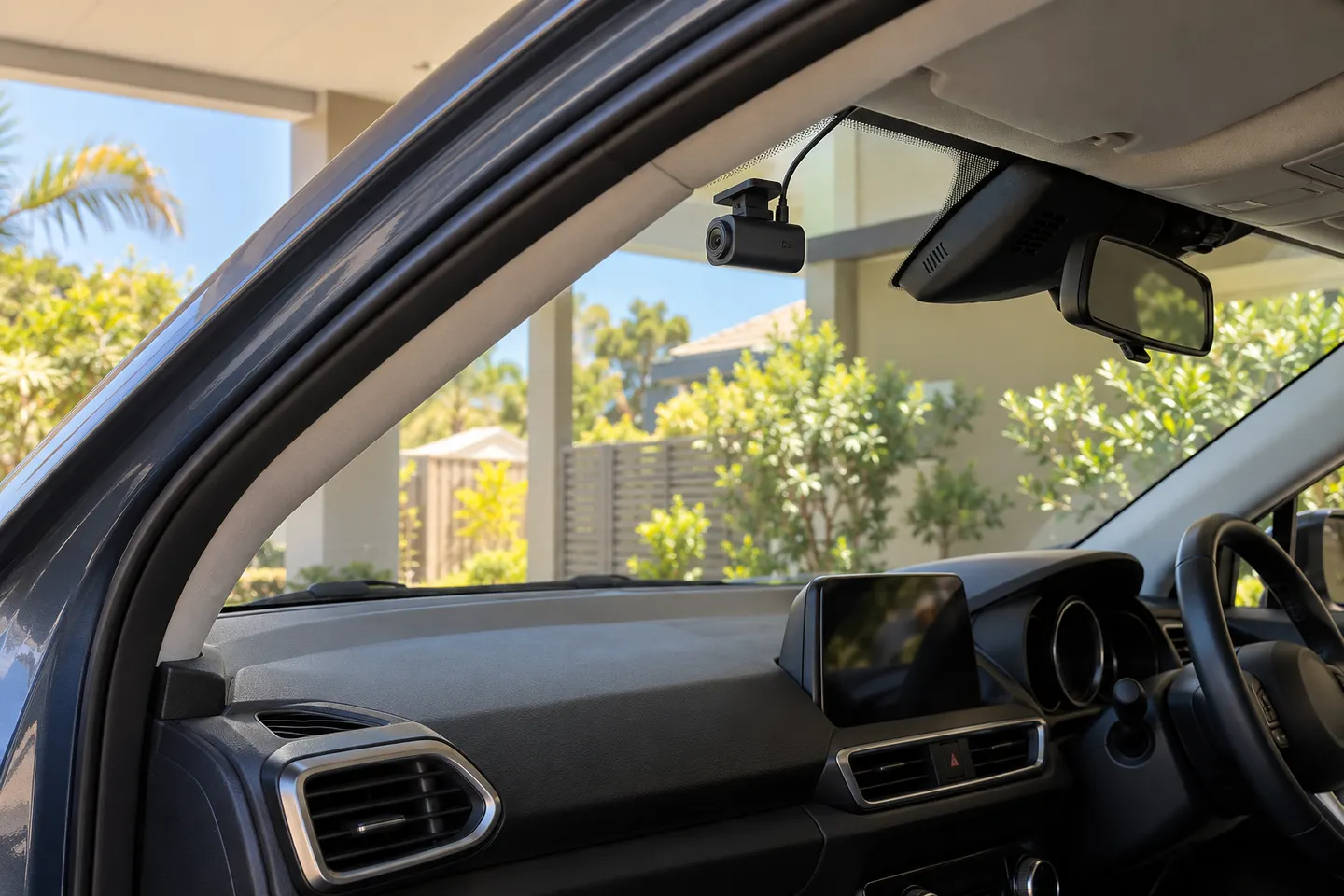 Dashcam Australia Buying Guide