Dashcam Owners Australia: How to Upload Footage Safely
Preserve the original file first, export a working copy and avoid publishing identifiable people or sensitive locations without considering privacy and legal consequences.
Dashcam owners Australia upload footage for insurance, police, employers or public discussion, but each destination calls for a different approach. Save the original recording with its timestamp and metadata intact, make a copy for editing, and share only what the recipient actually needs. Public posting can expose number plates, faces, voices and routine locations.
The Thinkware U3000 is the strongest documented fit for demanding dual-channel parking use, with a published operating range and local support. The BlackVue DR970X Plus suits cloud-minded buyers; Garmin Mini 3 keeps things compact.
BlackVue DR970X-2CH Plus II is our lead choice for strong Australian support and 4K front recording. Choose VIOFO for 2K rear detail or Thinkware when parking surveillance is the priority.
The Thinkware U3000 is the strongest documented fit for demanding dual-channel parking use, with a published operating range and local support. The BlackVue DR970X Plus suits cloud-minded buyers; Garmin Mini 3 keeps things compact.
BlackVue DR970X-2CH Plus II is our lead choice for strong Australian support and 4K front recording. Choose VIOFO for 2K rear detail or Thinkware when parking surveillance is the priority.
Choose BlackVue DR970X-2CH Plus II for a premium two-camera system with Australian support. Garmin X310 suits a compact front-only fit, while VIOFO A229 Pro 2CH offers the strongest rear-video specification here.
Common questions
Questions before you buy
How do I upload dash-cam footage in Australia?
Copy and preserve the original, then follow the police, insurer or platform's stated upload process. Record the date, time and circumstances separately.
Which dash cam uploads to the cloud?
Connected ranges from brands such as BlackVue and Garmin offer cloud functions on supported models. Features require compatible power, connectivity and sometimes a service plan.
Should I post crash footage on social media?
Consider privacy, active investigations, insurance claims and the risk of misidentifying people before publishing. Sending footage privately to the relevant authority is often the more appropriate first step.
Does connecting a dash cam to Wi-Fi upload every recording?
Not necessarily. Local Wi-Fi may only let a phone access files nearby, while cloud upload depends on the model, settings, network and account.
Your privacy
We use cookies and similar technologies. Necessary ones keep the site working. With your permission we also use statistics cookies (Google Analytics and Microsoft Clarity) to understand which guides help readers. You can accept all, reject all or choose. You can change your choice at any time from "Cookie settings" at the bottom of every page. Cookie policy









 Official manufacturer image
 Official manufacturer image
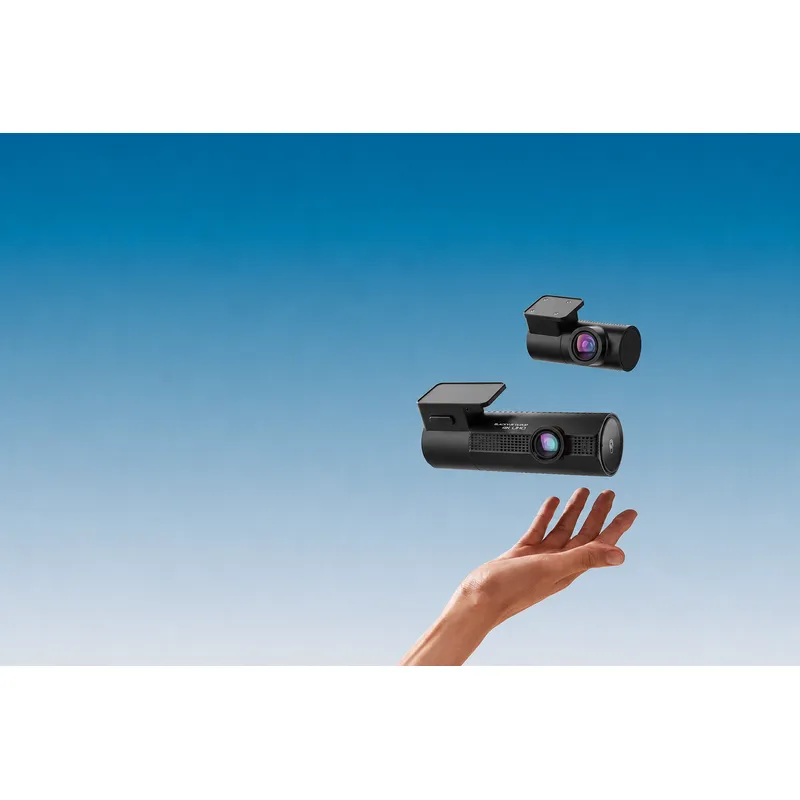 Official manufacturer image
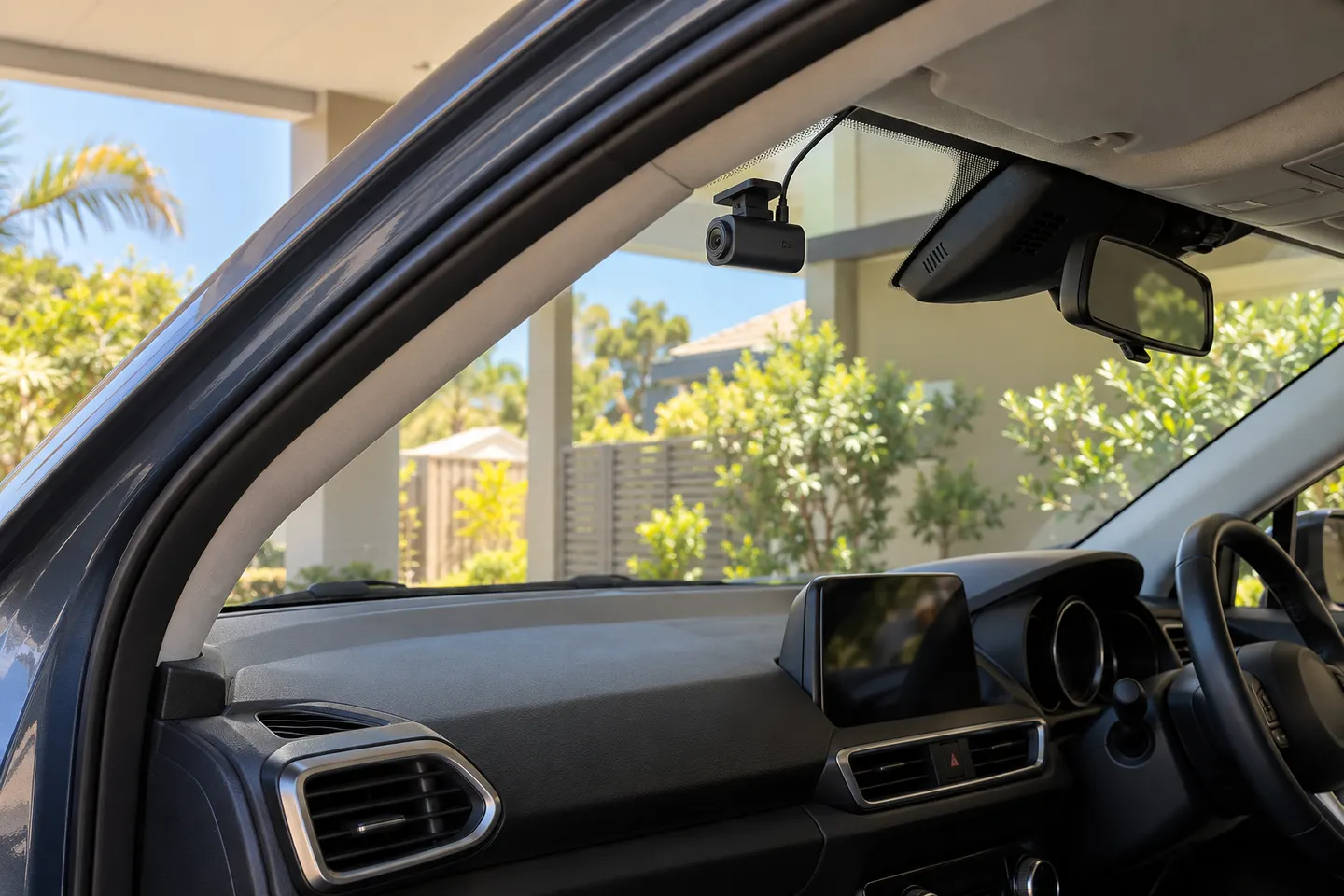 Dashcam Australia Buying Guide
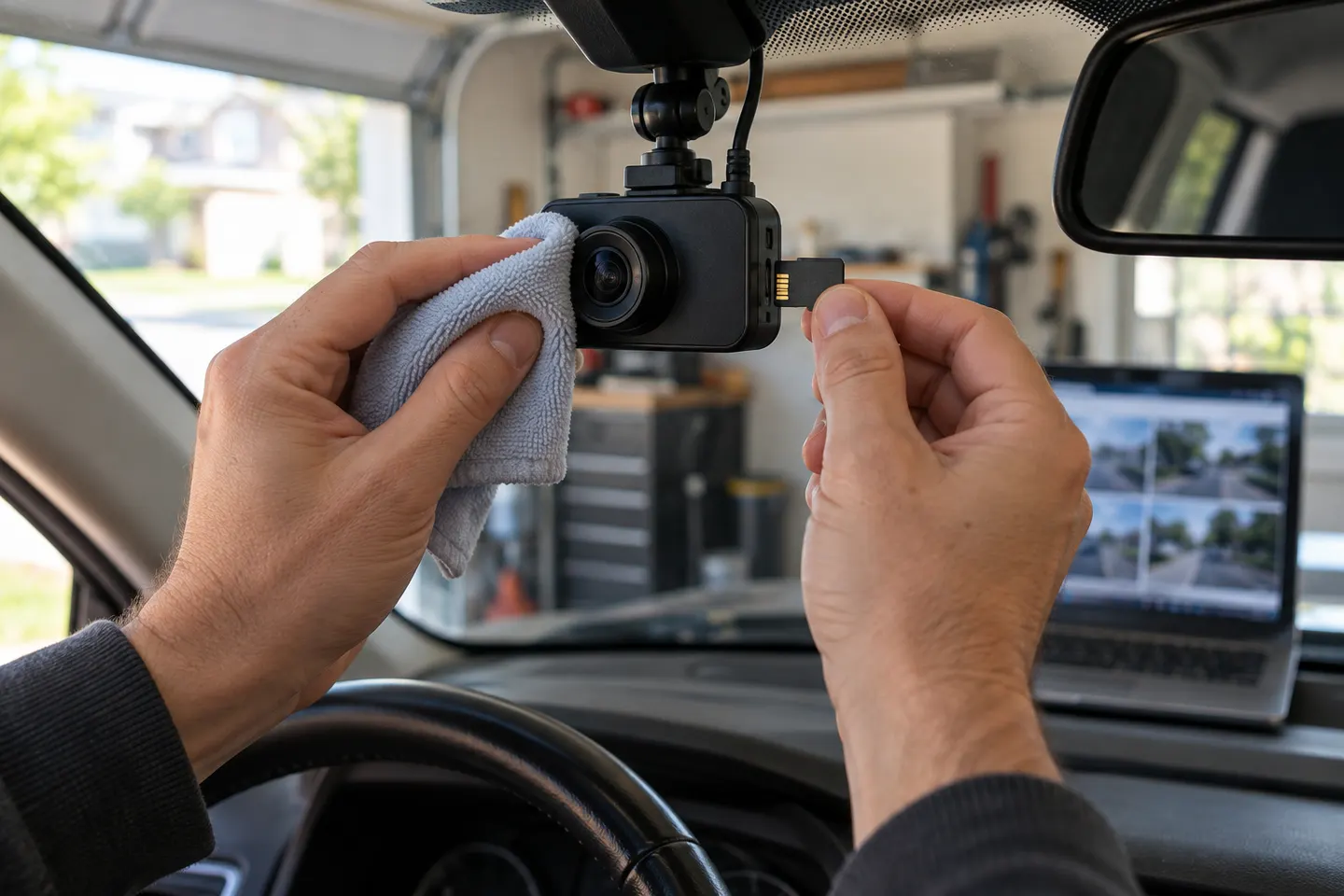 Dashcam Owners Guide to Reliable Recording
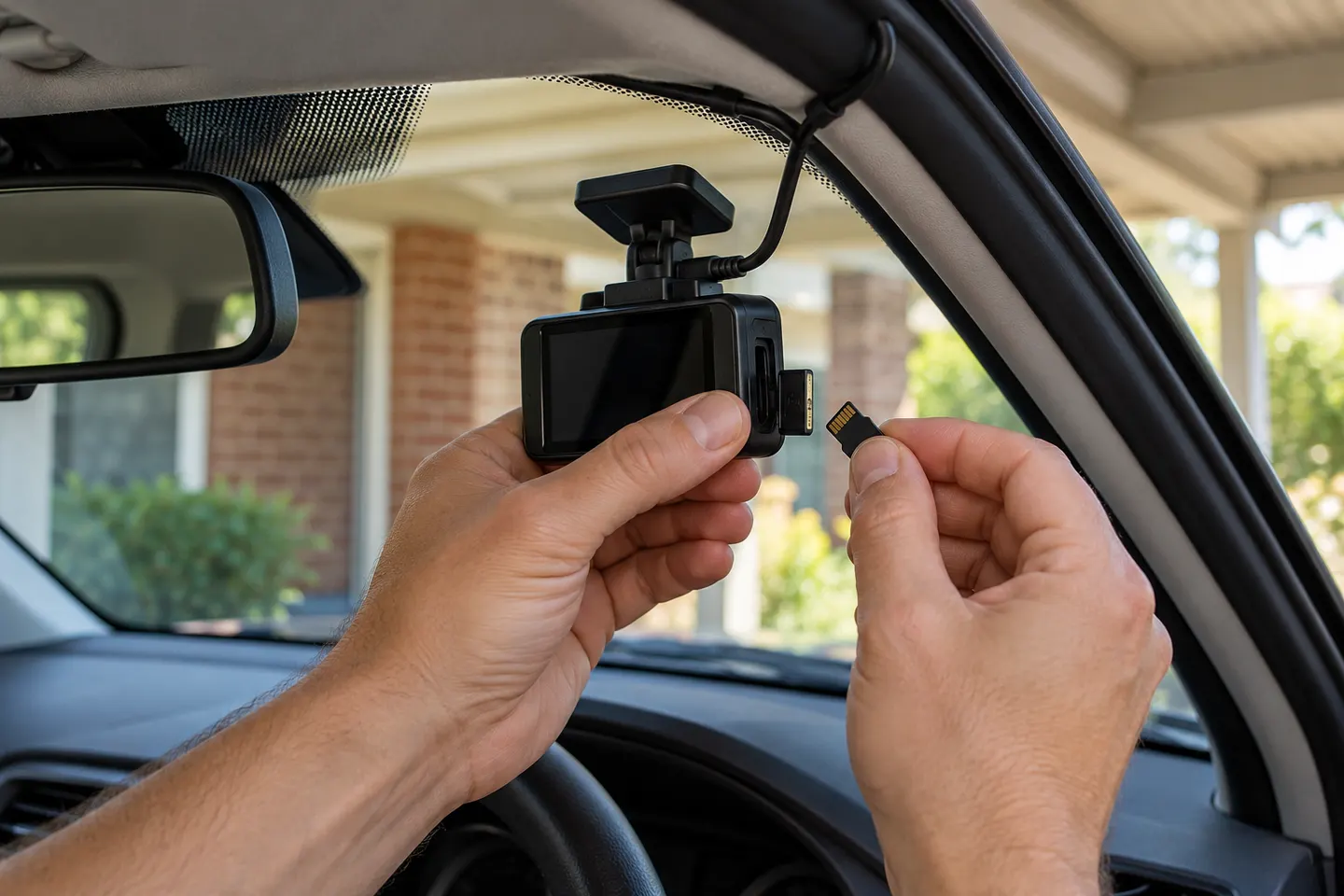 Australian Dash Cam Owners' Guide