








 Official manufacturer image
Our picks
Top picks
Official manufacturer image Official manufacturer image
VIOFO A229 Plus 2CH
Check price on Amazon AU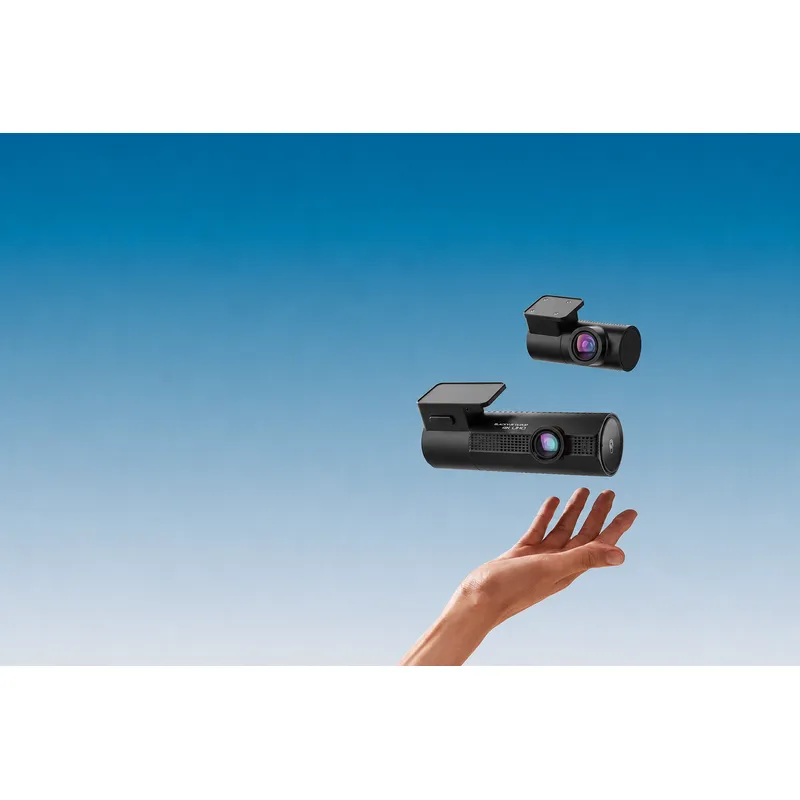 Official manufacturer image
BlackVue DR970X-2CH Plus
Check price on Amazon AUInstallation and accessories
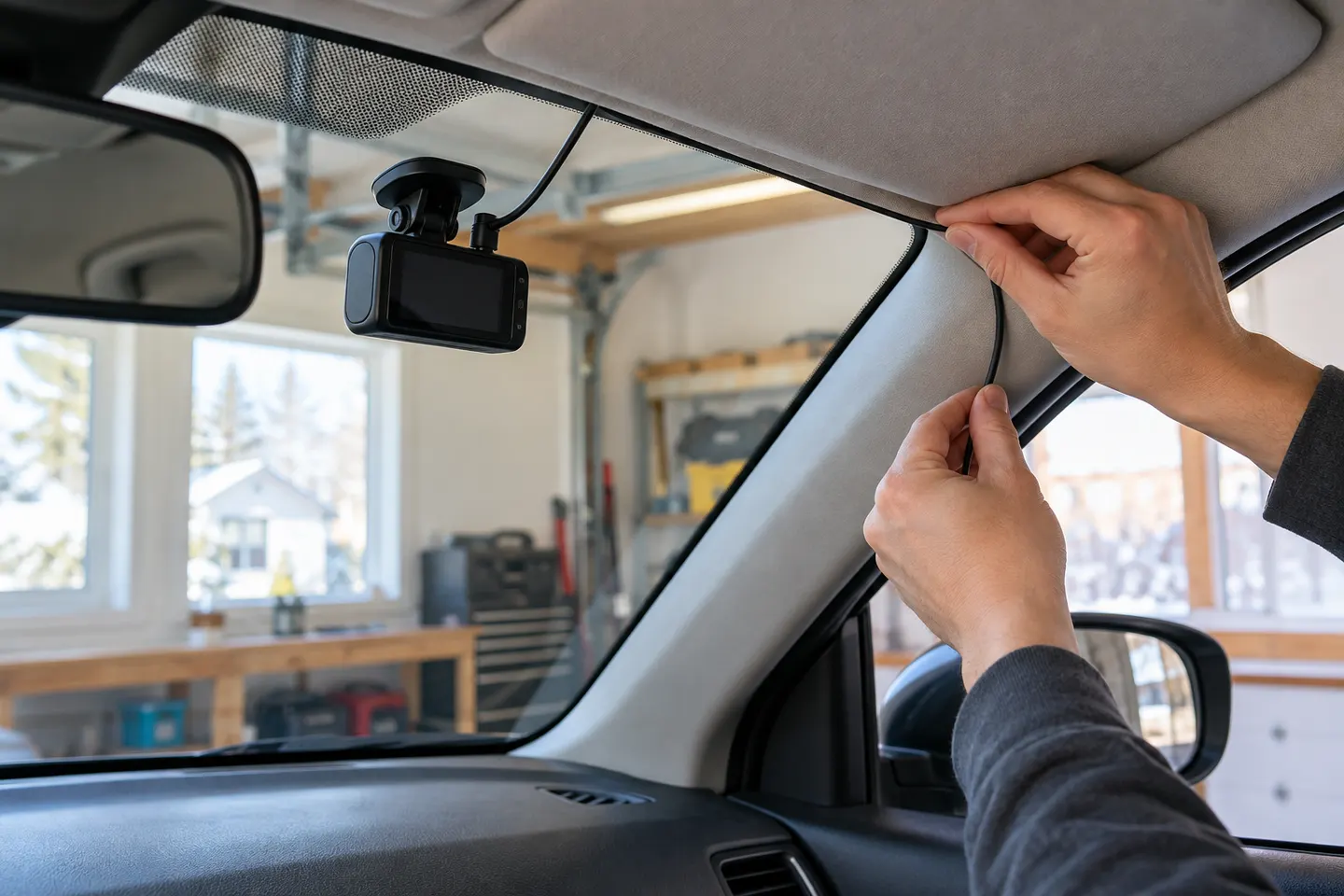 Install
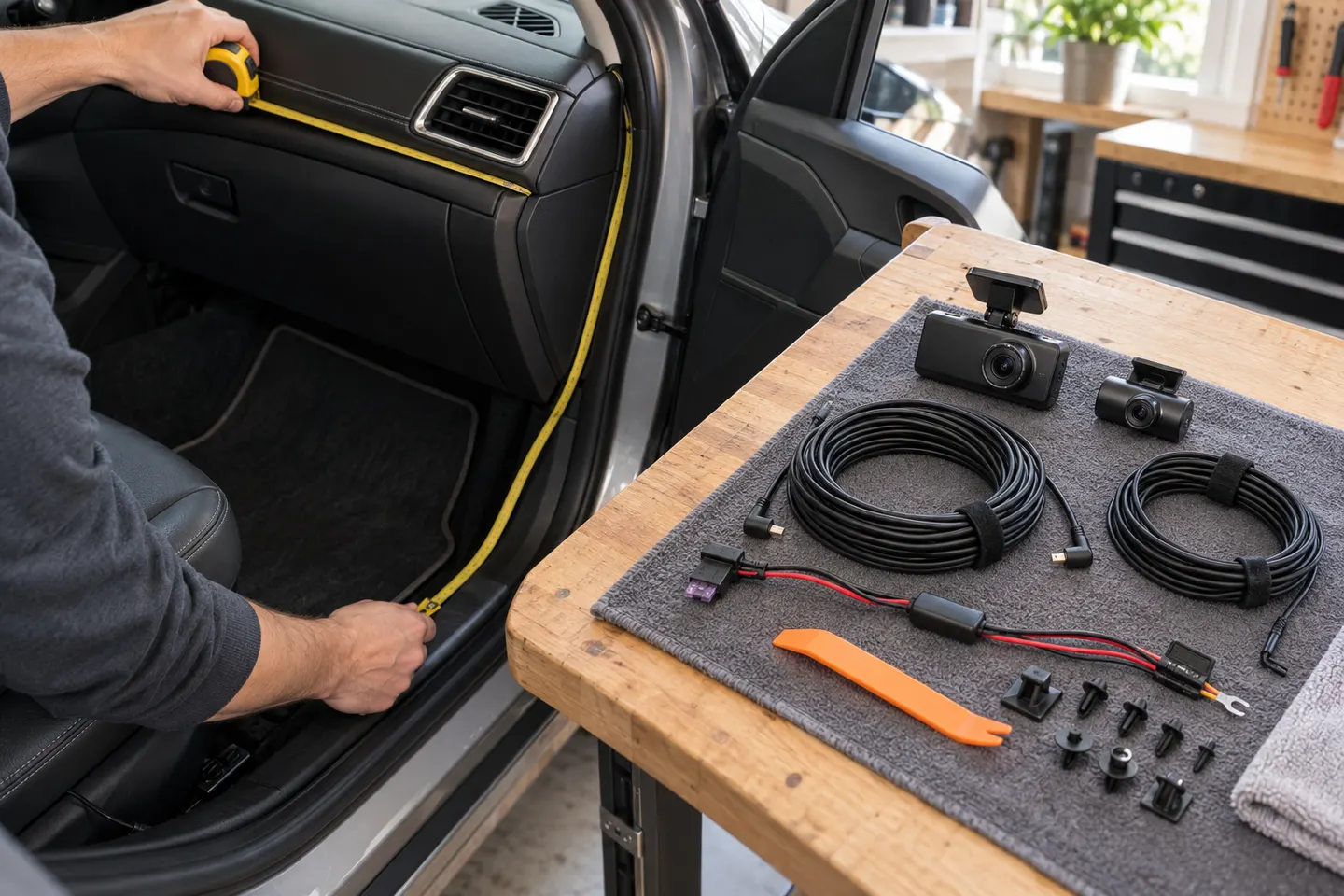 Install cost
Show all (7)
How-to guides
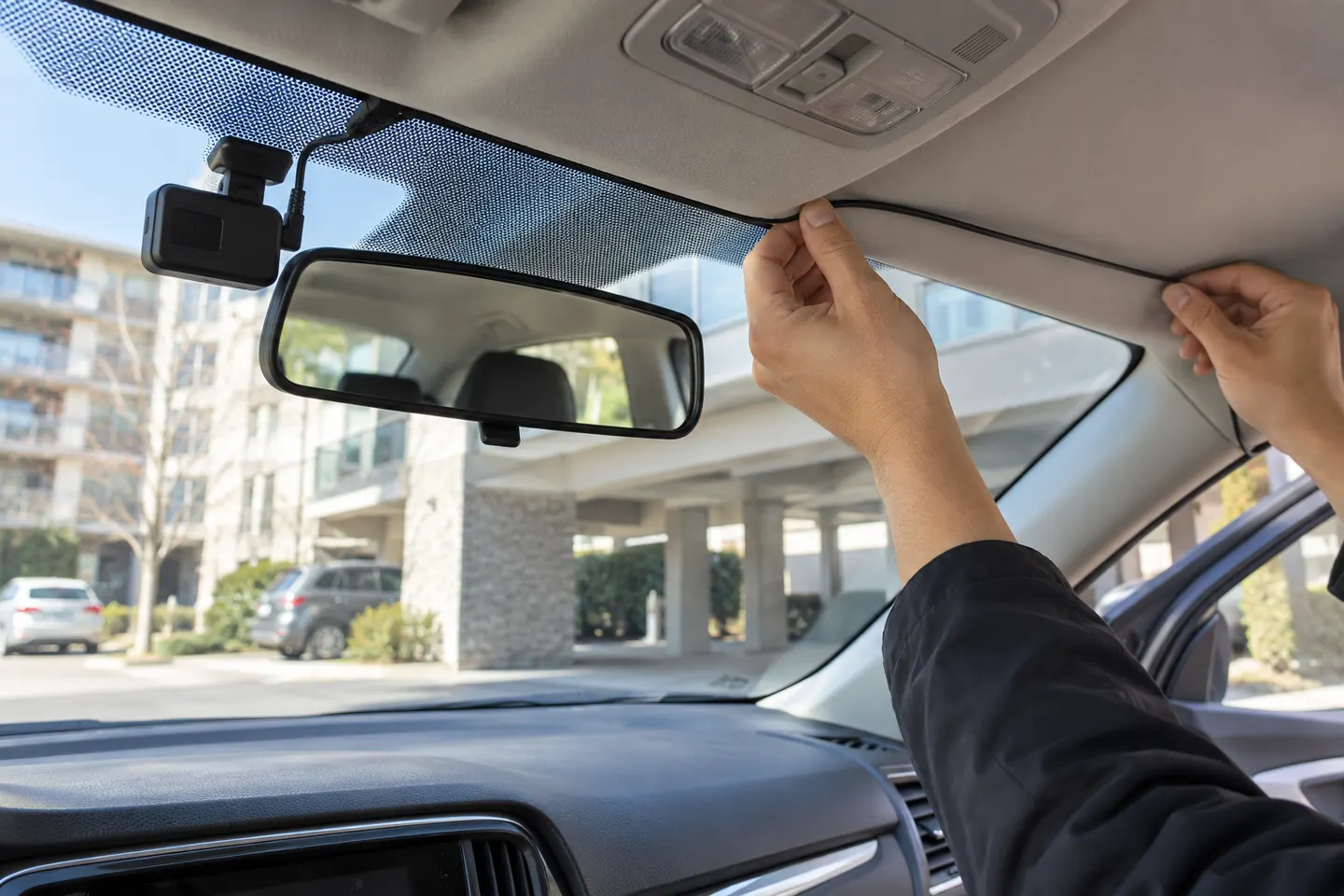 Dash Cam
Common questions
Questions before you buy
What information does a mobile dash cam installer need?
Provide the vehicle make, model, year and body style, plus the exact camera and hardwire-kit model. Mention airbags, a powered tailgate, an existing battery system or unusual accessories.
Can a mobile installer fit a front and rear dash cam?
Many can, but rear routing varies greatly between sedans, utes and tailgates. Confirm the service scope and cable length before the appointment.
Will mobile dash cam installation affect my vehicle warranty?
Warranty rights and exclusions depend on the fault and circumstances. Use suitable parts, keep the invoice and installation details, and ask the vehicle supplier about model-specific requirements.
What should I check before the installer leaves?
Check the view from both cameras, time and date, memory-card recording, app connection, parking settings, trim fit and whether any warning lights appear.