Gearjury may earn a commission from qualifying purchases made through retailer links. This does not affect our editorial guidance.
Guide
How to Use a WiFi Extender as a Router or Access Point
A WiFi extender can provide router-like wireless access in access point mode when it has an Ethernet port and a wired connection to your main router. Reusing an old router is a separate setup: its firmware must support a suitable access point or repeater mode.
GGearjury editorial team · Updated 18 October 2026· 5 min
01
Router mode, repeater mode and access point mode
These names describe different jobs. A router connects a local network to an internet connection; a repeater or range extender joins an existing WiFi network wirelessly; an access point creates WiFi from a wired network connection. Many extenders cannot replace a router or provide internet by themselves.
02
Use an extender as a wired access point
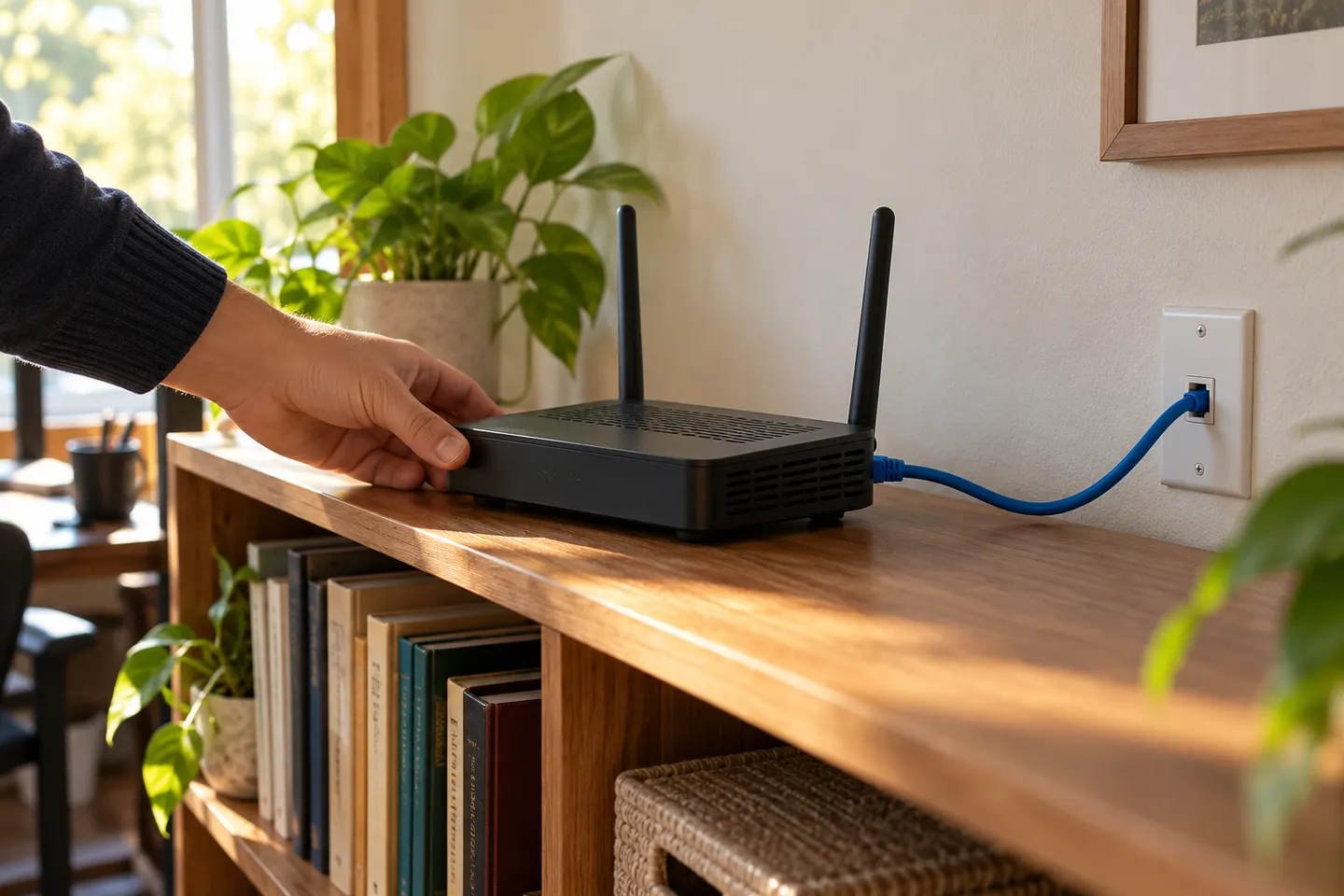
Check the manual for an Ethernet port and an Access Point (AP) operating mode. If both are supported, connect the extender to the main router with Ethernet, choose AP mode in its app or web settings, and configure its WiFi name and password. Follow the model-specific instructions because menu names differ.
03
How to use an old router as a WiFi extender
Look in the old router's manual or admin settings for Range Extender, Repeater, WDS or Access Point mode. Support varies by model and firmware. If it offers only access point mode, it generally needs an Ethernet cable to the main router; wireless repeating requires explicit support and compatible settings.
04
Configure the old router carefully
Before changing settings, note its current network details and install available firmware updates from the manufacturer. Use the documented operating mode and connection method. In an access point setup, the main router should remain responsible for assigning network addresses; follow the old router's instructions for DHCP and address settings to avoid conflicts.
05
Choose a safe location and verify the link
For a wired access point, place it where WiFi is needed and route Ethernet safely. For wireless repeater mode, position the device where the main router's signal is still dependable. Connect a phone or laptop and check access to local services and the internet in the target area.
06
When an old router is not a good extender
If its firmware has no supported repeater or AP mode, do not assume that changing a setting will make it compatible. A current extender, wired access point or mesh system may be easier to manage. Retire equipment that no longer receives security updates, especially if it would be exposed to the home network.
Common questions
Questions before you buy
How do I use a WiFi extender as a router?
Check whether the model supports Access Point mode and has an Ethernet port. Connect it by cable to your main router, select AP mode and set its wireless network using the manufacturer's setup steps.
How do I use an old router as a WiFi extender?
First confirm that its manual supports repeater, range extender, WDS or AP mode. Wireless repeating requires that mode; an access point normally needs an Ethernet connection to the main router.
Can I use a router as a WiFi extender without a cable?
Only if that router's model and firmware support a compatible wireless repeater or bridge mode. Access point mode typically relies on a wired Ethernet uplink.
Can a WiFi extender replace my main router?
Usually it extends a network that already has a router and internet connection. Some devices have multiple operating modes, so check the exact model documentation before relying on it as the network's main router.
Should I disable DHCP on an old router used as an access point?
Many access point configurations leave address assignment to the main router, but the exact steps depend on the model and its AP mode. Follow the manufacturer's instructions to prevent two devices assigning addresses on the same network.
Start with the network standard and location of the dead spot. NETGEAR?s EX6120 is a dual-band AC model, while EAX15 adds WiFi 6; check exact router and firmware compatibility before buying.
The right Wi-Fi extender depends on the router signal at its location, your home layout and whether you need Ethernet, outdoor placement or powerline networking.
A Wi-Fi extender can help reach a weak-signal room when positioned within range of your router. Compare plug-in repeaters, mesh-compatible models, outdoor units and powerline kits by how they connect.
Your privacy
We use cookies and similar technologies. Necessary ones keep the site working. With your permission we also use statistics cookies (Google Analytics and Microsoft Clarity) to understand which guides help readers. You can accept all, reject all or choose. You can change your choice at any time from "Cookie settings" at the bottom of every page. Cookie policy