








 Official manufacturer image
Our picks
Top picks
Official manufacturer image Official manufacturer image
TP-Link RE705X-Outdoor
Check price on Amazon AU Official manufacturer image
TP-Link TL-WPA8631P KIT
Check price on Amazon AUHow-to guides
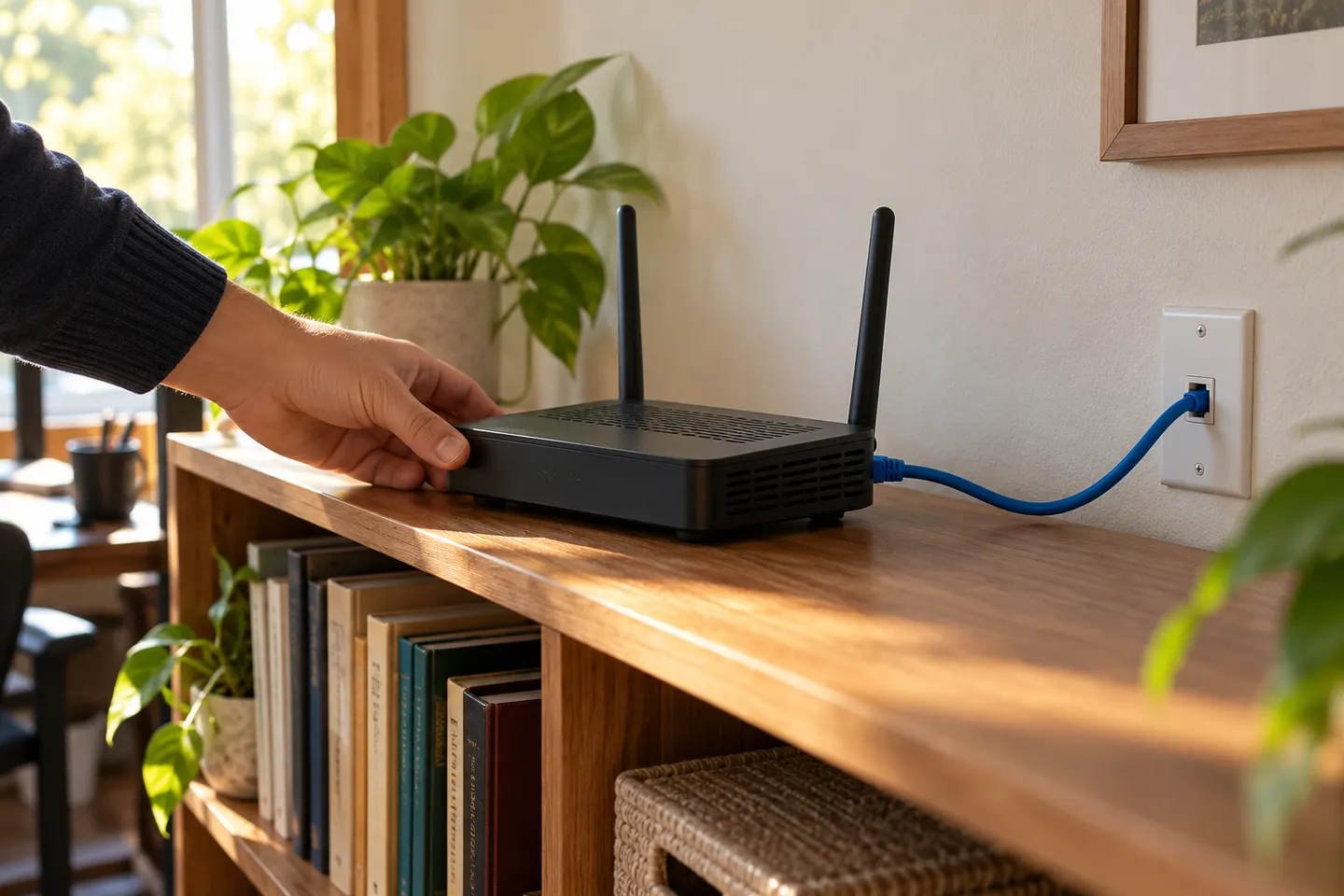 How to Use a WiFi Extender as a Router or Access…
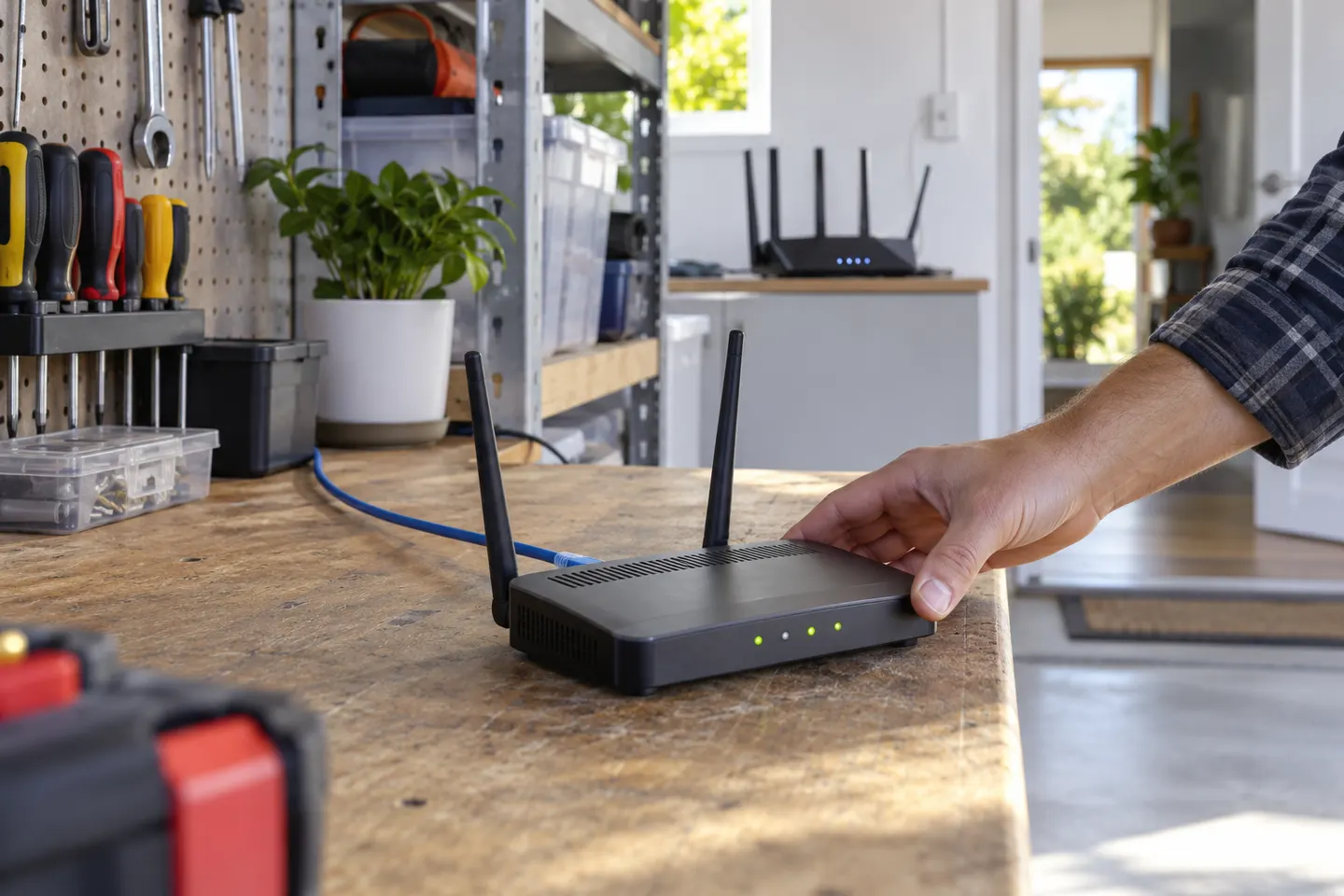 Can You Use a Router as a WiFi Extender?
More topics
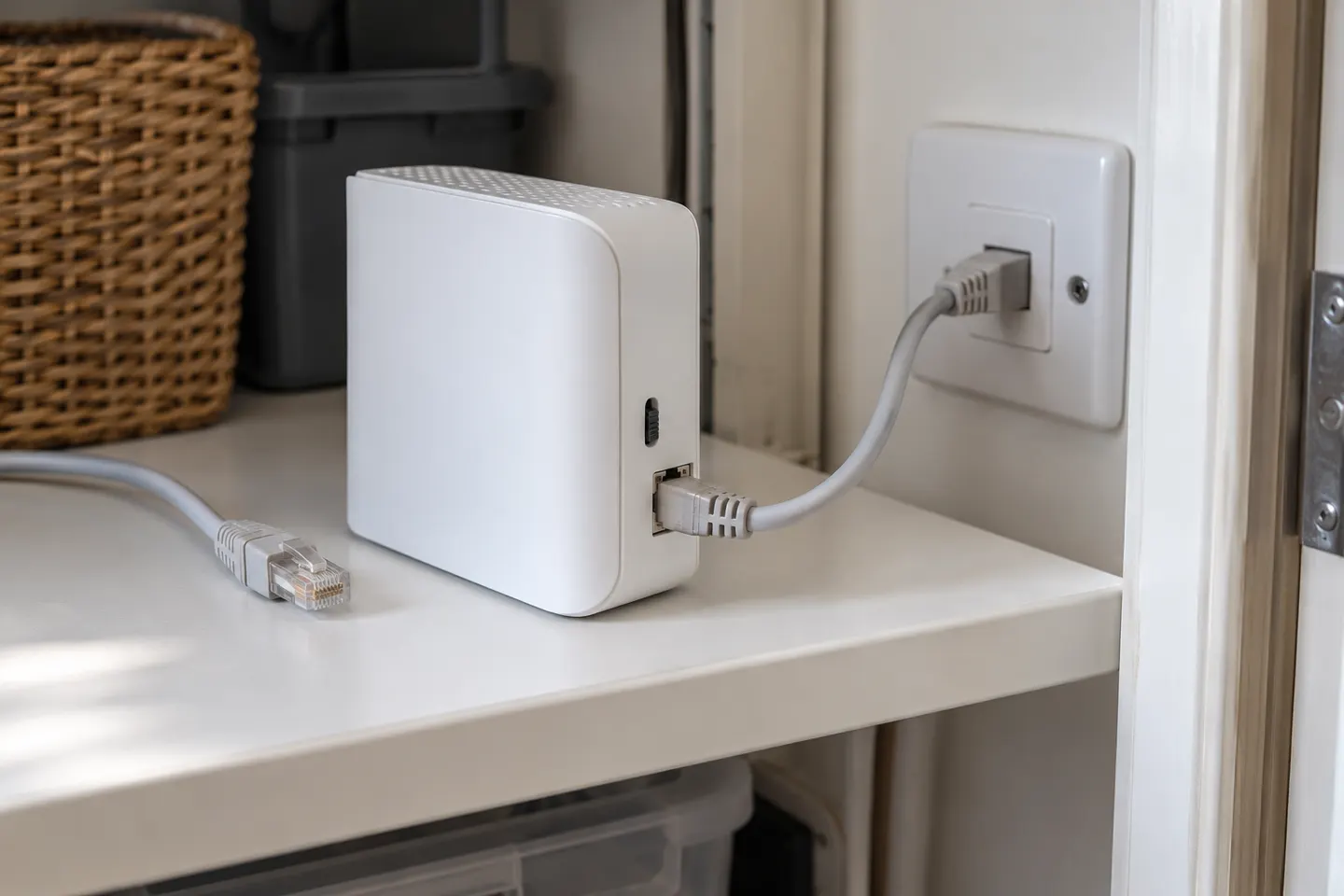 Wi-Fi Extender as Router
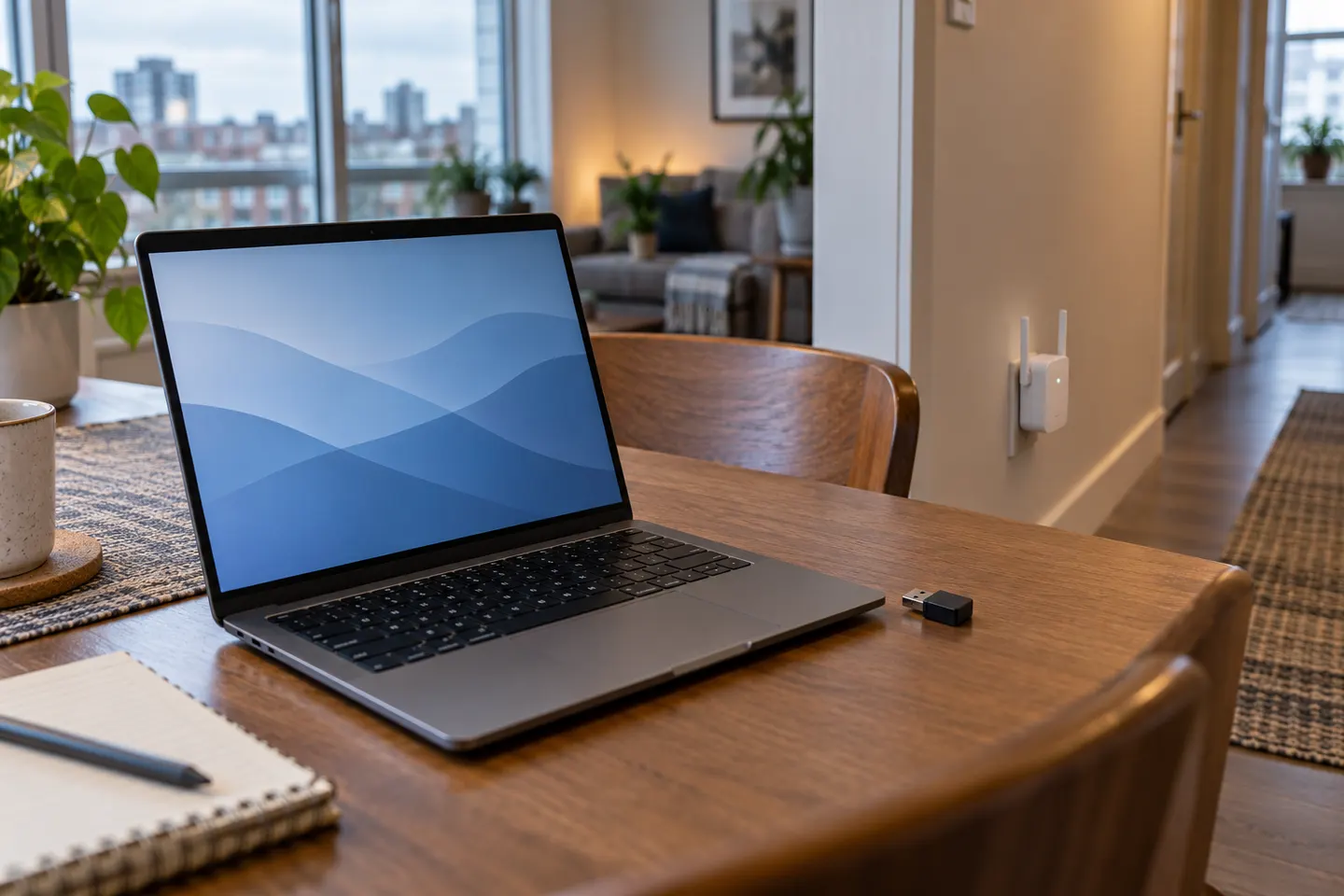 Wi-Fi Extenders for Laptops
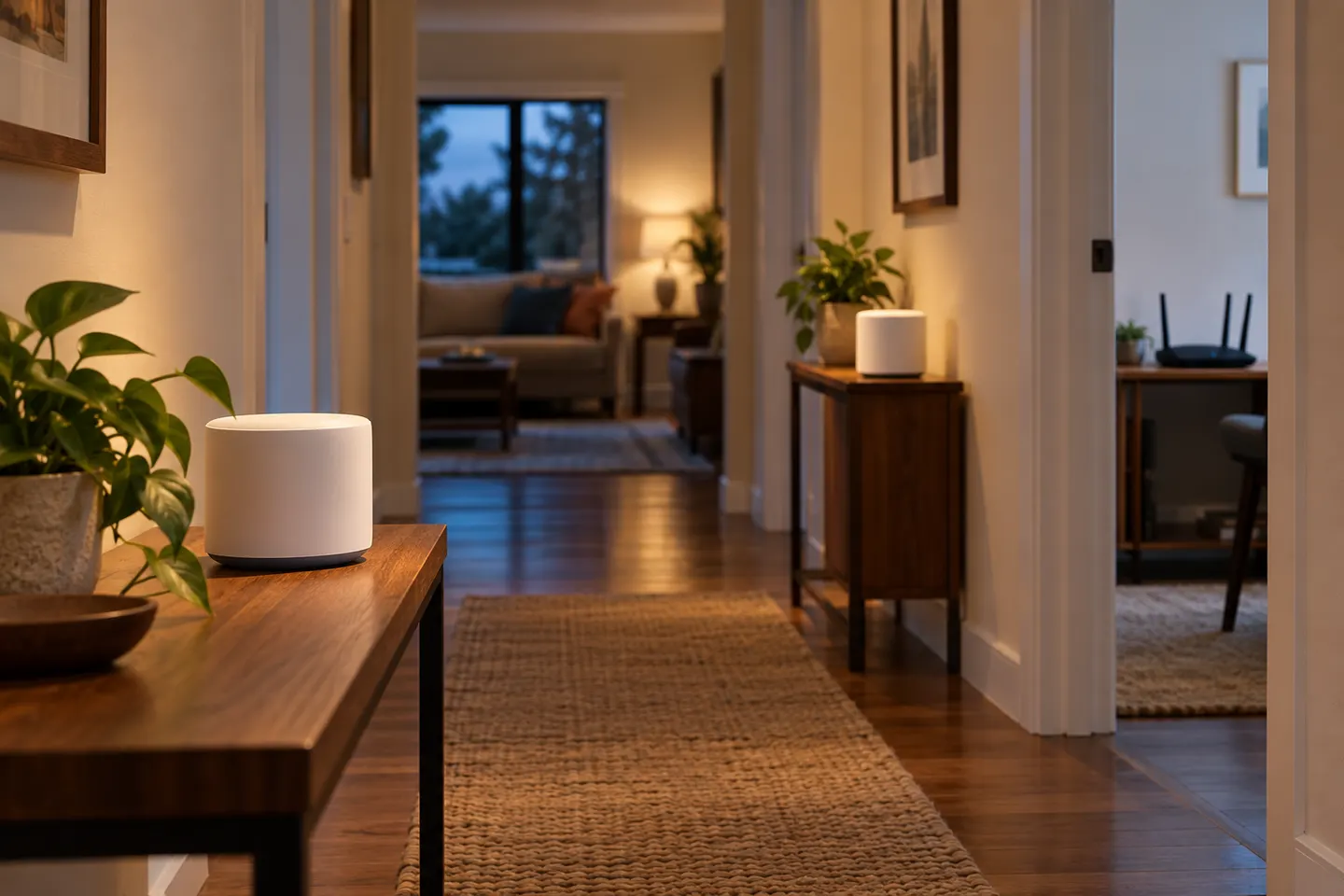 Can Google WiFi Be Used as an Extender?
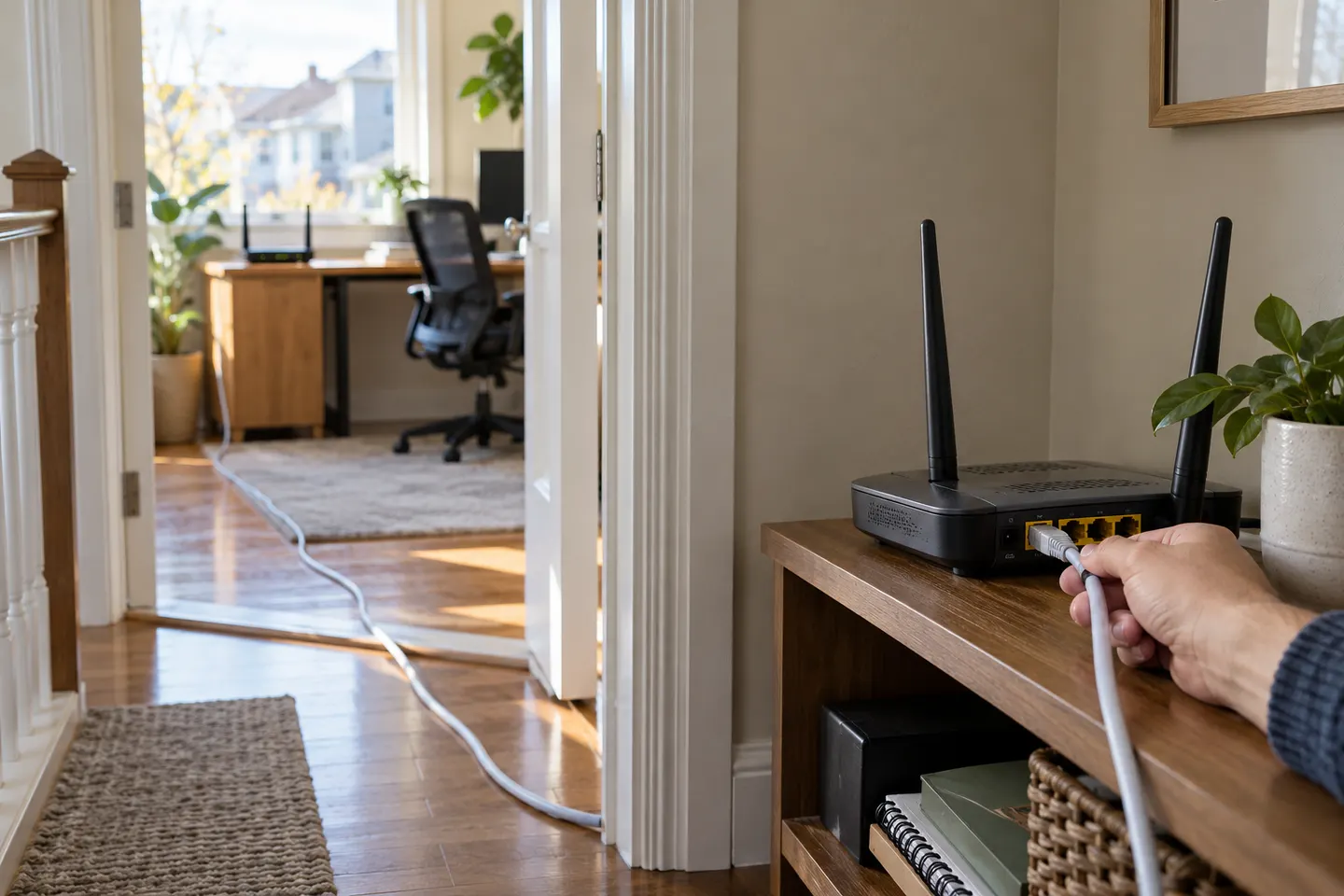 Can You Use a Router as a WiFi Extender?
Common questions
Questions before you buy
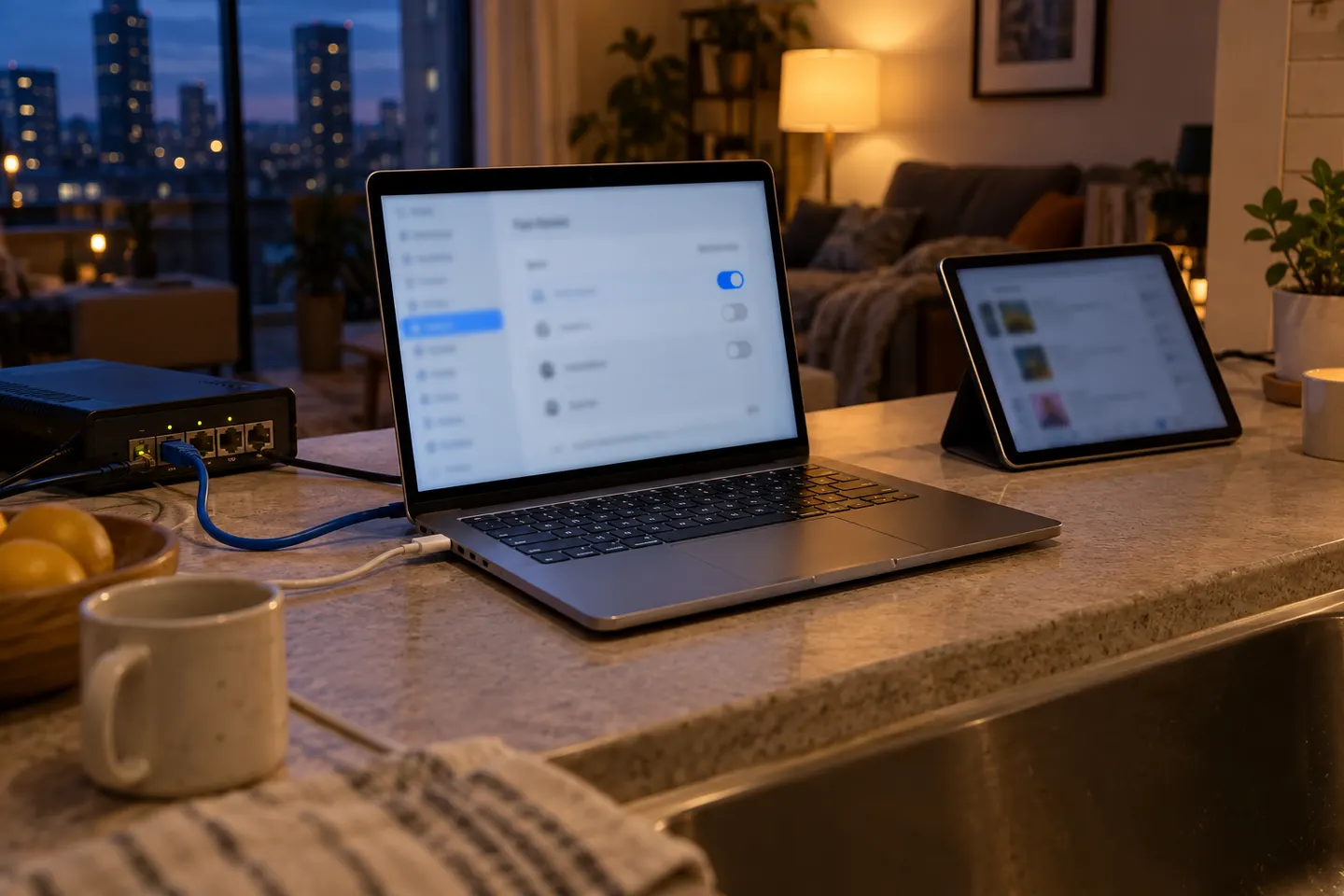
Can I use my laptop as a WiFi extender?
You can share an internet connection from a supported laptop using its hotspot feature. Whether it can receive WiFi and rebroadcast at the same time depends on the device and network adapter.
How do I turn a Windows laptop into a WiFi hotspot?
Open Settings, go to Network & internet, then Mobile hotspot. Choose the connection to share, set network properties if needed, and switch the hotspot on.
Will a laptop hotspot extend WiFi range through walls?
It creates a nearby access point where the laptop is placed; it does not make the router's signal itself stronger. The laptop still needs a usable internet connection, and walls can affect its broadcast too.
Is a laptop hotspot the same as a WiFi booster?
No. A hotspot shares a connection from the laptop, whereas a booster or extender is designed to relay or extend a router's wireless coverage. Choose based on whether you need a temporary shared network or broader home coverage.