








 Official manufacturer image
Our picks
Top picks
Official manufacturer image Official manufacturer image
TP-Link RE705X-Outdoor
Check price on Amazon AU Official manufacturer image
TP-Link TL-WPA8631P KIT
Check price on Amazon AUSetup and help
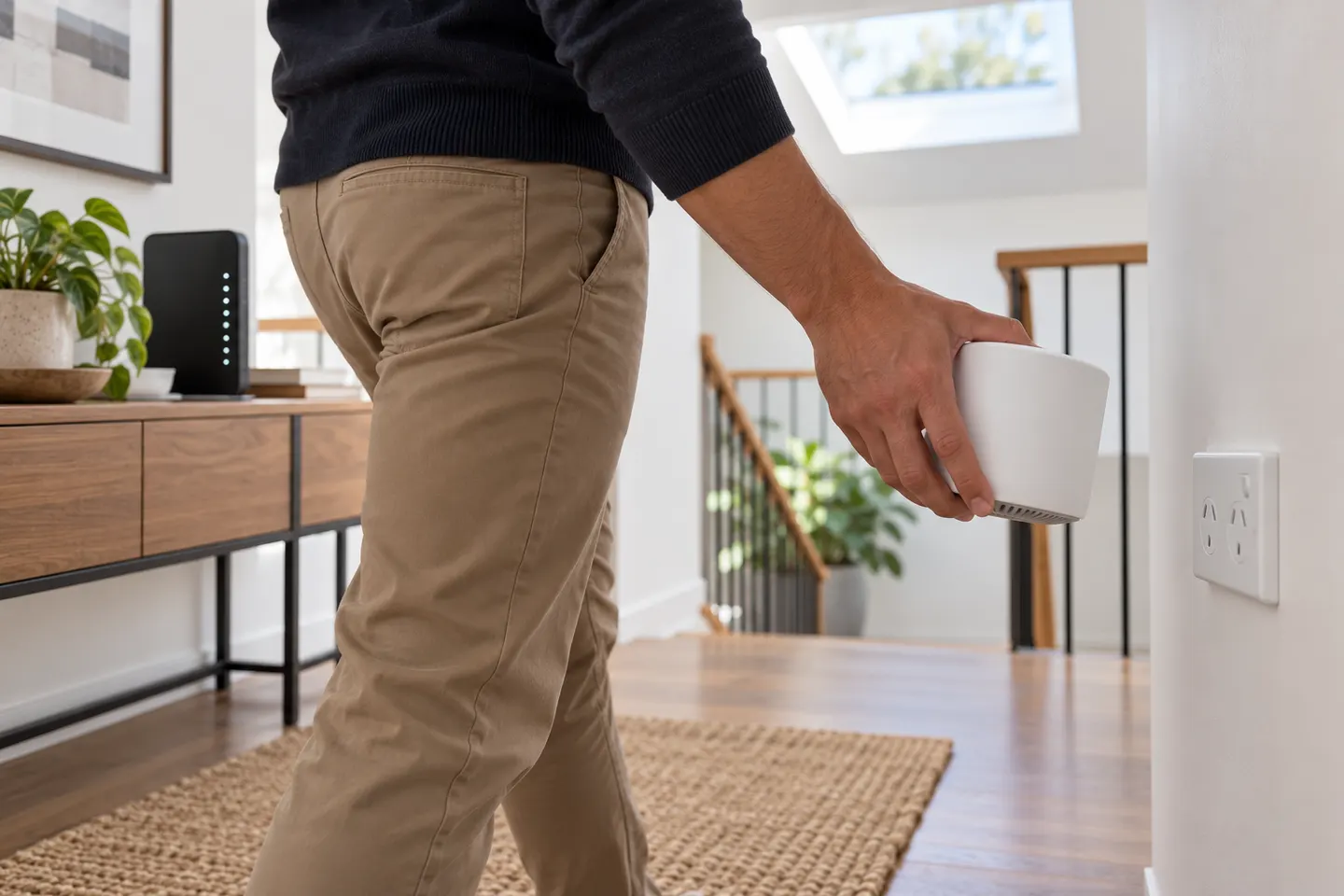 Telstra setup
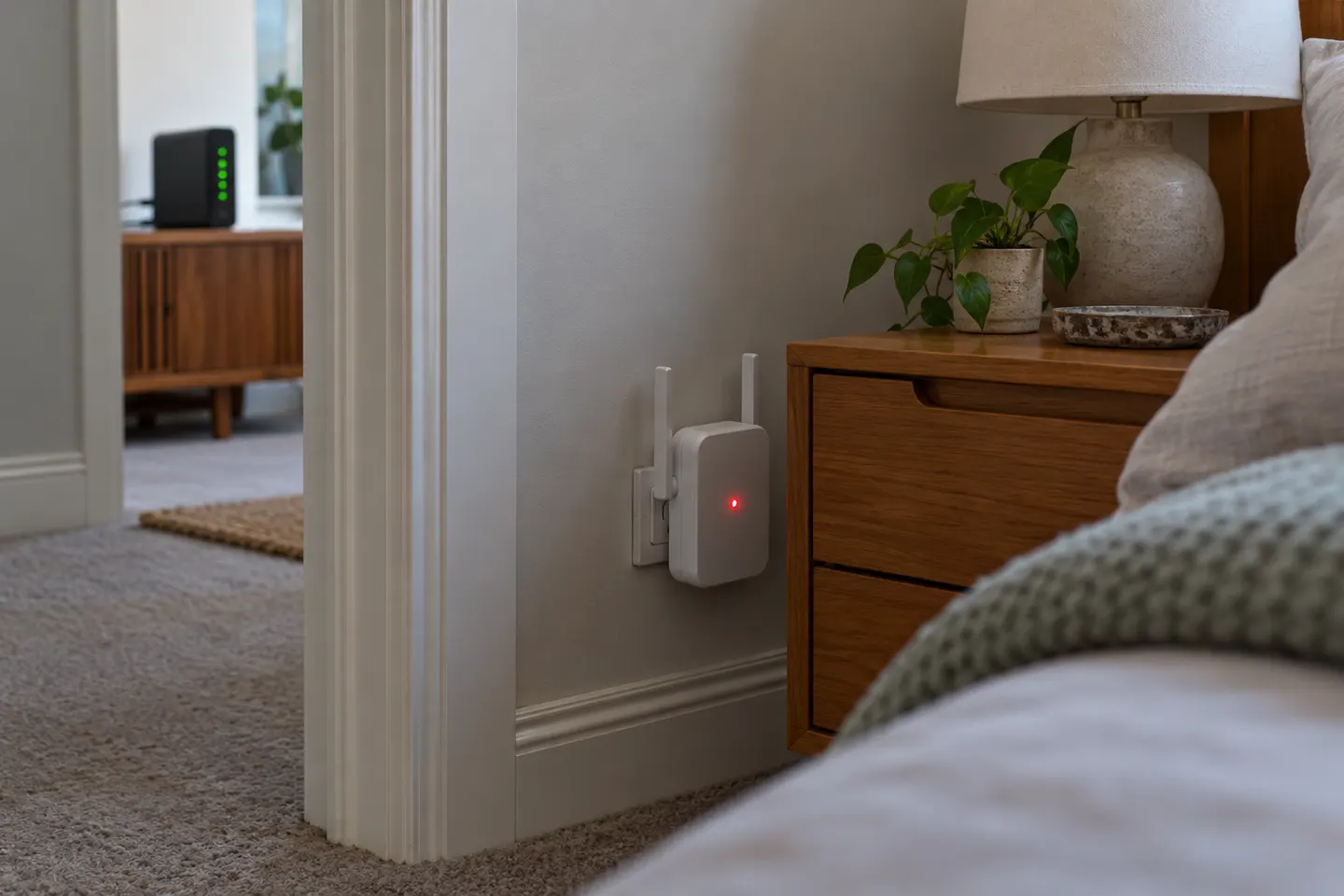 Telstra red light
More topics
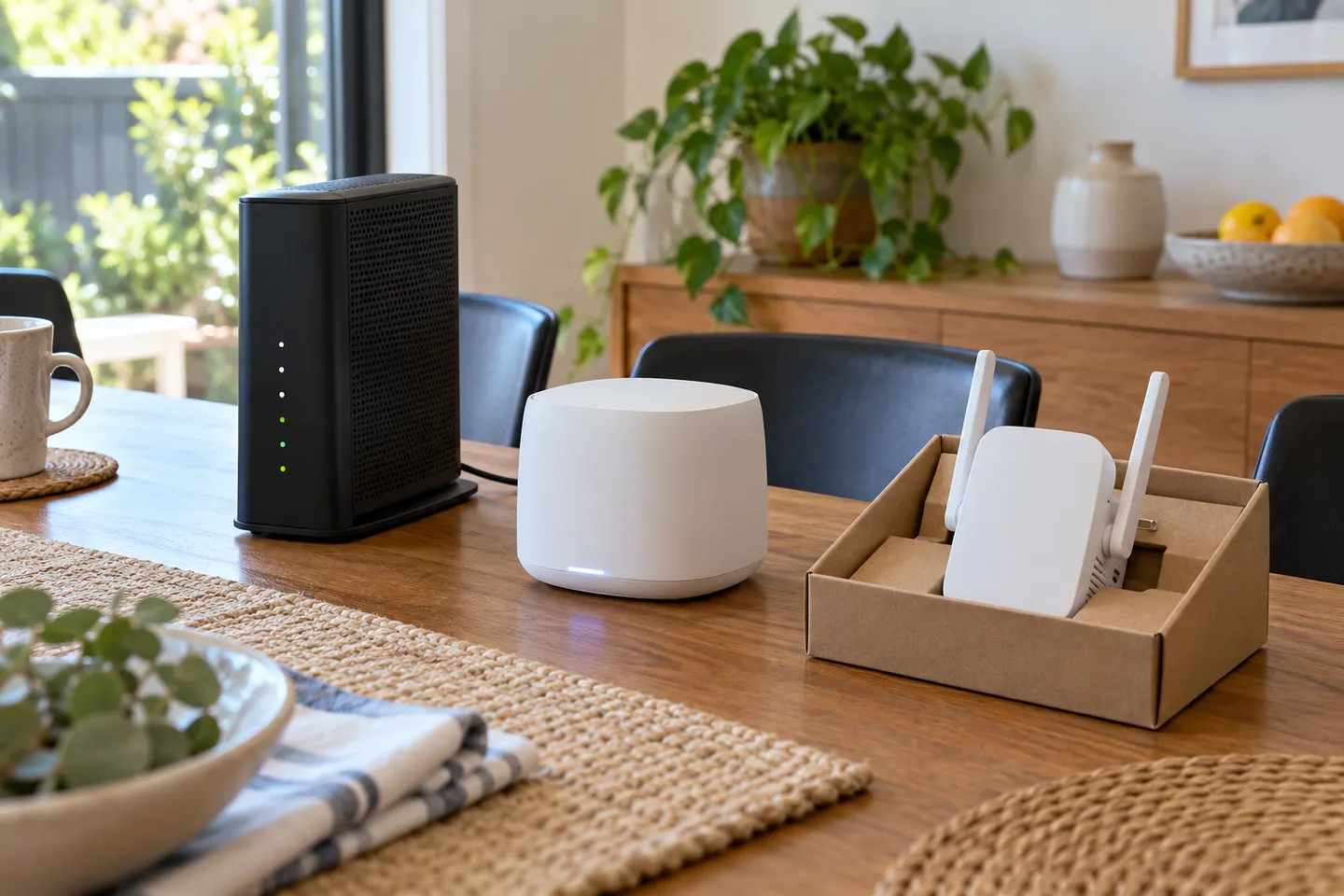 Telstra Wi-Fi Booster and Extender Options Explained
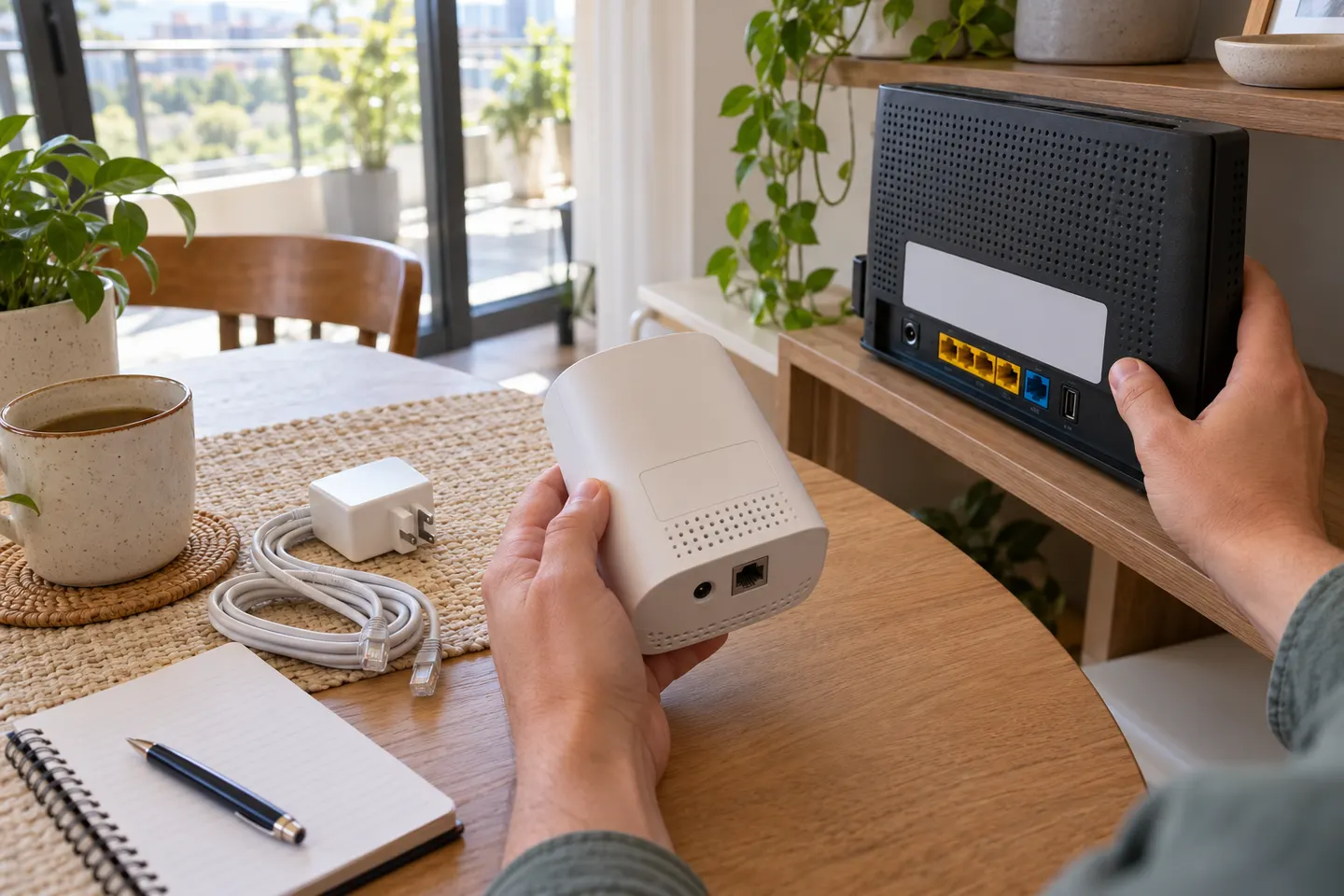 Telstra Smart WiFi Booster Gen 3
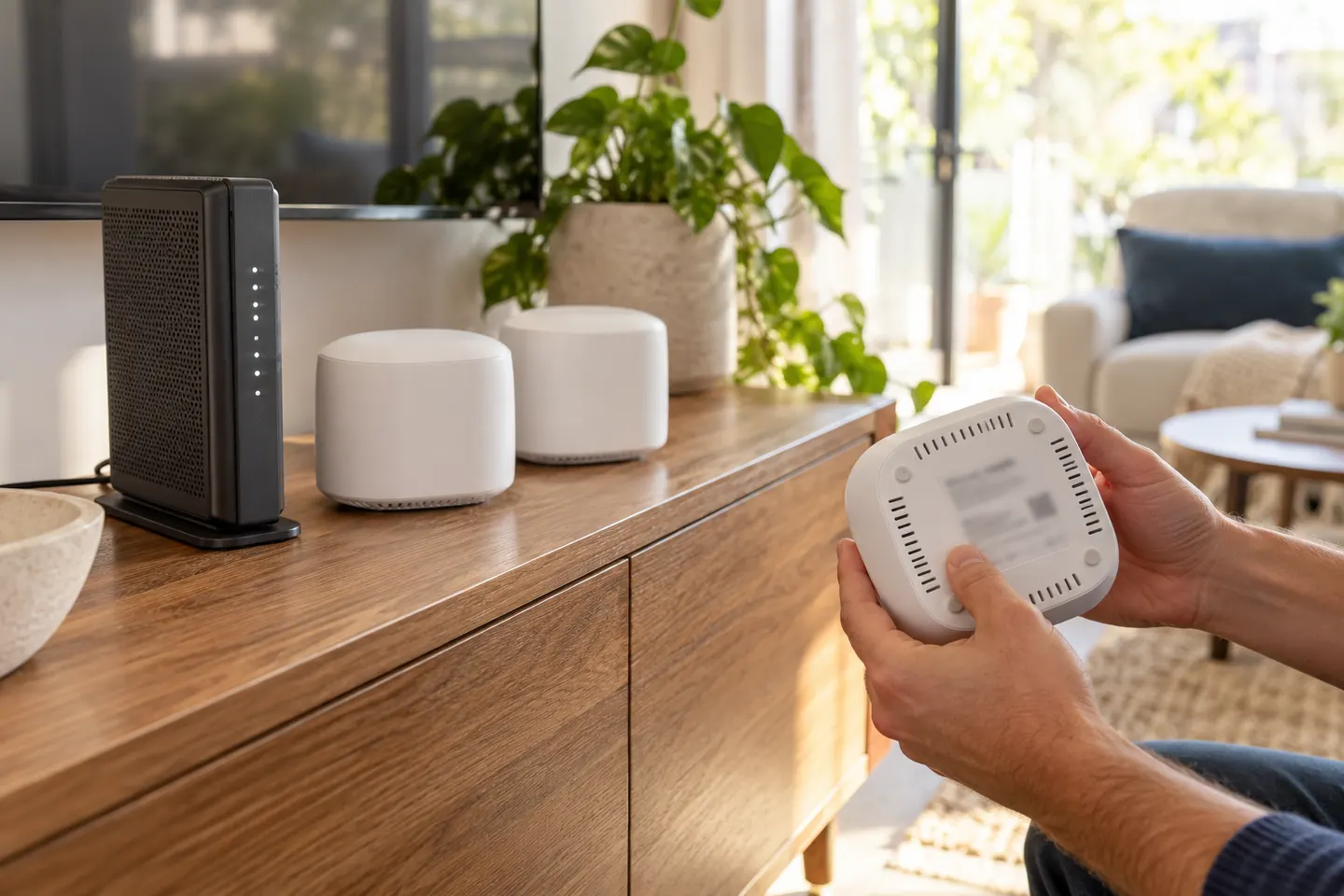 Telstra Smart WiFi Booster 3
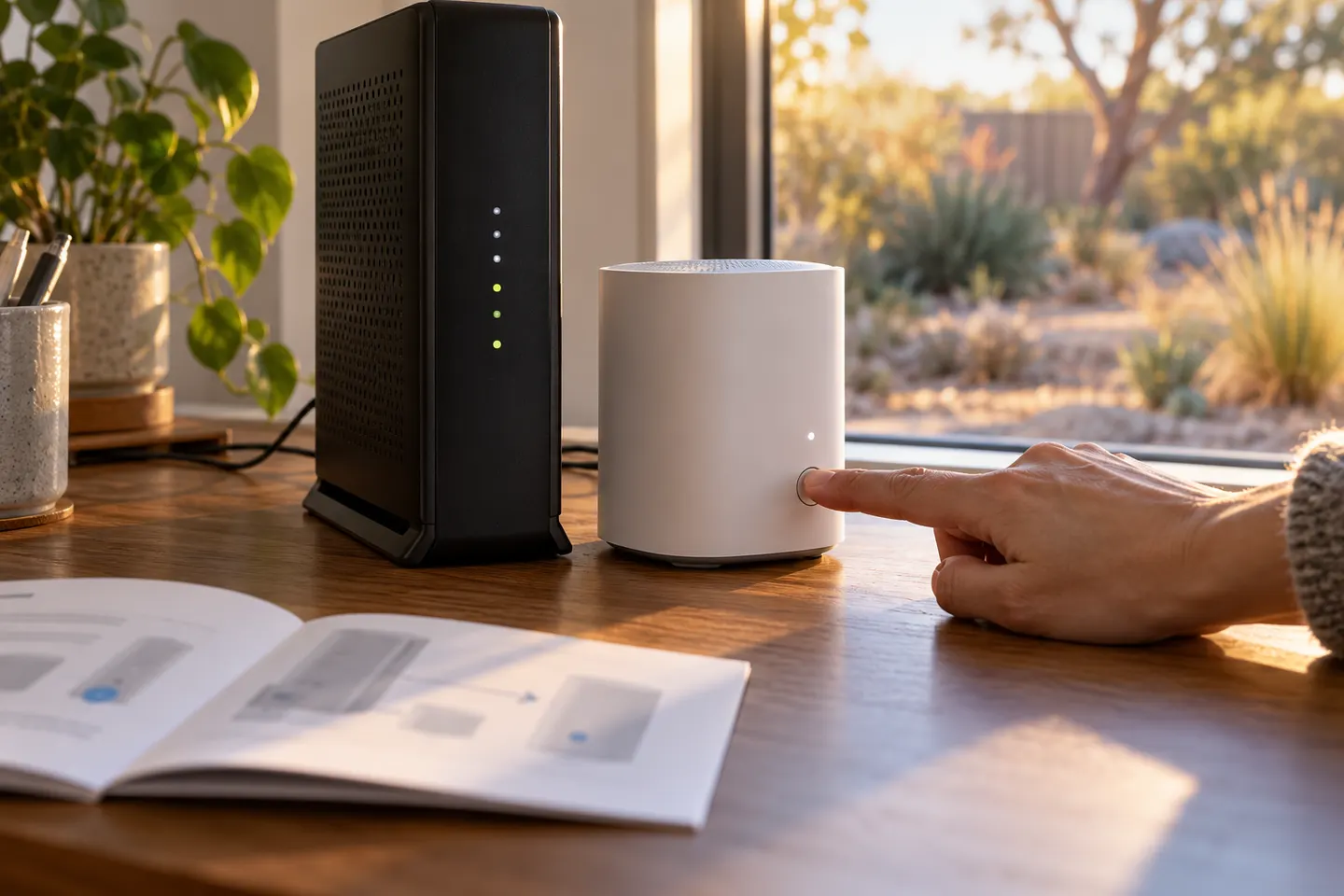 Optus Ultra WiFi Booster Gen 2
Common questions
Questions before you buy
Which modem works with Telstra Smart WiFi Booster 2?
Telstra described Gen 2 as designed to work with Telstra Smart Modem Gen 2. Verify your exact modem model and current Telstra compatibility guidance.
Can the Telstra Smart WiFi Booster 2 work with another provider?
It is designed for Telstra?s compatible modem ecosystem. Do not assume it will pair with a third-party router unless the manufacturer confirms support.
How do I set up the Telstra Smart WiFi Booster 2?
Telstra?s Gen 2 announcement describes a two-button pairing setup with a compatible modem. Follow current support instructions for your hardware.
Where should I place the Telstra booster?
Pair it near the modem if instructed, then move it to a position where it still gets a strong signal while serving the weak-coverage area.