Independent buying guidance · Australia editionHow we work
Gearjury
All categories
All categories
Best picksBest Dash Cam in Australia: Five Models Compared
Best picksBest Wi-Fi Extenders in Australia for Different Homes
Best picksThe Best Meat Thermometer for Every Kind of Cook
Best picksBest Headlamp Torches for Different Uses in 2026
Best picksBest Portable Air Coolers to Consider in Australia (2026)
Best picksBest Winter Gloves for Everyday Wear and Outdoor Use
Best picksBest Cordless String Trimmers for Australian Gardens (2026)
Best picksBest air purifier for bedroom in Australia: five models compared
AustraliaEnglish

Category hub

Using WPS with a WiFi Extender

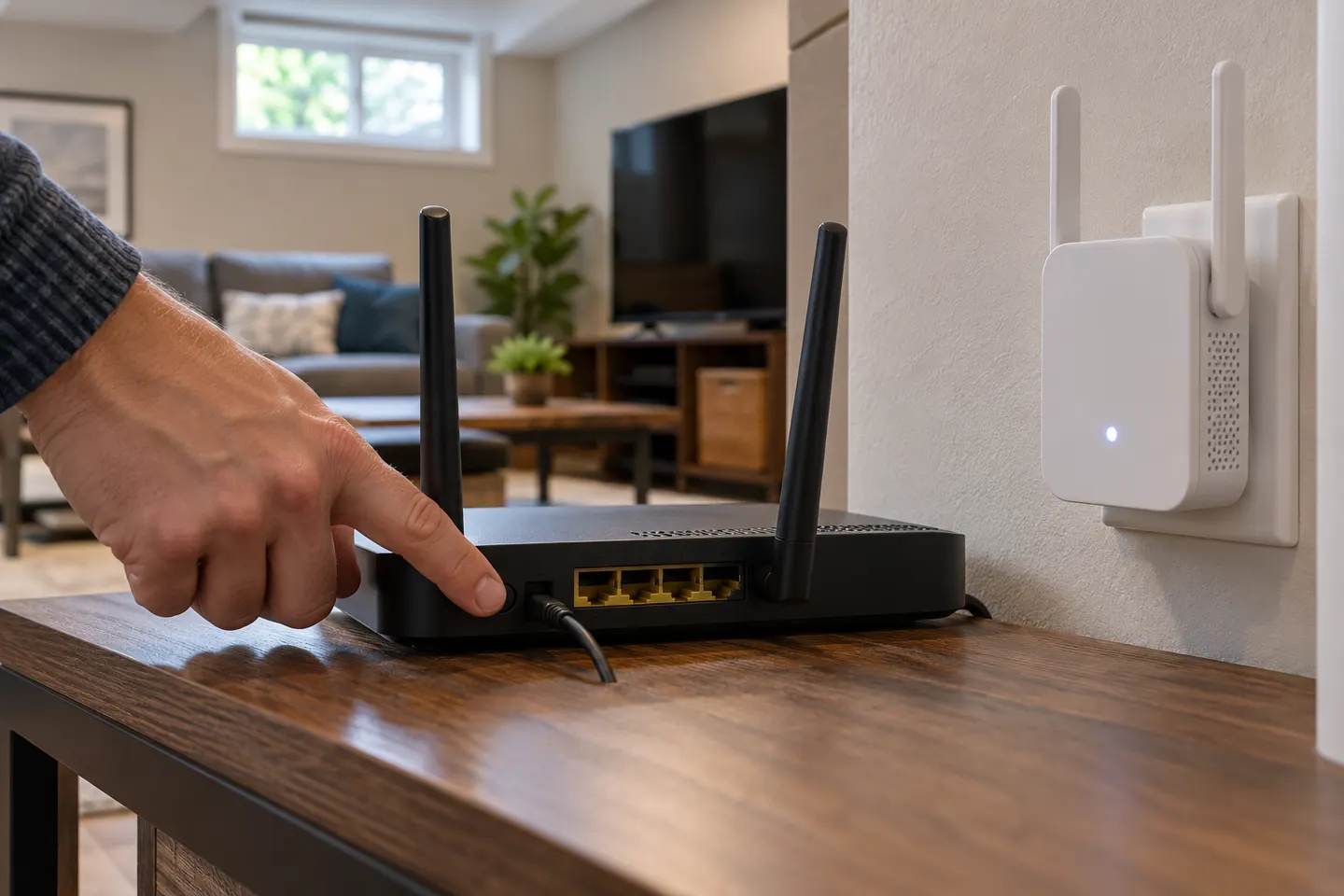
WPS can pair compatible devices with a button press. If your router lacks WPS or pairing fails, use the extender app or web setup.

A wifi extender wps connection is a convenient setup route when the router and extender both support Wi-Fi Protected Setup. Follow the timing and button sequence in the model manual, then use the extender signal indicator or app to choose a location. WPS is not available on every router or client, and availability can vary with settings, so a phone app or browser setup is a useful alternative. Before buying, confirm that the extender supports the setup method you prefer and check Wi-Fi security options. Our TP-Link and NETGEAR brand pages list models to compare.

Using WPS with a WiFi Extender

Common questions

Questions before you buy

How do I connect a Wi-Fi extender using WPS?

Press the router and extender WPS controls in the order and time window specified by the product instructions.

Why is WPS not connecting my extender?

The router may not support or have WPS enabled, or the pairing window may have expired. Follow the model guide or use app setup.

Can I set up an extender without WPS?

Yes. Many products support setup through a companion app or web browser.

Is WPS available on every Wi-Fi router?

No. Support and availability depend on the router model and its settings.