









 Official manufacturer image
Our picks
Top picks
Official manufacturer image Official manufacturer image
Garmin Dash Cam X310
Check price on Amazon UK Official manufacturer image
VIOFO A329S 2CH
Check price on Amazon UKCommon questions
Questions before you buy
What does 4G do in a dashcam?
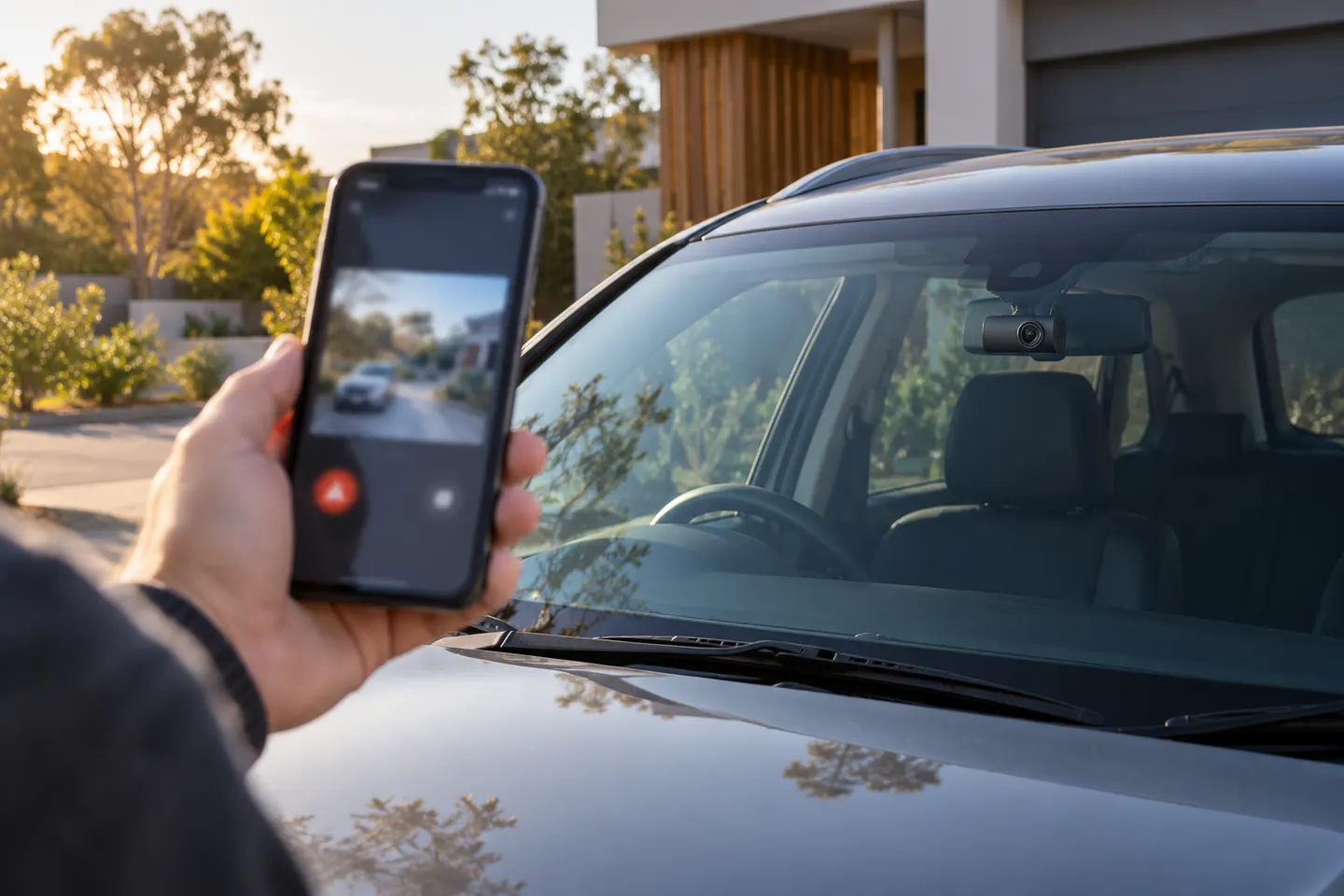
It provides mobile connectivity for the remote features offered by that system, which may include alerts, location, live view or selected clip uploads.
Does a 4G dashcam need a SIM card?
It needs mobile service, but the SIM may be integrated, supplied or user-provided. Check the supported arrangement and network bands for the exact camera.
Will a 4G dashcam work when the car is parked?
Only if the camera has a supported parking mode, a suitable power installation and mobile coverage. Battery-protection settings may switch it off.
Does 4G upload all dashcam footage to the cloud?
Not necessarily. Many systems upload alerts or selected clips rather than a continuous journey, so inspect the service description and storage limits.