









 Official manufacturer image
Our picks
Top picks
Official manufacturer image Official manufacturer image
Garmin Dash Cam X310
Check price on Amazon UK Official manufacturer image
VIOFO A329S 2CH
Check price on Amazon UKCommon questions
Questions before you buy
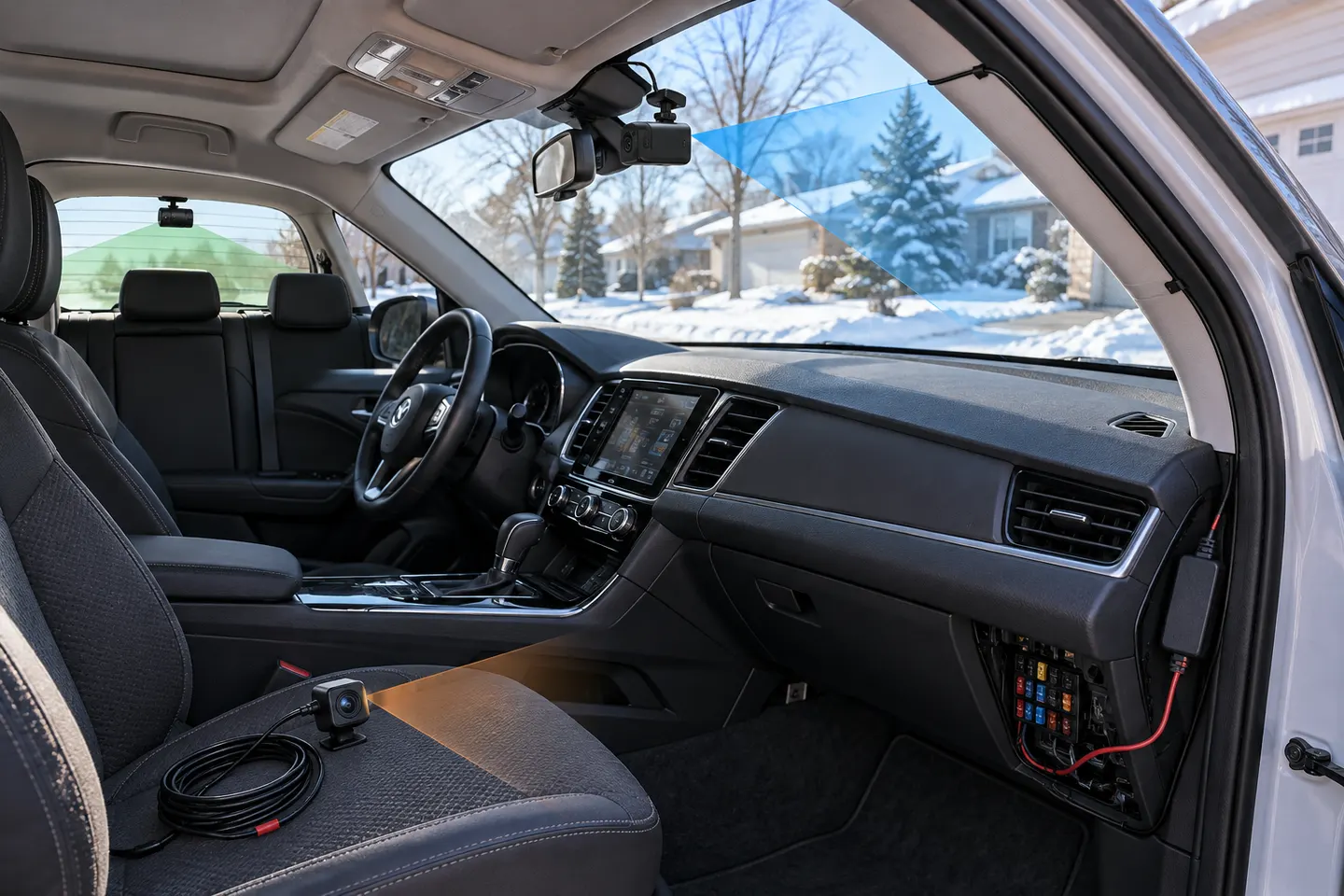
What is a blackbox dash cam?
It is a common name for an in-car camera that records journeys in a continuous loop and can preserve selected or impact-triggered clips.
Does a blackbox camera record all the time?
It normally records while powered, but storage, thermal limits, faults and power loss can interrupt capture. Check the status indicator before driving and review sample files periodically.
Can dash cam footage be used after a collision?
Footage may help establish context, but relevance and admissibility depend on the circumstances. Preserve the original file and provide it to your insurer, solicitor or police when requested.
How do I stop important footage being overwritten?
Use the event or protect control, then copy the original clip promptly. Avoid repeated recording on the same card once you know an important event is stored.