How does a dash cam record a journey?
The camera receives power from a vehicle socket, USB outlet, OBD adaptor or hardwire kit. It then captures video through its lens and writes a sequence of short files to removable or built-in storage.

 Best picksBest WiFi Extenders in the UK: Compare Five Practical Options
 Best picksThe Best Dashcams in the UK for 2026
 Best picksBest Portable Air Coolers: Five Models to Compare for 2026
 Best picksBest Meat Thermometers in the UK for 2026
 Best picksBest Headlamp Torches in the UK: Five Choices for 2026
 Best picksBest Winter Gloves in the UK: Five Activity-Based Choices for 2026
 Best picksBest Radar Detectors in the UK: Models Compared for 2026
 Best picksBest Value Cordless Strimmers in the UK (2026)
 Best picksBest Air Purifiers in the UK for Different Rooms and Needs
Gearjury may earn commission from retailer links. Our explanations and recommendations remain independent.
Guide
A dash cam starts recording when it receives power, saves short video files to a memory card and overwrites the oldest ordinary clips when the card fills. Protected events and parking recordings depend on the camera's settings and power supply.
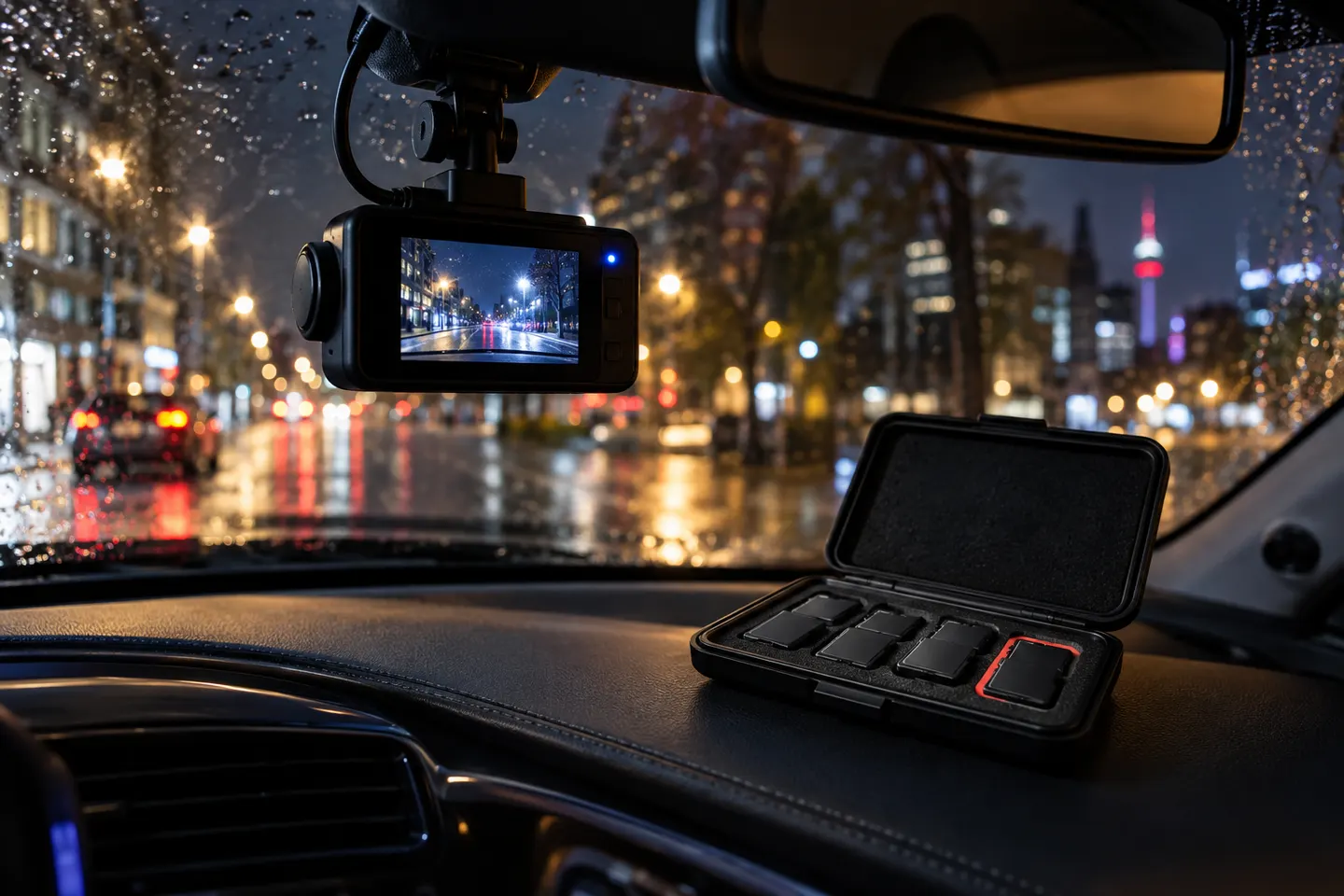
The camera receives power from a vehicle socket, USB outlet, OBD adaptor or hardwire kit. It then captures video through its lens and writes a sequence of short files to removable or built-in storage.
Loop recording deletes the oldest unlocked segment to make room for a new one. Locked events are normally protected from routine overwriting, but too many protected files can eventually reduce available space.
A G-sensor detects changes in acceleration and can mark the current clip as an event. Sensitivity must be set sensibly because potholes can trigger false locks and a severe collision is not the only kind of incident worth saving manually.
Depending on the model, parking mode may respond to impact, visible motion, radar or record at a reduced frame rate. It needs power after the car is switched off and should include low-voltage or timed protection for the starter battery.
GPS can add location, route or speed data, while Wi-Fi lets a nearby phone adjust settings and copy clips. Neither feature necessarily uploads footage to the internet; cloud access requires a supported data connection and service.
Use the camera display, official app or a card reader, depending on the model. Copy the original incident files promptly, retain associated front and rear clips and avoid editing the only copy.
Common questions
Only when the camera has a parking mode and a suitable source of power after shutdown. A normal switched socket usually turns the camera off with the ignition.
Many can record cabin audio through a microphone, usually with an option to disable it. Consider privacy and tell relevant occupants where appropriate.
Yes, ordinary clips are normally overwritten in a loop. Event-locked files may be retained until manually deleted or the protected area fills.
Not usually. Most cameras store locally; cloud backup requires a compatible connected model, data access and sometimes an active service plan.
Keep exploring
The Nextbase 622GW is our balanced UK pick for its detailed recording, stabilisation and accessible touchscreen. Garmin Mini 3 suits a discreet fit, while VIOFO A329S covers the front and rear at high resolution.

A dual-camera kit is the direct choice when you want the road ahead and traffic behind in the same recording system. Check rear resolution and cable length, not just the headline front-camera specification.

Start with the coverage you need: a discreet front camera for the road ahead, or a front-and-rear system for evidence from both directions. Our guides then narrow the choice by installation, connectivity and brand.
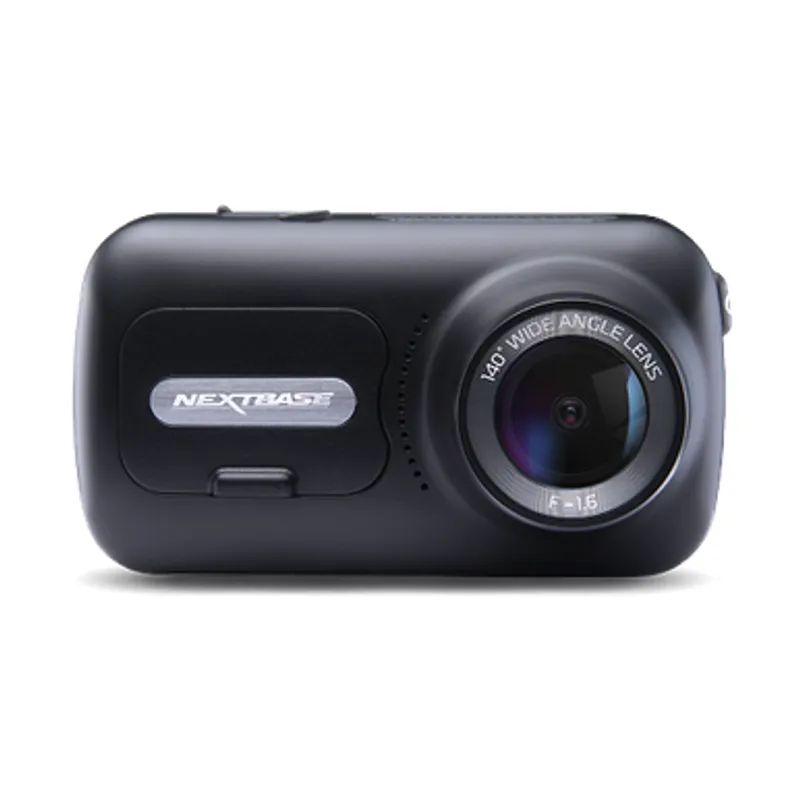
The 622GW has the strongest recording specification in this trio; the 522GW keeps the large touchscreen and polarising filter at 2K, while the 322GW covers the essentials.