









 Official manufacturer image
Our picks
Top picks
Official manufacturer image Official manufacturer image
Garmin Dash Cam X310
Check price on Amazon UK Official manufacturer image
VIOFO A329S 2CH
Check price on Amazon UKCommon questions
Questions before you buy
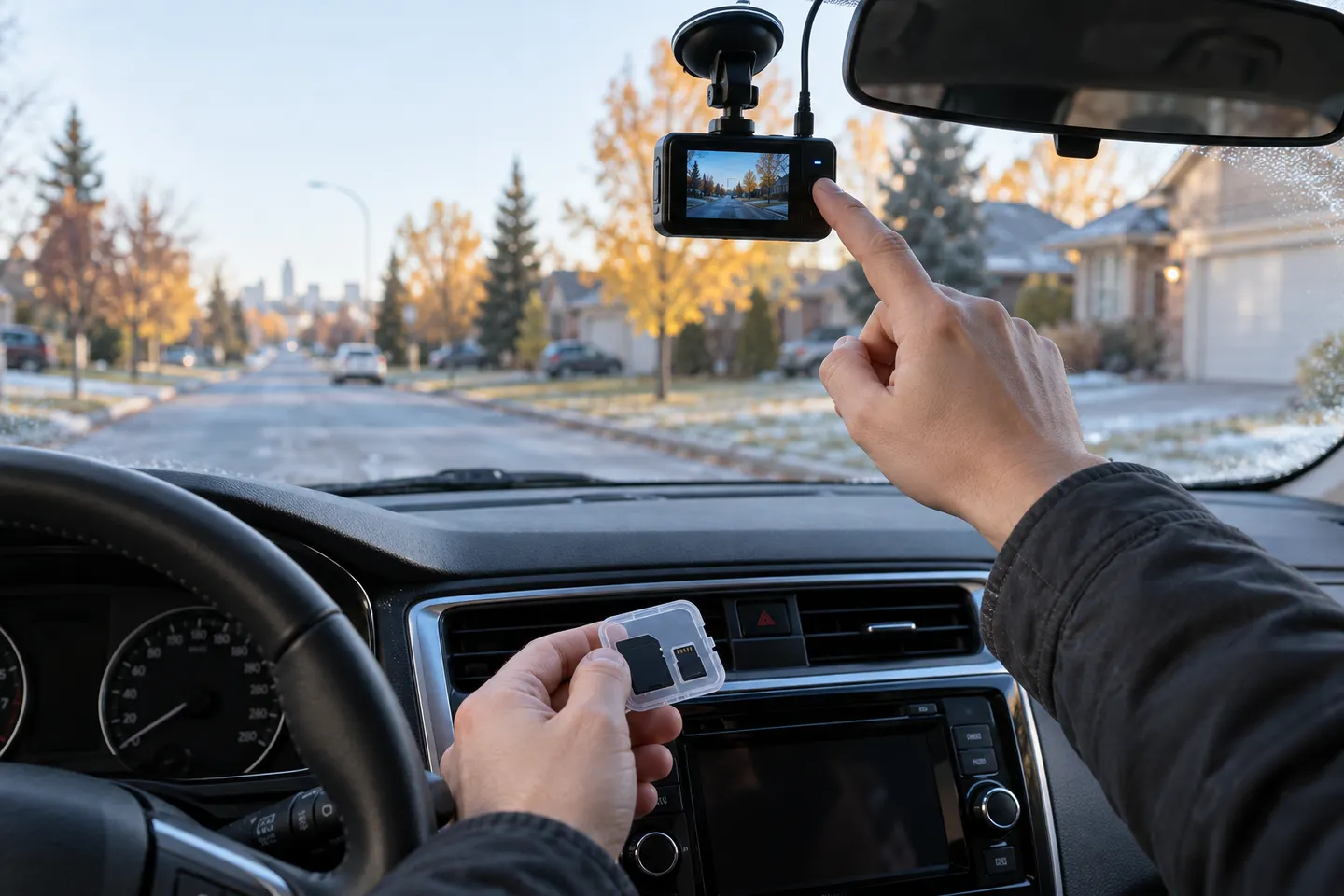
Where should a beginner place a dashcam?
Place it high on the windscreen where it has a clear road view without obstructing your own. Check the vehicle handbook and camera instructions before routing any cable.
Should a dashcam start recording automatically?
Most are designed to begin when they receive power, but settings and wiring differ. Confirm the recording indicator before setting off rather than assuming it is active.
How do you save dashcam footage after an incident?
Stop safely, protect the relevant clip if the camera permits it, then copy the file to another device as soon as practical. Keep the original file unchanged.
Can you adjust a dashcam while driving?
Do not handle or re-aim a device while driving. Make changes while safely parked and ensure the screen or mount does not block your view.