









 Official manufacturer image
Our picks
Top picks
Official manufacturer image Official manufacturer image
Garmin Dash Cam X310
Check price on Amazon UK Official manufacturer image
VIOFO A329S 2CH
Check price on Amazon UKBy feature
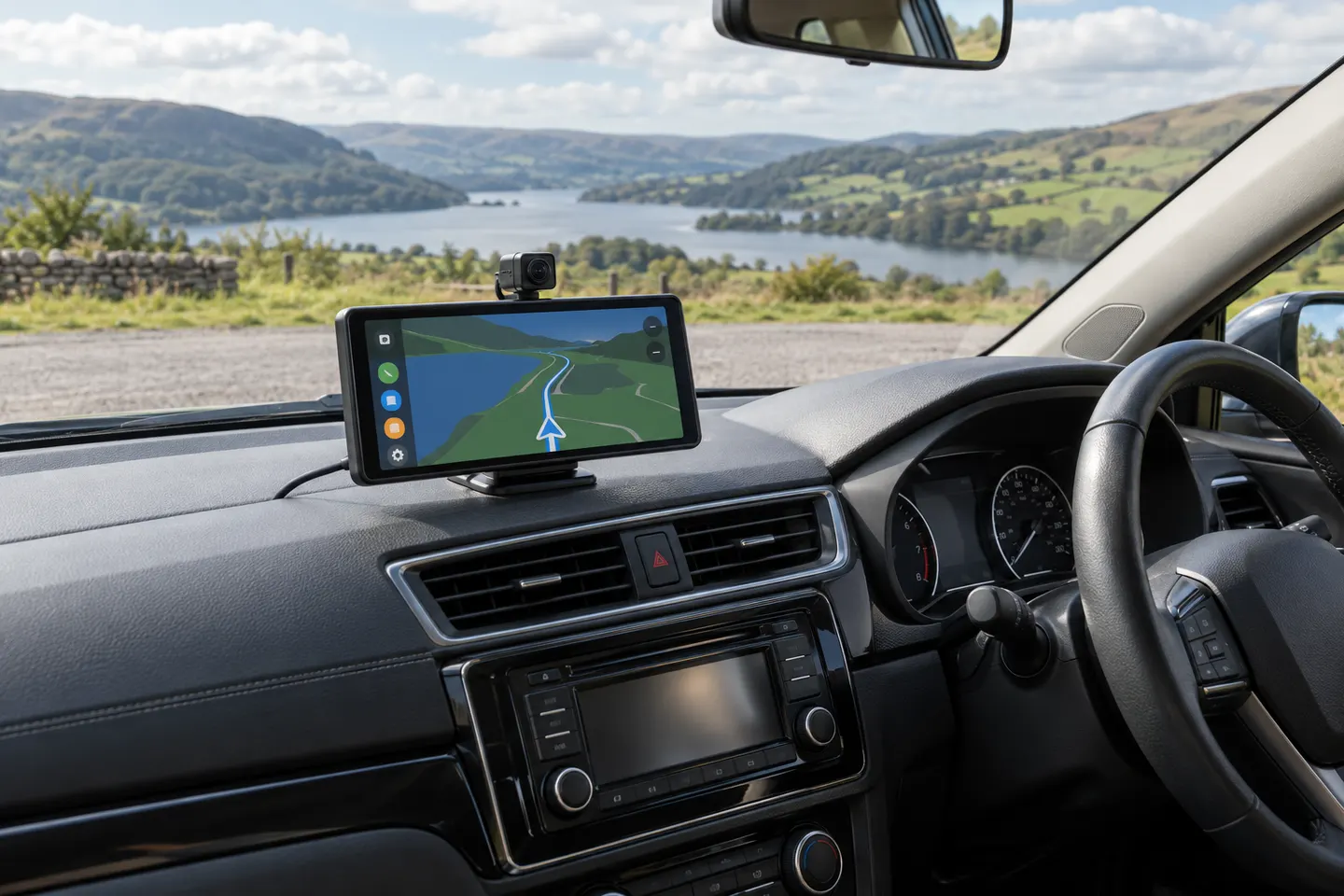 Carplay screen
Common questions
Questions before you buy
Is a dash cam better with a screen?
It is better for direct setup and playback, but not automatically for recording quality. Screenless models can be smaller and use a phone app for controls.
Does the dash-cam screen stay on while driving?
Many models can dim or turn the display off after a set interval while recording continues. Check the specific display setting in the manual.
Can I watch dash-cam video while driving?
Do not interact with or watch distracting footage while driving. Configure the camera before moving and keep full control of the vehicle.
How large should a dash-cam display be?
Choose the smallest display that you can operate comfortably. A larger panel aids playback, while a compact body is easier to keep outside your sightline.