









 Official manufacturer image
Our picks
Top picks
Official manufacturer image Official manufacturer image
NETGEAR EX6120
Check price on Amazon UK Official manufacturer image
TP-Link RE705X-Outdoor
Check price on Amazon UKCommon questions
Questions before you buy
Does a broadband Wi-Fi booster make broadband faster?
It can improve Wi-Fi coverage in a weak area, but it cannot raise the speed of the broadband service entering your router. Actual results depend on the connection and local conditions.
What is the difference between a booster and a range extender?
In consumer Wi-Fi, the terms are often used for devices that repeat or extend a router wireless signal. Check the product actual operating modes rather than relying on its label.
Should I buy a booster if broadband is slow everywhere?
First test close to the router, ideally over a wired connection if possible. If the service itself is slow, contact your provider before buying a coverage device.
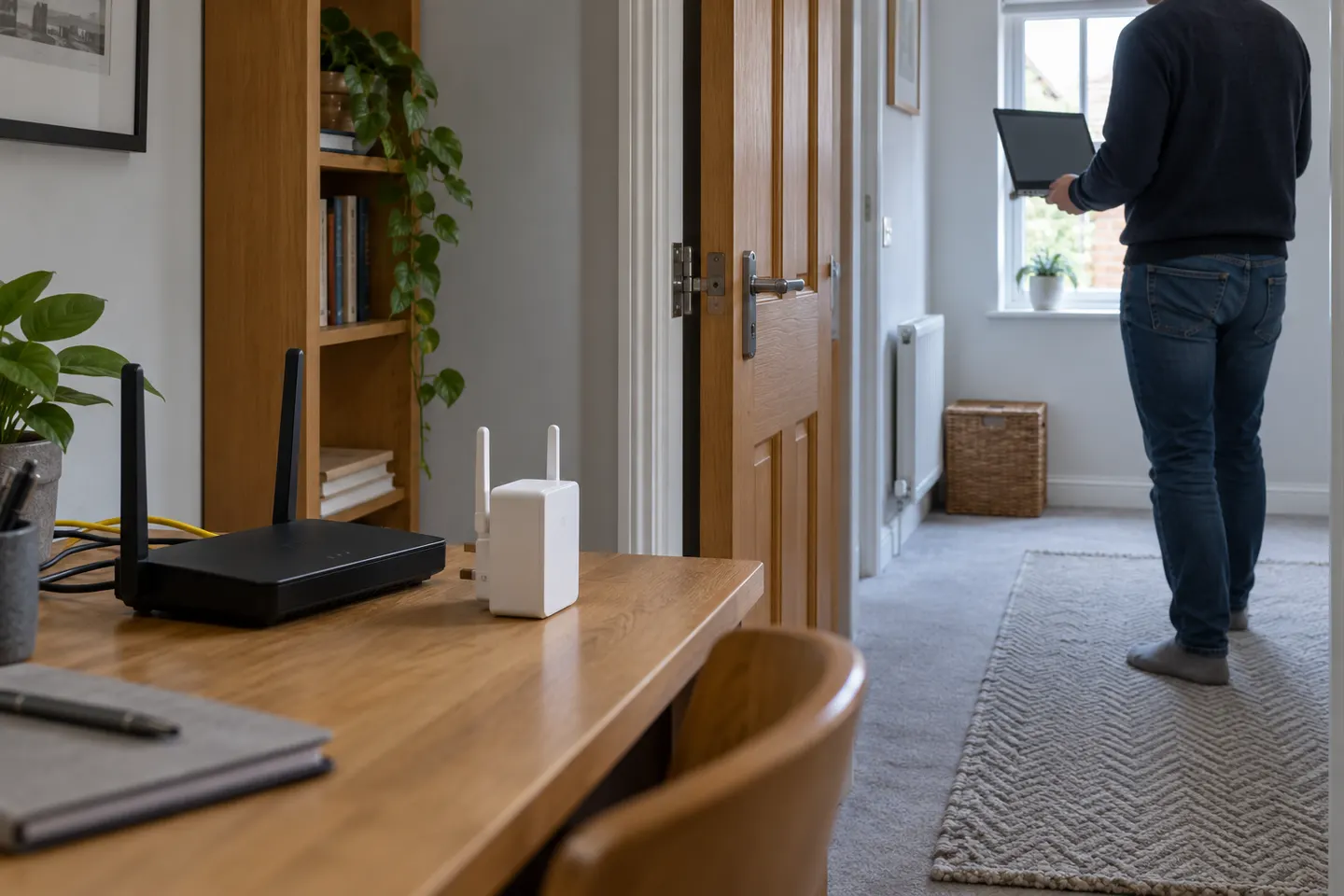
Where should a broadband extender go?
Place it between the router and the room with poor reception, at a point where it still receives a stable router signal. Do not put it inside the dead zone.