Independent buying guidance · UK editionHow we work
Gearjury
All categories
All categories
Best picksBest WiFi Extenders in the UK: Compare Five Practical Options
Best picksThe Best Dashcams in the UK for 2026
Best picksBest Portable Air Coolers: Five Models to Compare for 2026
Best picksBest Meat Thermometers in the UK for 2026
Best picksBest Headlamp Torches in the UK: Five Choices for 2026
Best picksBest Winter Gloves in the UK: Five Activity-Based Choices for 2026
Best picksBest Radar Detectors in the UK: Models Compared for 2026
Best picksBest Value Cordless Strimmers in the UK (2026)
Best picksBest Air Purifiers in the UK for Different Rooms and Needs
United KingdomEnglish

Category hub

Fire Stick WiFi Booster: Improve Wi-Fi Near Your TV

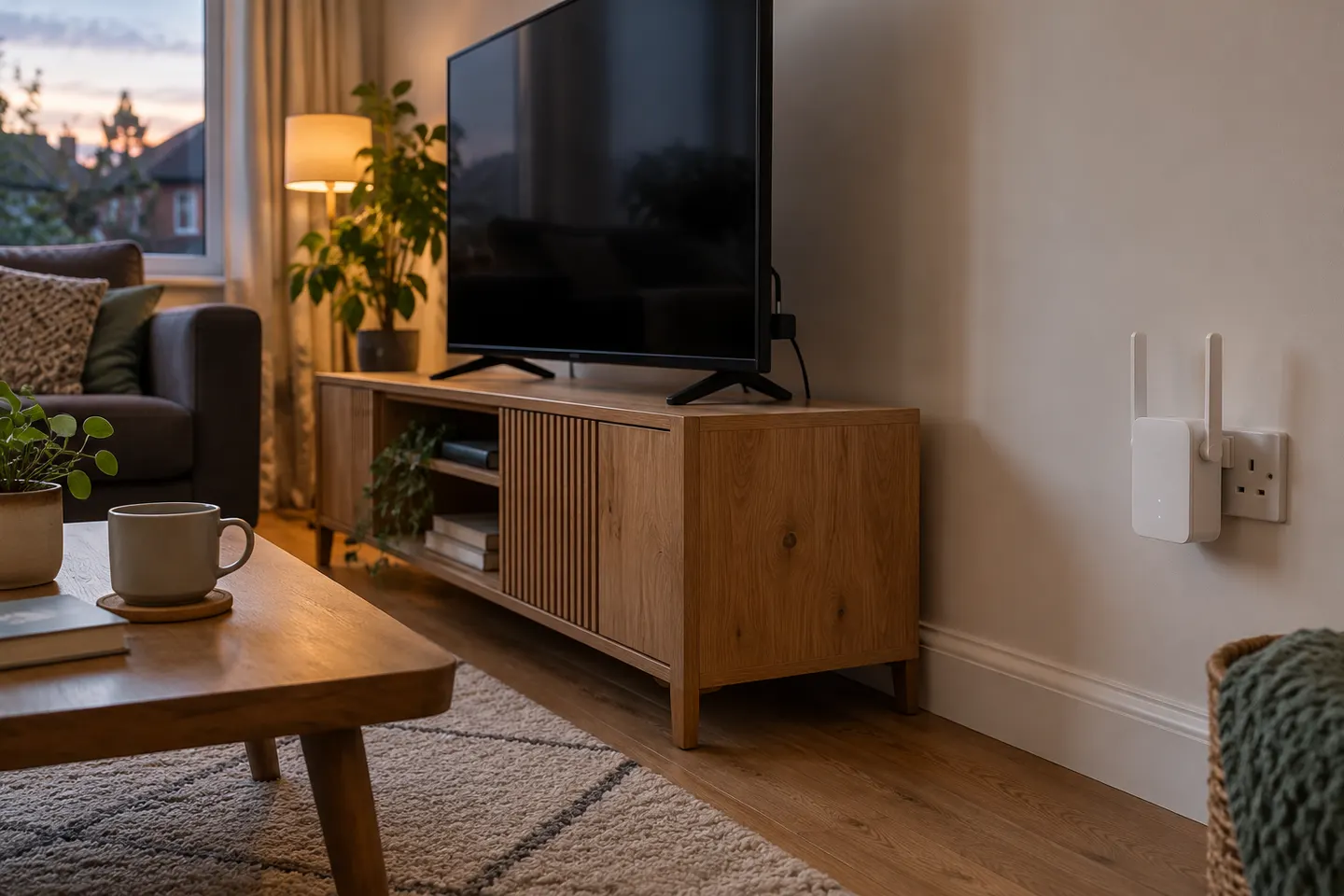
Place the extender where it can receive the router signal, with a clear path to the streaming device.

A fire stick wifi booster can improve local reception when the television is in a weak-signal area, but it needs a stable connection back to the router. Start with placement: keep the router and extender in the open and avoid hiding the booster behind the screen or inside a cabinet. If the streaming device supports a wired route, compare that too. Check that the extender bands and security settings work with the home network; TP-Link RE200 is one documented dual-band example.

Fire Stick WiFi Booster: Improve Wi-Fi Near Your TV

Common questions

Questions before you buy

Can a Wi-Fi booster improve Fire TV Stick streaming?

It may help when the device is in a weak-signal area and the booster has a good router link. It cannot fix slow broadband or upstream congestion.

Should I use Ethernet with a Fire TV Stick?

Where the device and setup support it, a wired connection can avoid local Wi-Fi interference. Check ports and adapter needs.

Where should I place a booster for a Fire Stick?

Put it between router and television, not behind the TV if that blocks signal. Keep ventilation clear.

Will any extender work?

Most standard extenders work with ordinary Wi-Fi clients, but bands, security and signal quality must be compatible. Check device support details.