Gearjury may earn a commission from qualifying retailer links.
Guide
How to Set Up a BT WiFi Extender
Pair the extender near your BT Hub first, then move it towards the weak-signal area while keeping a usable link to the router. The exact button sequence depends on the BT model.
GGearjury editorial team · Updated 18 October 2026· 5 min
01
Identify your BT extender
Check the model label before starting: BT WiFi Extender 300, Dual-Band Wi-Fi Extender 1200 and Complete Wi-Fi Discs use different instructions. Open the matching BT user guide so the button names and light patterns match your hardware.
02
Pair the extender beside the Hub
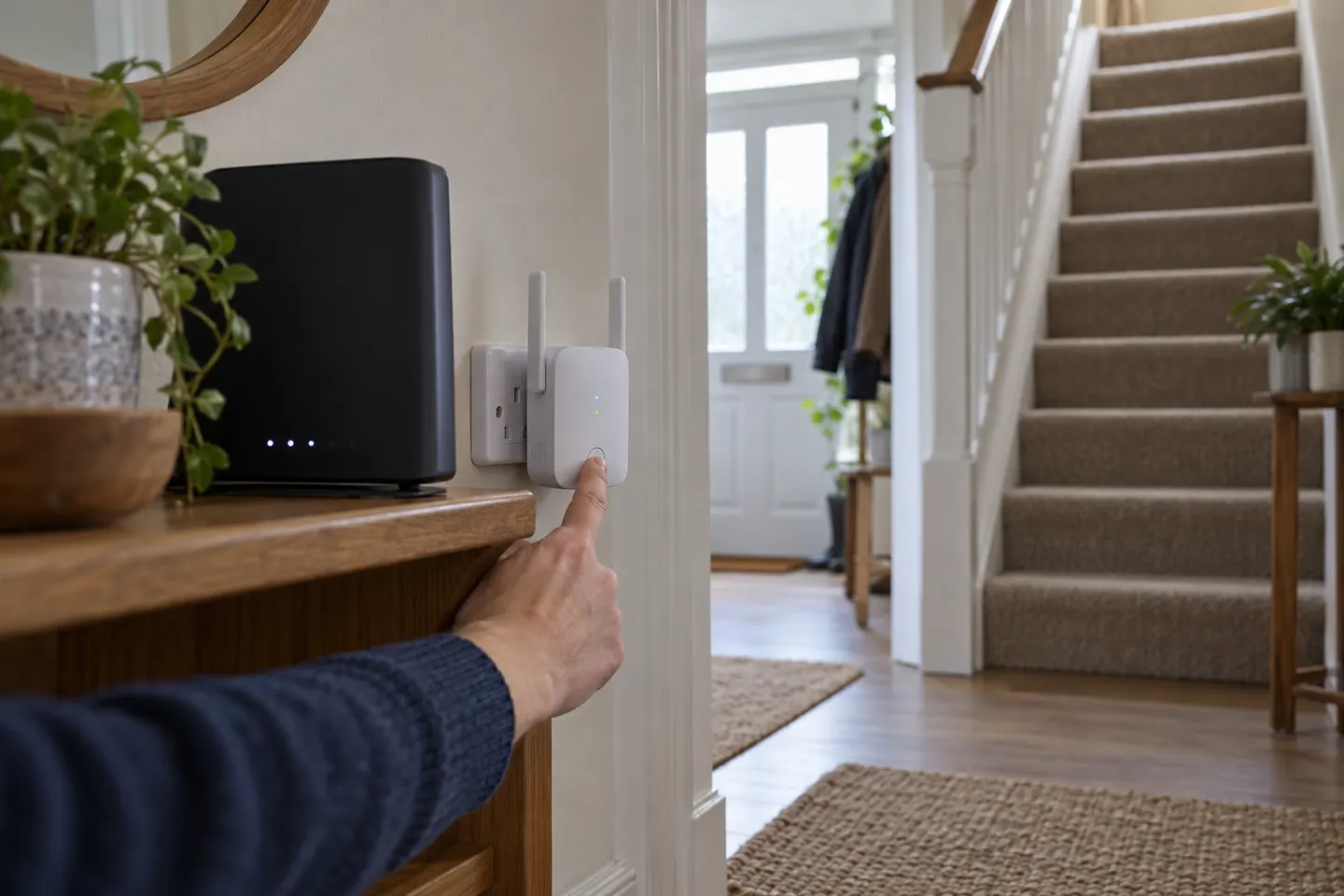
For a WPS model, plug the extender into a socket near the Hub, wait for it to start, then press WPS on the Hub and the extender as directed by its model guide. Do not assume a long press is required; use the exact timing in the guide.
03
Use the app for BT Wi-Fi Discs
BT Complete Wi-Fi Discs are set up and located through the My BT app. Follow its prompts to add the disc to the account and let the app guide placement; the disc setup is distinct from a generic plug-in booster.
04
Move it to a useful midway socket
Once pairing succeeds, place a plug-in extender between the Hub and the room with weak Wi-Fi, where it can still receive a stable signal. Avoid hiding it behind furniture or putting it directly in the dead zone.
05
Check the connection and test the room
Use the model's status light or app to confirm the extender is linked. Walk to the problem room and test a familiar device; if the link indicator shows a weak connection, move the extender closer to the Hub and test again.
06
If WPS does not pair
Confirm WPS is enabled on the Hub, restart both devices and repeat the model-specific sequence. If your extender offers a web or app setup, use the BT instructions for that exact model; reset only when the guide recommends it.
Common questions
Questions before you buy
How do I set up a BT WiFi extender with WPS?
Plug it in near the Hub, allow it to start, then press WPS on both devices following the extender's own guide. The pairing order and button timing vary by model.
How do I set up a BT WiFi booster disc?
For BT Complete Wi-Fi, use the My BT app to add and locate the disc. Follow the app's placement prompts rather than applying instructions for a separate plug-in extender.
Where should I place my BT extender after setup?
Choose a socket between the Hub and the weak room where the extender still gets a solid signal. A position inside the dead zone cannot reliably relay a connection it cannot receive.
Why is my BT extender connected but not improving WiFi?
It may be too far from the Hub, paired to a different network, or blocked by thick walls and appliances. Check its status indicator, move it closer to the Hub, and test coverage again.
A WiFi extender can carry your router signal further, but placement and backhaul matter. Choose a plug-in repeater for a nearby dead zone, powerline WiFi for difficult layouts, or an outdoor-rated unit for a garden.
TP-Link RE315 is a practical starting point for a standard indoor dead zone. Consider a Wi-Fi 6 device for newer kit, outdoor-rated hardware for a garden, or powerline where a wireless hop struggles.
Sky has different booster products for different broadband generations. Sky Max customers may use a Max Pod; check your account and hub-specific help before seeking a third-party extender.
TP-Link sells plug-in repeaters and powerline kits. Check EasyMesh support, Ethernet needs and the exact UK hardware revision before buying.
Your privacy
We use cookies and similar technologies. Necessary ones keep the site working. With your permission we also use statistics cookies (Google Analytics and Microsoft Clarity) to understand which guides help readers. You can accept all, reject all or choose. You can change your choice at any time from "Cookie settings" at the bottom of every page. Cookie policy