Gearjury may earn a commission from qualifying retailer links.
Guide
How to Use an Old Router as a WiFi Extender
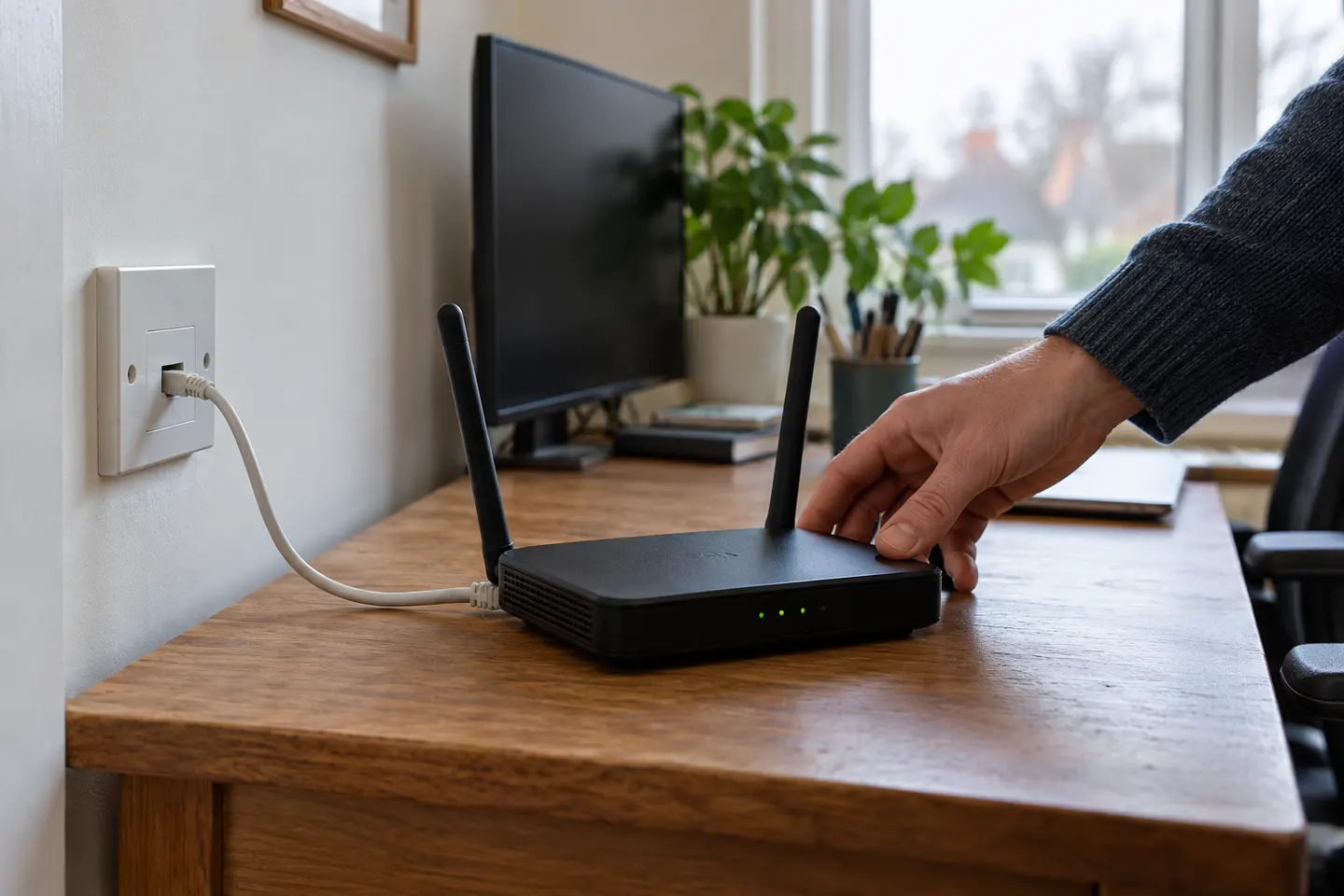
An old router may extend coverage if it supports access point or repeater mode. A wired access point is often the more dependable arrangement; the setup menus and available modes depend on the router model.
GGearjury editorial team · Updated 18 October 2026· 5 min
01
Check which operating modes the old router supports
Open the model's manual or administration page and look for Access Point (AP), repeater or range extender mode. A router that offers only standard router mode may not be able to repeat another WiFi network wirelessly.
02
Choose a wired access point when you can
If you can run Ethernet from the main router to the old one, select access point mode if supported. This gives the second device a wired connection to the network; follow the manufacturer's port and configuration instructions.
03
Set up wireless repeater mode if available
When there is no cable, use the old router's repeater or range extender mode only if the model supports it. Select the main WiFi network, enter its password and place the device where it still receives a reliable signal.
04
Avoid conflicting network settings
Follow the manufacturer's guidance for DHCP, LAN addressing and WiFi names. Incorrectly running two routers as gateways can create connectivity problems; access point mode is designed to leave routing to the main device.
05
Test the result and weigh the trade-offs
Connect a phone or laptop near the old router and check the tasks you need, then check the route back to the main router. Older hardware may lack current WiFi features or security support, so compare its manual and firmware status with a purpose-built extender.
Common questions
Questions before you buy
Can any old router be used as a WiFi extender?
No. It needs a supported repeater or range extender mode for wireless use, or access point capability and a network cable for wired use. Check the exact model documentation.
Is an Ethernet cable needed to use an old router as an extender?
It is needed for a wired access point setup, which links the old router directly to your network. A wireless repeater mode can work without a cable, but only when the router supports it.
Should I use access point mode or repeater mode?
Use access point mode when you can connect the old router to the main router by Ethernet. Repeater mode is for a wireless link and depends on the old device supporting that function.
Can I give the old router the same WiFi name and password?
Some setups allow matching credentials, but device roaming behaviour varies. Follow the router maker's instructions and test whether your devices switch networks reliably; a distinct name can make troubleshooting clearer.
A WiFi extender can carry your router signal further, but placement and backhaul matter. Choose a plug-in repeater for a nearby dead zone, powerline WiFi for difficult layouts, or an outdoor-rated unit for a garden.
TP-Link RE315 is a practical starting point for a standard indoor dead zone. Consider a Wi-Fi 6 device for newer kit, outdoor-rated hardware for a garden, or powerline where a wireless hop struggles.
Sky has different booster products for different broadband generations. Sky Max customers may use a Max Pod; check your account and hub-specific help before seeking a third-party extender.
Your privacy
We use cookies and similar technologies. Necessary ones keep the site working. With your permission we also use statistics cookies (Google Analytics and Microsoft Clarity) to understand which guides help readers. You can accept all, reject all or choose. You can change your choice at any time from "Cookie settings" at the bottom of every page. Cookie policy