Gearjury may earn a commission from retailer links.
Guide
How Do You Use a WiFi Extender Around Your Home?
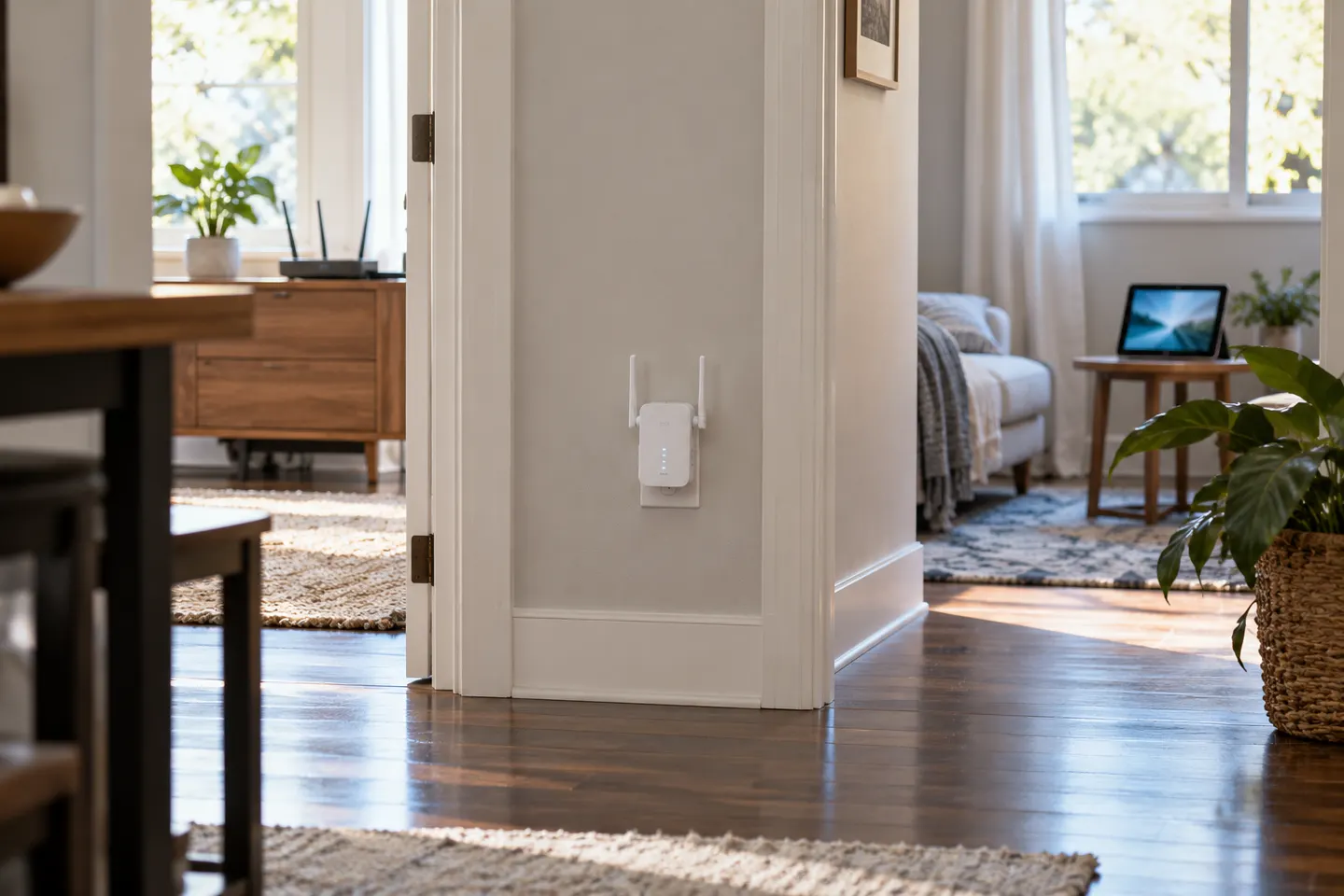
Pair the extender with your router first, then move it to a midpoint between the router and the area with poor reception. Check the manufacturer light or app before settling on a location.
GGearjury editorial team · Updated 18 October 2026· 5 min
01
Start with the router connection
Plug in the extender near the router for initial setup. Use the manufacturer app or WPS process, following the exact button sequence in its manual. If WPS is unavailable or fails, use app or browser setup and enter the correct Wi-Fi password.
02
Choose a useful position
Move the paired unit towards the dead zone, but keep it within a reliable signal from the router. Halfway is a starting point, not a fixed rule. Avoid cupboards, large obstructions and locations beside sources of interference.
03
Connect your devices
Some extenders reuse your existing network name; others create an extended network name. Select the network described in setup instructions and enter the router password if prompted. A wired device can use Ethernet when the extender has a port.
04
Check whether the placement works
Test in the room where the connection was weak, using the same device and activity you care about. If performance is unstable, move the extender closer to the router or change its height and orientation. More distance from the router is not always better.
05
How many WiFi boosters can you have?
There is no universal number that works for every home. Each wireless hop can add complexity and reduce useful throughput, so check the extender maker guidance and consider compatible mesh nodes or a wired access point for several areas.
06
Can you use any WiFi booster with Sky?
Do not assume every booster integrates with Sky mesh features. A third-party universal extender may connect to a Sky router as a standard Wi-Fi client, but compatibility and setup depend on router model and security settings; check both manufacturers guidance.
Common questions
Questions before you buy
How many WiFi booster can you have?
There is no single supported number for every router and extender combination. Check product guidance; multiple wireless hops may reduce performance, so mesh nodes or wired access points can suit larger homes better.
Can you use any WiFi booster with Sky?
Not every booster will join Sky mesh, though some third-party extenders can connect as standard Wi-Fi devices. Check the router model, extender compatibility list and setup instructions before buying.
Should a WiFi extender use the same network name?
That depends on the model. Some copy the router network name, while others add an extender suffix; follow the maker setup flow and check which network your device has joined.
Where should I plug in a WiFi extender?
Begin between the router and the dead zone, where the extender still receives a good signal. Use its placement indicator if available and adjust after testing in the target room.
A WiFi extender can carry your router signal further, but placement and backhaul matter. Choose a plug-in repeater for a nearby dead zone, powerline WiFi for difficult layouts, or an outdoor-rated unit for a garden.
TP-Link RE315 is a practical starting point for a standard indoor dead zone. Consider a Wi-Fi 6 device for newer kit, outdoor-rated hardware for a garden, or powerline where a wireless hop struggles.
Sky has different booster products for different broadband generations. Sky Max customers may use a Max Pod; check your account and hub-specific help before seeking a third-party extender.
Your privacy
We use cookies and similar technologies. Necessary ones keep the site working. With your permission we also use statistics cookies (Google Analytics and Microsoft Clarity) to understand which guides help readers. You can accept all, reject all or choose. You can change your choice at any time from "Cookie settings" at the bottom of every page. Cookie policy