Check whether the problem is Wi-Fi or broadband
Run a speed check beside the router and compare it with the problem room. If both are slow, contact your provider before buying coverage equipment; an extender cannot repair a slow incoming connection.

 Best picksBest WiFi Extenders in the UK: Compare Five Practical Options
 Best picksThe Best Dashcams in the UK for 2026
 Best picksBest Portable Air Coolers: Five Models to Compare for 2026
 Best picksBest Meat Thermometers in the UK for 2026
 Best picksBest Headlamp Torches in the UK: Five Choices for 2026
 Best picksBest Winter Gloves in the UK: Five Activity-Based Choices for 2026
 Best picksBest Radar Detectors in the UK: Models Compared for 2026
 Best picksBest Value Cordless Strimmers in the UK (2026)
 Best picksBest Air Purifiers in the UK for Different Rooms and Needs
Gearjury may earn a commission from qualifying retailer links. Editorial conclusions are based on cited evidence.
Guide
A booster can help where the router signal is weak but still reaches a useful position. First rule out a broadband fault, then decide whether an extender, mesh kit or wired access point fits the layout.
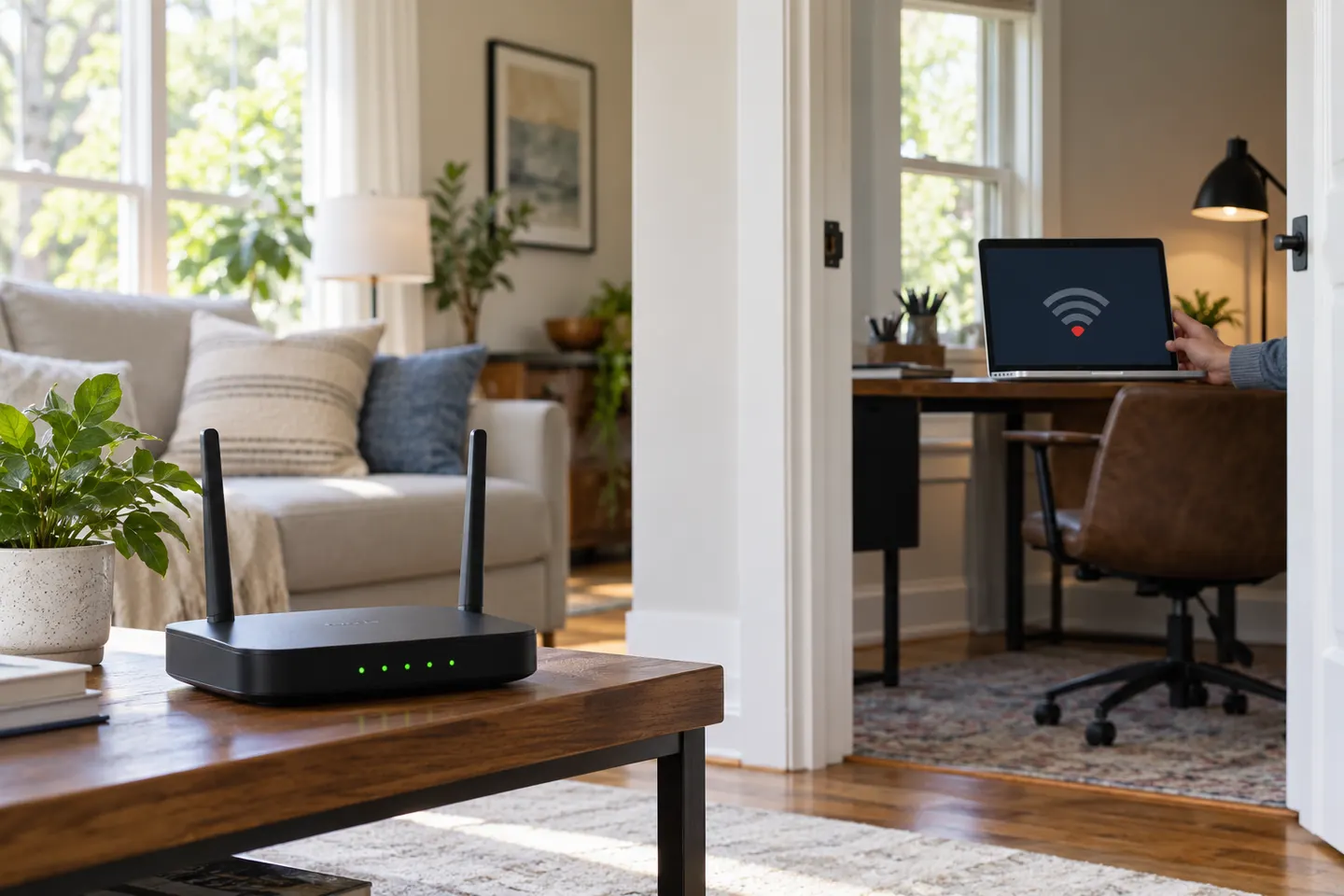
Run a speed check beside the router and compare it with the problem room. If both are slow, contact your provider before buying coverage equipment; an extender cannot repair a slow incoming connection.
A booster or range extender is most useful when the router has a usable signal part-way towards the dead zone. Place it between the router and the affected area, not inside the area where the signal has already disappeared.
Thick masonry, foil-backed insulation, floors and long layouts can obstruct radio signals. A single extender may suit one room; several dead zones or a large multi-floor home may be better served by a compatible mesh system or wired access point.
For browsing and messaging, basic coverage may be enough. Video calls, streaming and gaming benefit from a stable link and good placement. An extender shares the router connection, so it does not create extra broadband capacity.
A plug-in extender repeats Wi-Fi wirelessly. Mesh nodes coordinate as a system, while an access point uses an Ethernet connection for its link to the router. Choose based on your wiring, room layout and whether your router supports the relevant mesh standard.
Move the router into an open, central position and keep it away from large metal objects and enclosed cabinets. Then use the extender maker’s indicator or app to find a location that still receives a strong router connection.
Common questions
Probably not as a first step. Test near the router and ask your provider to investigate a slow service; a booster extends local Wi-Fi coverage but cannot increase the speed delivered to the router.
It needs a usable connection to the router, so it should usually sit between the router and the room with poor coverage. A wired access point may be more suitable if no good wireless placement exists.
The terms are often used for a device that repeats or extends a router’s wireless signal. Check the product’s operating modes and compatibility rather than relying on the name alone.
Mesh can suit a home with several weak areas or multiple floors, especially when its nodes can communicate well. For one isolated dead zone, a compatible extender may be a simpler option.
Keep exploring
TP-Link RE315 is a practical starting point for a standard indoor dead zone. Consider a Wi-Fi 6 device for newer kit, outdoor-rated hardware for a garden, or powerline where a wireless hop struggles.

TP-Link sells plug-in repeaters and powerline kits. Check EasyMesh support, Ethernet needs and the exact UK hardware revision before buying.

Sky has different booster products for different broadband generations. Sky Max customers may use a Max Pod; check your account and hub-specific help before seeking a third-party extender.

A WiFi extender can carry your router signal further, but placement and backhaul matter. Choose a plug-in repeater for a nearby dead zone, powerline WiFi for difficult layouts, or an outdoor-rated unit for a garden.