Gearjury may earn a commission from retailer links. This does not affect our editorial judgement.
Guide
Where to Put a Wi-Fi Booster for Better Home Coverage
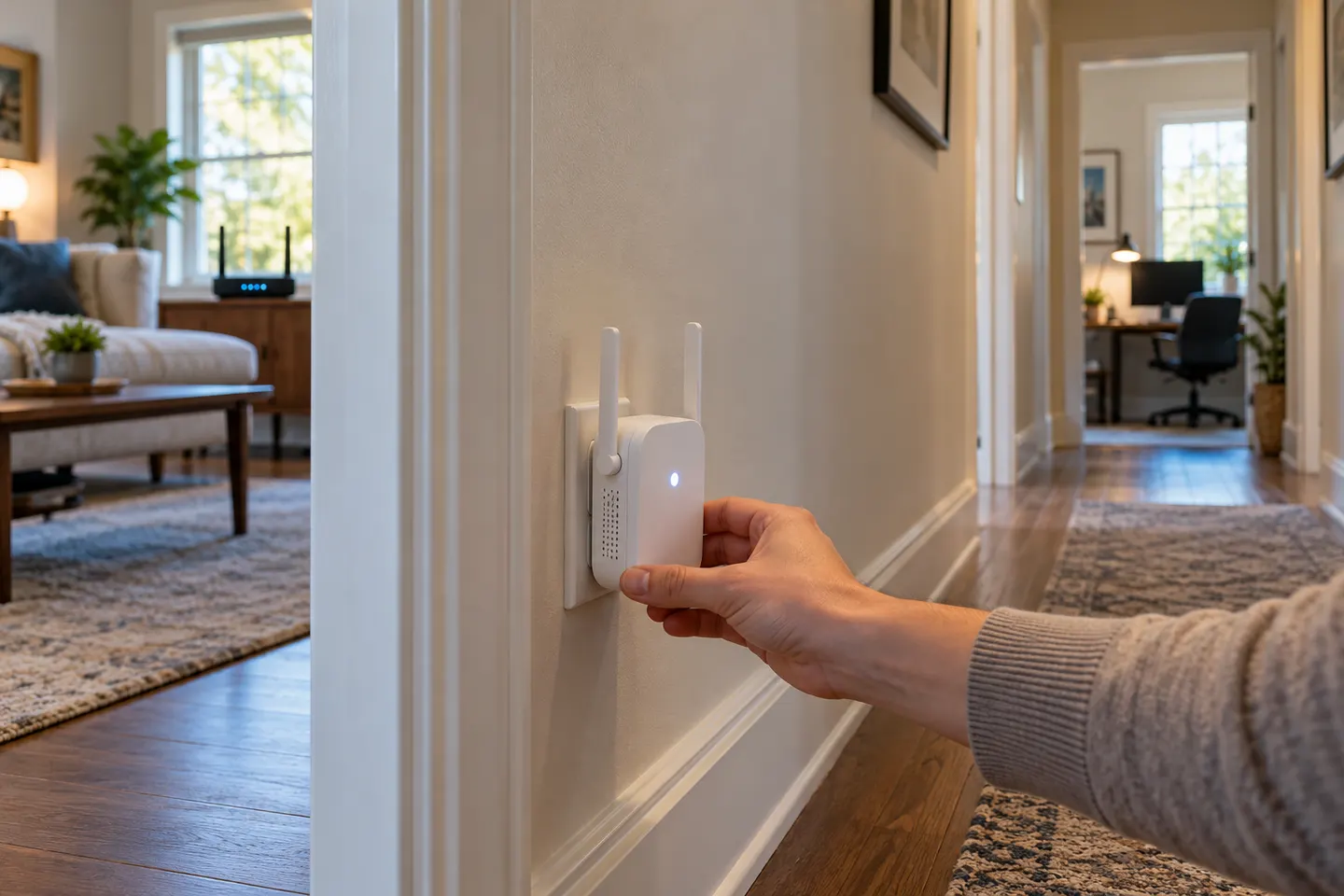
Place a booster between the router and the weak-signal area, but close enough to receive a reliable connection itself. Test more than one open position.
GGearjury editorial team · Updated 15 October 2026· 4 min
01
Start between the router and the dead zone
A Wi-Fi booster needs to hear the router before it can relay the connection. Begin around the midpoint of the route to the problem room, then adjust according to the signal indicator or app supplied with the device.
02
Use the landing for upstairs coverage
When the weak rooms are upstairs, test the stairwell or landing. These positions can offer a clearer path between floors than a far bedroom, although building materials and the router’s location still matter.
03
Keep the unit in the open
Avoid cupboards, thick furniture and locations behind large appliances. Leave ventilation clear and follow any spacing or socket guidance in the product manual.
04
Check more than one room
Walk around with a phone or laptop and compare signal and connection quality in the places you use. Repeat at different candidate sockets; one strong reading beside the extender does not prove that the whole target area is covered.
05
Separate coverage issues from broadband faults
If the connection is slow beside the router too, moving a booster is unlikely to solve the root cause. Check the router’s internet connection, device settings and broadband service before changing the extender position.
Common questions
Questions before you buy
Where should I put a Wi-Fi booster?
Put it between the router and the area with poor coverage, where it can still receive a steady router signal. Test open positions and consult the device’s signal indicator if available.
Should a Wi-Fi booster be near the router or the dead zone?
It needs to be near enough to the router for a useful backhaul, while still extending towards the dead zone. Placing it inside the dead zone usually gives it a poor source connection.
Where should I put a booster for upstairs rooms?
Try a landing or stairwell between the router and upstairs rooms. Compare a few positions because floors, walls and metalwork change signal paths.
Can I put a Wi-Fi extender behind a TV?
It may work, but the television and nearby objects can obstruct reception. An open socket with clear airflow is a better starting point.
TP-Link RE315 is a practical starting point for a standard indoor dead zone. Consider a Wi-Fi 6 device for newer kit, outdoor-rated hardware for a garden, or powerline where a wireless hop struggles.
Sky has different booster products for different broadband generations. Sky Max customers may use a Max Pod; check your account and hub-specific help before seeking a third-party extender.
A WiFi extender can carry your router signal further, but placement and backhaul matter. Choose a plug-in repeater for a nearby dead zone, powerline WiFi for difficult layouts, or an outdoor-rated unit for a garden.
Your privacy
We use cookies and similar technologies. Necessary ones keep the site working. With your permission we also use statistics cookies (Google Analytics and Microsoft Clarity) to understand which guides help readers. You can accept all, reject all or choose. You can change your choice at any time from "Cookie settings" at the bottom of every page. Cookie policy