What do TP-Link extender lights show?
Indicator labels vary, but power, band and signal lights commonly show whether the unit is on and linked. Check the model manual for exact colours and blink patterns.

 Best picksBest WiFi Extenders in the UK: Compare Five Practical Options
 Best picksThe Best Dashcams in the UK for 2026
 Best picksBest Portable Air Coolers: Five Models to Compare for 2026
 Best picksBest Meat Thermometers in the UK for 2026
 Best picksBest Headlamp Torches in the UK: Five Choices for 2026
 Best picksBest Winter Gloves in the UK: Five Activity-Based Choices for 2026
 Best picksBest Radar Detectors in the UK: Models Compared for 2026
 Best picksBest Value Cordless Strimmers in the UK (2026)
 Best picksBest Air Purifiers in the UK for Different Rooms and Needs
Gearjury may earn a commission from qualifying retailer links. This does not affect editorial choices.
Guide
The signal indicator helps with placement; colours and blink patterns depend on your extender model.
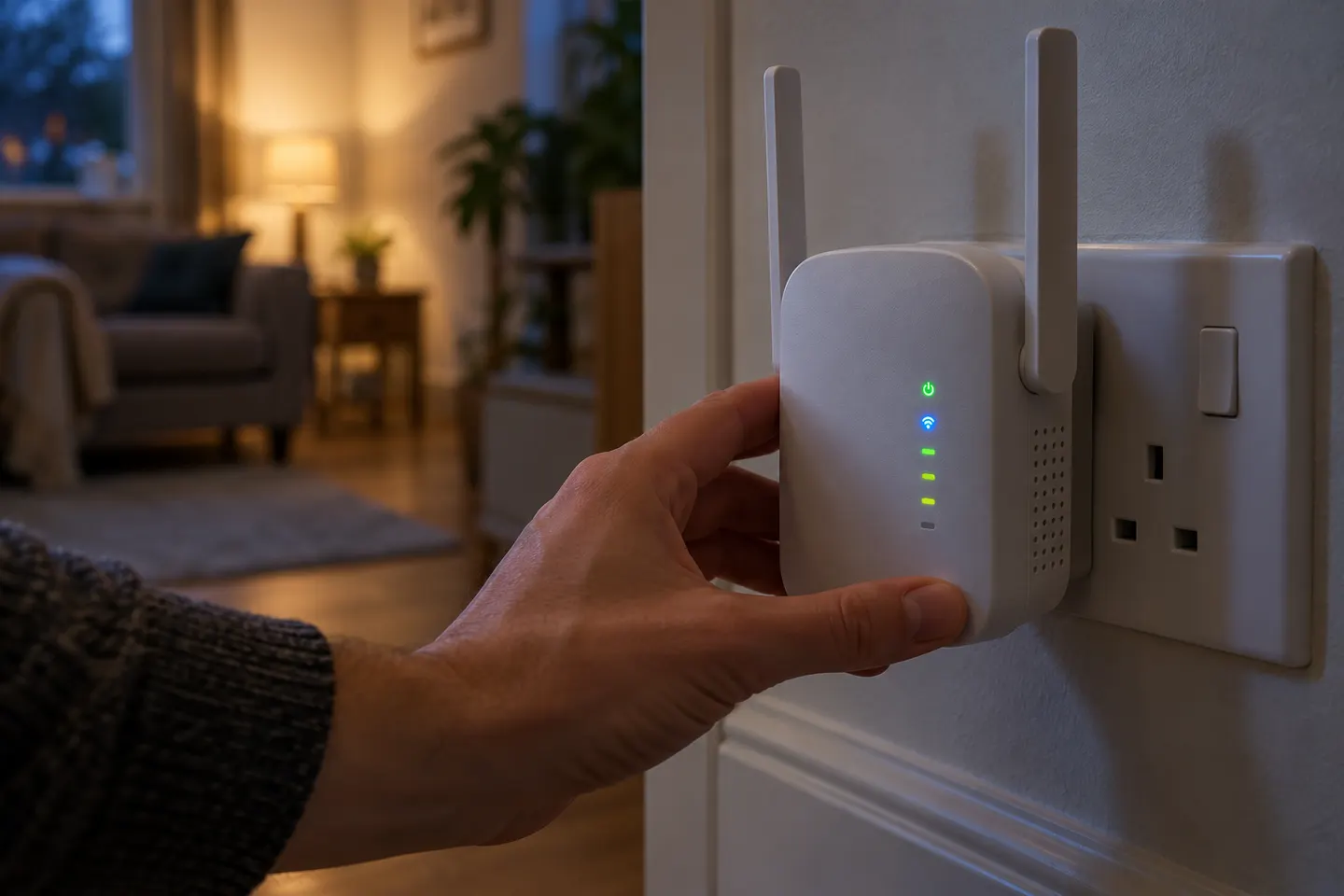
Indicator labels vary, but power, band and signal lights commonly show whether the unit is on and linked. Check the model manual for exact colours and blink patterns.
TP-Link says a solid Signal LED indicates a successful router connection on the models covered by its guidance. It is a placement clue, not a speed guarantee.
Confirm power and that wireless bands are enabled. If the router link is lost, move closer and reconnect using the method supported by that model.
A blink can mean startup, pairing or a fault depending on hardware revision. Check the model-specific guide before interpreting it.
Put the extender where it receives a dependable router signal, between the router and target area. Recheck the indicator after moving it.
Common questions
It reports the router link and can help with placement. Colour meanings vary by model, so check its manual.
For models in TP-Link guidance, solid means the router connection is established; it does not promise a particular speed.
It may be starting or applying a change. Consult the right guide and restart before resetting.
Some models offer LED control in settings or the app; check your model features.
Keep exploring

TP-Link sells plug-in repeaters and powerline kits. Check EasyMesh support, Ethernet needs and the exact UK hardware revision before buying.
TP-Link RE315 is a practical starting point for a standard indoor dead zone. Consider a Wi-Fi 6 device for newer kit, outdoor-rated hardware for a garden, or powerline where a wireless hop struggles.

A WiFi extender can carry your router signal further, but placement and backhaul matter. Choose a plug-in repeater for a nearby dead zone, powerline WiFi for difficult layouts, or an outdoor-rated unit for a garden.

Sky has different booster products for different broadband generations. Sky Max customers may use a Max Pod; check your account and hub-specific help before seeking a third-party extender.