Independent buying guidance · UK editionHow we work
Gearjury
All categories
All categories
Best picksBest WiFi Extenders in the UK: Compare Five Practical Options
Best picksThe Best Dashcams in the UK for 2026
Best picksBest Portable Air Coolers: Five Models to Compare for 2026
Best picksBest Meat Thermometers in the UK for 2026
Best picksBest Headlamp Torches in the UK: Five Choices for 2026
Best picksBest Winter Gloves in the UK: Five Activity-Based Choices for 2026
Best picksBest Radar Detectors in the UK: Models Compared for 2026
Best picksBest Value Cordless Strimmers in the UK (2026)
Best picksBest Air Purifiers in the UK for Different Rooms and Needs
United KingdomEnglish

Category hub

Hive Wi-Fi Booster and Home Network Compatibility

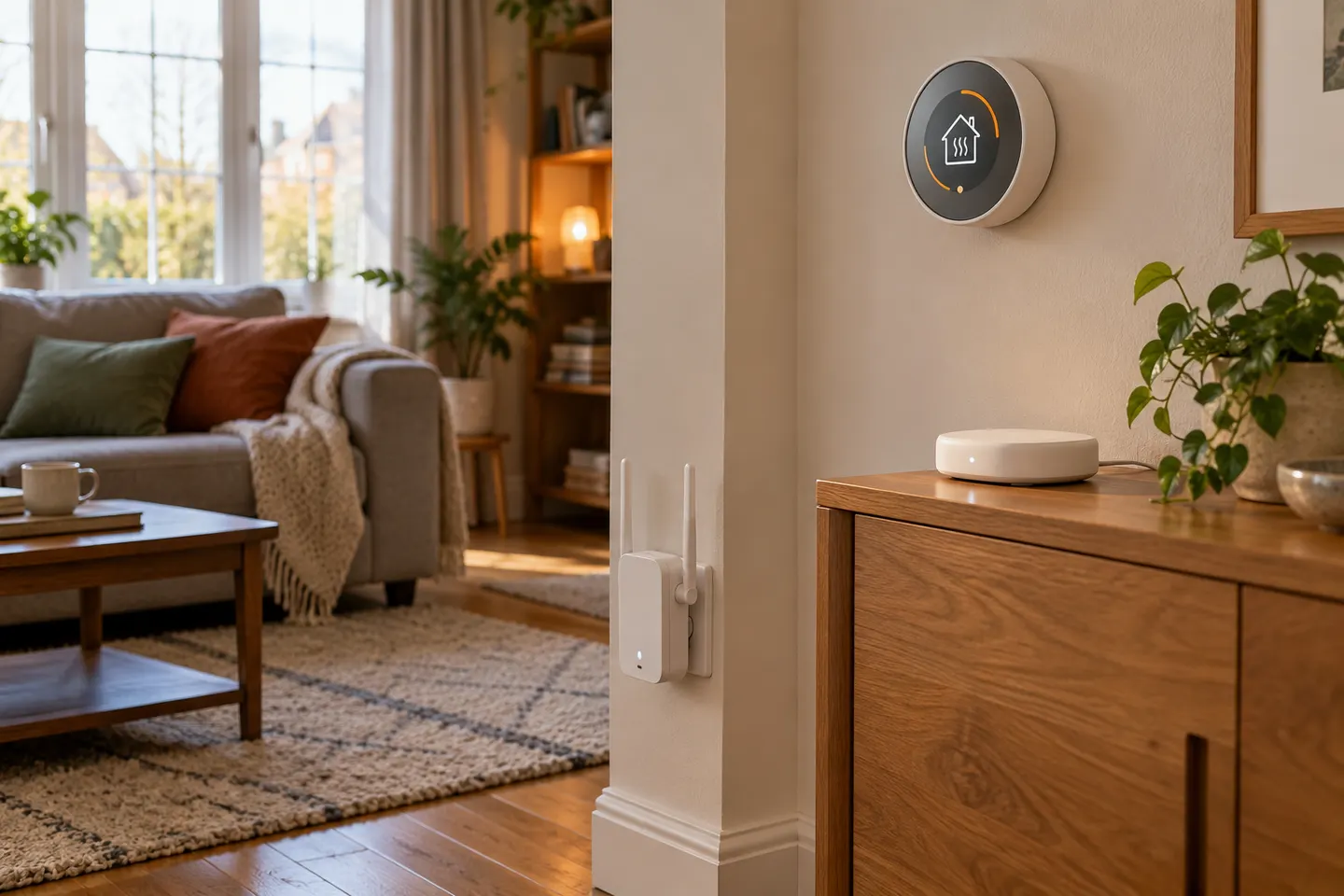
Hive products connect through home Wi-Fi or a Hive Hub, depending on the model. A broadband extender does not replace a Hive smart-home hub.

A Hive Wi-Fi booster search can mix up improving broadband coverage and connecting smart-home products. Hive devices may use router Wi-Fi or a Hive Hub, according to their instructions; a generic extender does not replace the hub or add a Hive feature. Identify the device that is offline and check its setup steps before changing the network.

Hive Wi-Fi Booster and Home Network Compatibility

Common questions

Questions before you buy

Does Hive sell a Wi-Fi booster?

Hive smart-home hubs and connected devices are different from general-purpose Wi-Fi range extenders. Check Hive current catalogue for the exact product you mean.

Is a Hive Hub the same as a Wi-Fi extender?

No. A Hive Hub connects compatible Hive devices to Hive services; a range extender improves Wi-Fi coverage from a router.

Where should I place a Wi-Fi extender?

Place it where the router signal remains usable, rather than in the area with no signal.

Will a booster fix every Hive connection issue?

No. Check whether the device relies on the Hive Hub, home Wi-Fi or another setup requirement before changing coverage equipment.