









 Official manufacturer image
Our picks
Top picks
Official manufacturer image Official manufacturer image
NETGEAR EX6120
Check price on Amazon UK Official manufacturer image
TP-Link RE705X-Outdoor
Check price on Amazon UKSetup and help
More topics
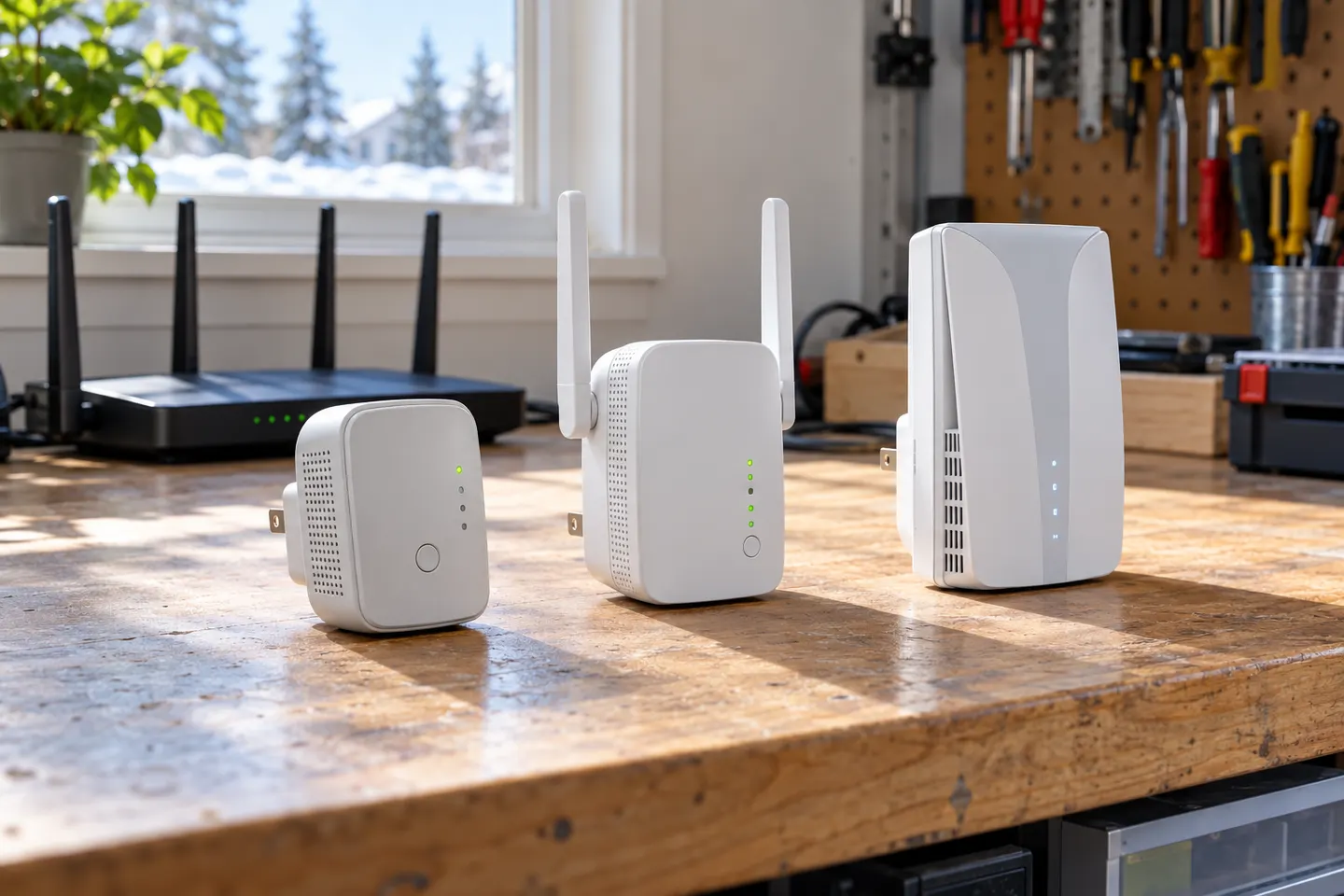 T P Link WiFi Extenders
Common questions
Questions before you buy
Why is my Wi-Fi extender not connecting to the internet?
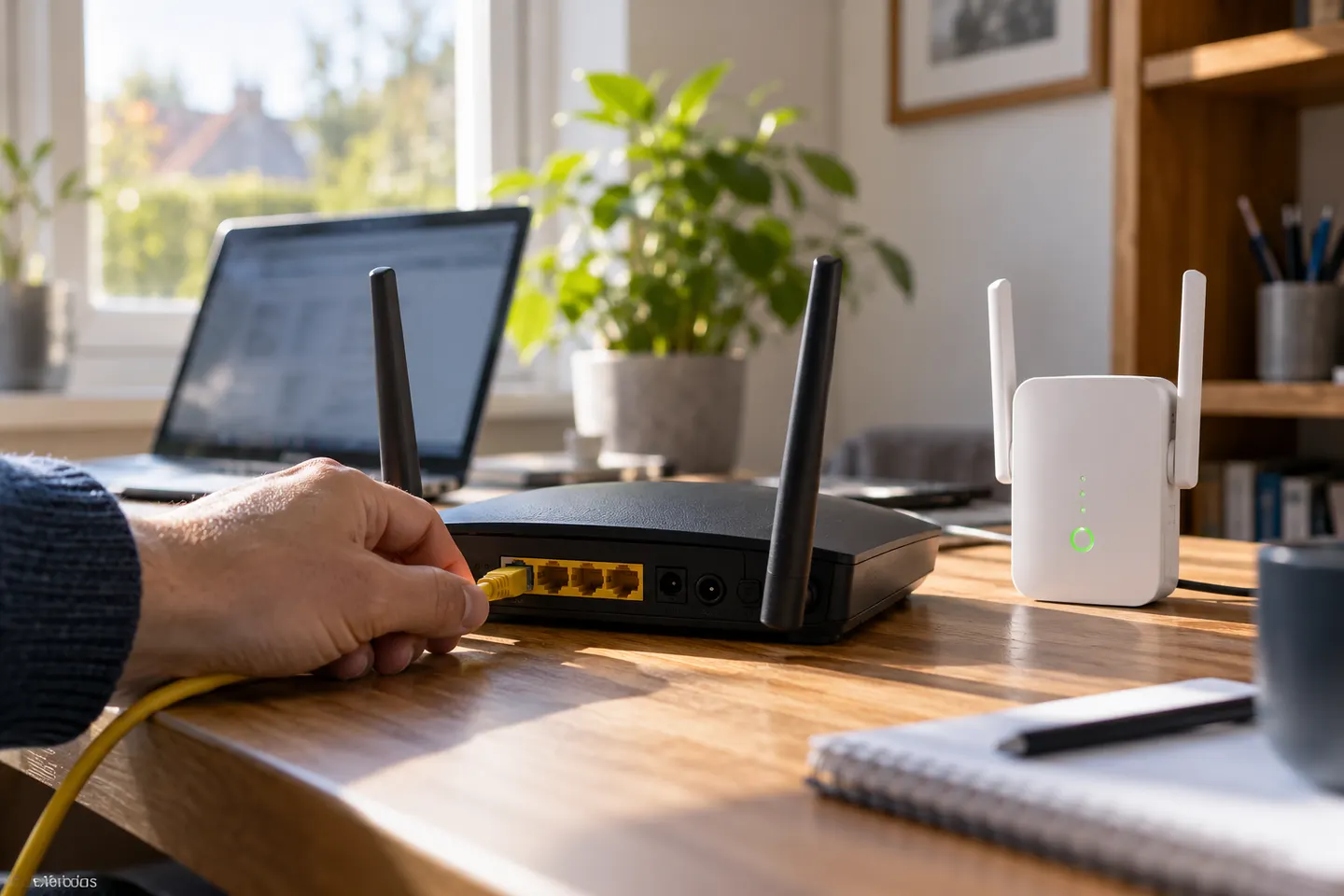
Check that the router is online, then confirm the extender is paired to the correct network and receives a usable signal. Use its app or model-specific indicator guide to see connection status.
Why does my extender connect but have no internet?
The router may have lost internet even though the extender remains linked, or the extender may be connected to the wrong network. Test a device beside the router and review the extender status.
Should I reset my Wi-Fi extender if it stops working?
Try a restart and placement check first. Use a factory reset only when the model instructions recommend it, since saved network settings will be erased.
Why is my Wi-Fi extender slower than my router?
A weak backhaul, wireless congestion or an extra relay hop can limit throughput. Try moving the extender closer to the router and check which bands and operating modes it supports.