









 Official manufacturer image

Our picks
Top picks
Official manufacturer image Official manufacturer image
NETGEAR EX6120
Check price on Amazon UK Official manufacturer image
TP-Link RE705X-Outdoor
Check price on Amazon UKBy type
 7
 7 pro
 7 plus
More topics
 Wextend Pro Wi-Fi Boosters
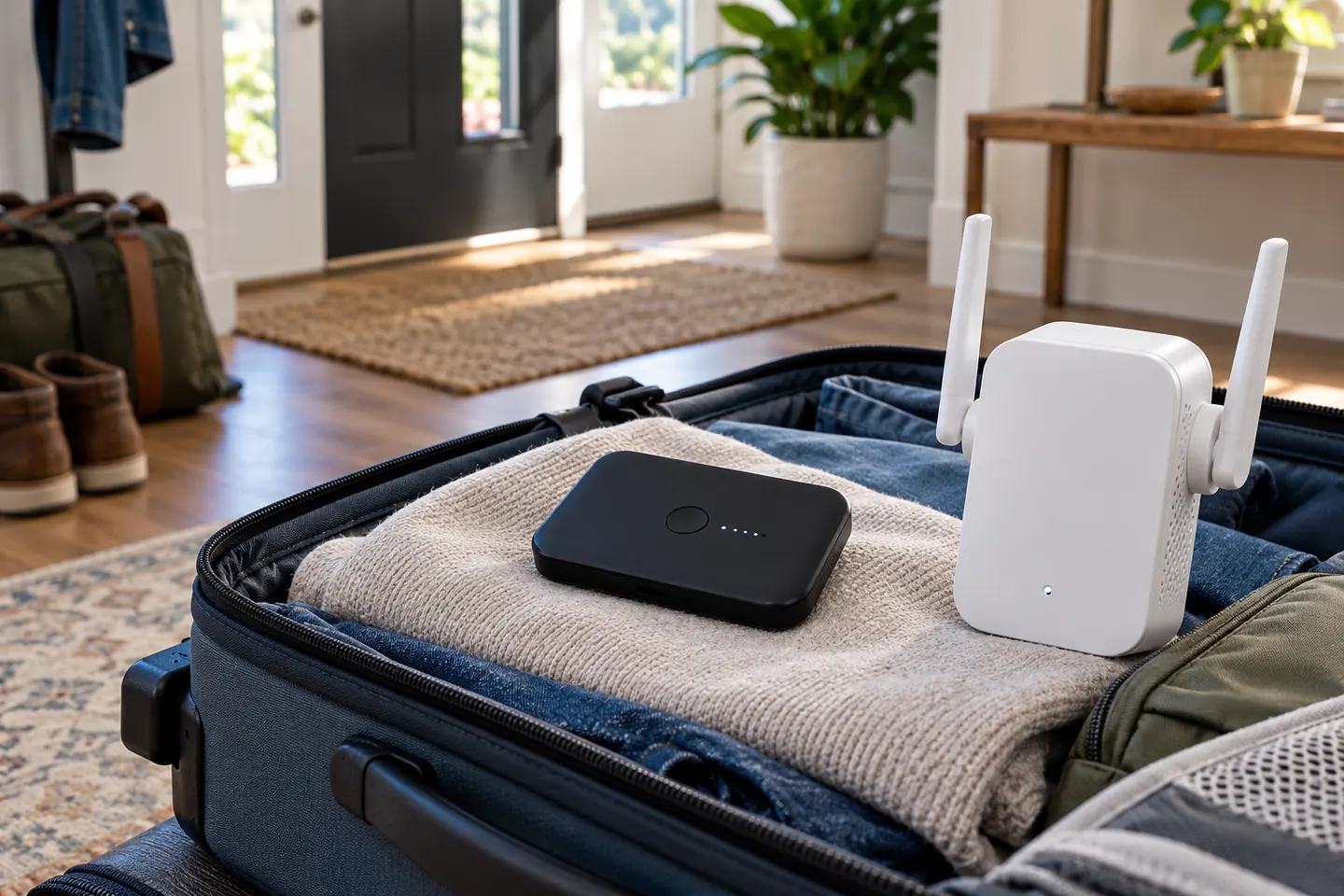 Mobile WiFi Boosters
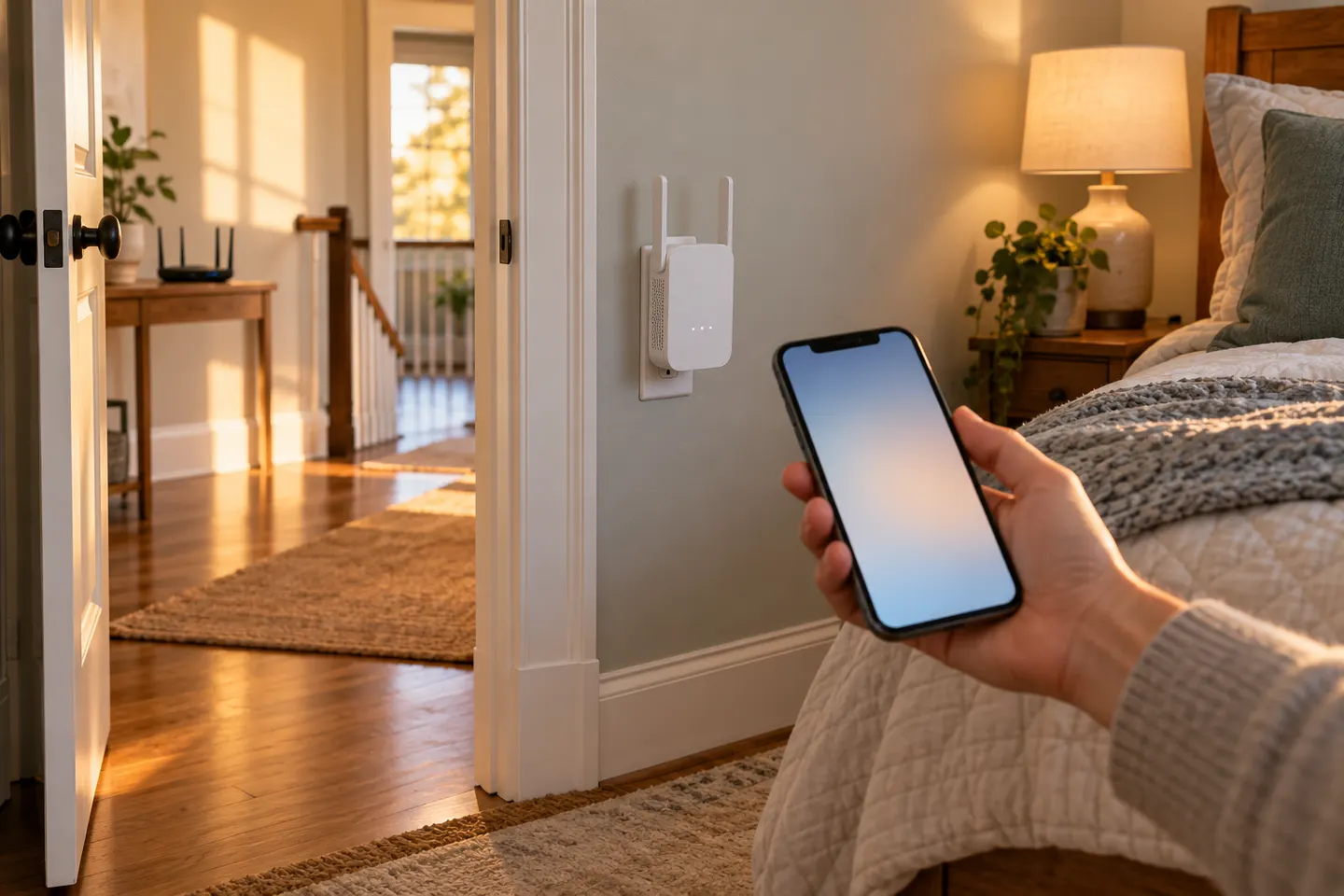 Mobile Phone WiFi Boosters
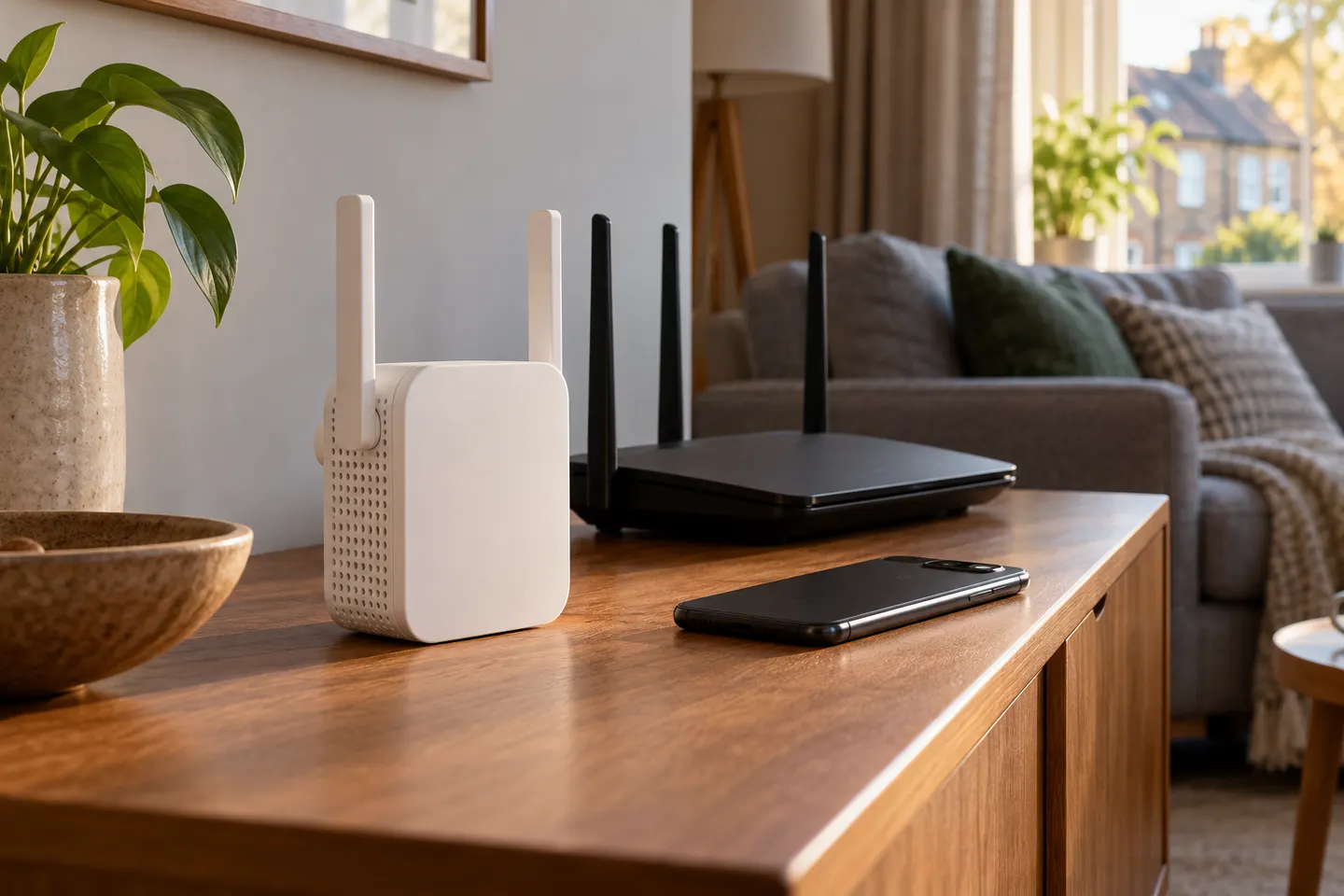 Wextend Pro 5G WiFi Extender
Common questions
Questions before you buy
What hubs work with the Mobile WiFi Extender 7 Pro?
EE lists Smart 5G Hub/Smart 5G Hub 7 Pro (HH70C), Smart 5G Hub 7 Plus (HH72C), and HH20C, with HH20C backhaul operating in WiFi 6E mode. Check EE’s current device help for model-specific details.
Will the Mobile WiFi Extender 7 Pro work with a fixed EE broadband hub?
No. EE says the extender is not compatible with its fixed broadband hubs or the Smart 4G Hub.
Can I use the Mobile WiFi Extender 7 Pro in a caravan?
Only if you are extending a compatible EE hub network and the installation suits your setup. It is not a standalone mobile internet router or a receiver for campsite WiFi.
How do I pair the extender with an EE hub?
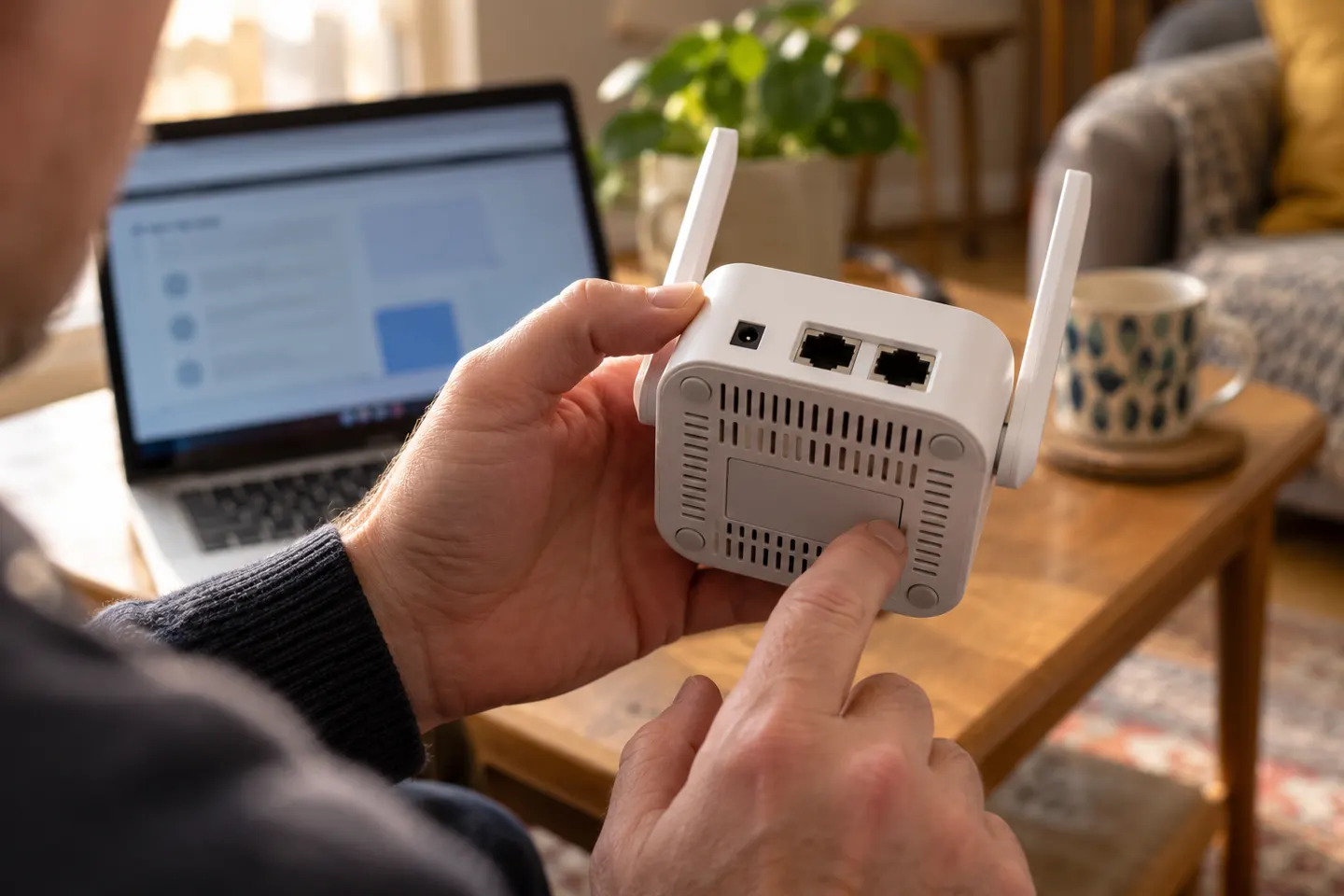
EE’s guide says to power it near the hub, then press WPS on the hub and within two minutes press WPS on the extender. Follow the device guide for indicator lights and wired setup.